The apps
-
Our pick

ShareX v22.4.0
8.5 /10 Recommended
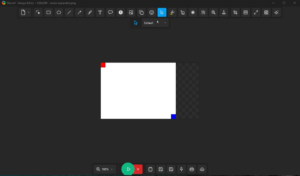

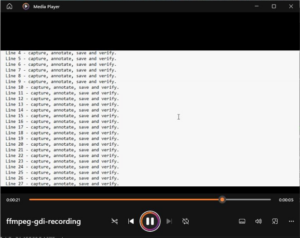
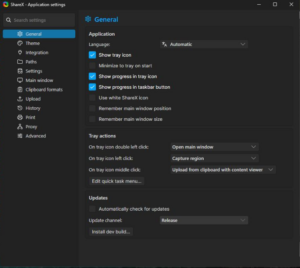
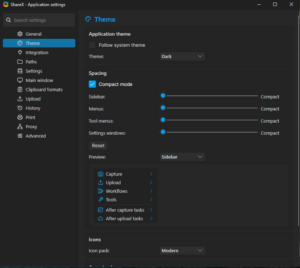

Best for: Free local capture, scrolling and a configurable clipboard workflow.
-

Snagit v2026.4.0 (12714)
7.2 /10 Recommended

Best for: Revising annotations in saved capture projects.

Properties side by side
Every row from each review’s Properties window, side by side.
| Property | ShareX | Snagit |
|---|---|---|
| Rating | ||
| Editor score | 8.5 /10 | 7.2 /10 |
| Verdict | Recommended | Recommended |
| Users | No user ratings yet | No user ratings yet |
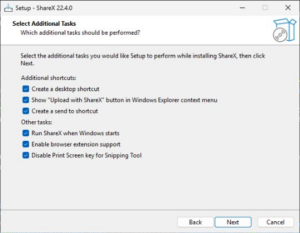
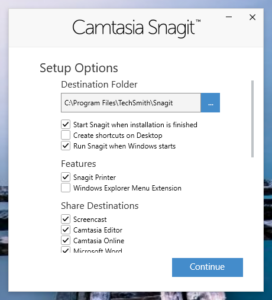
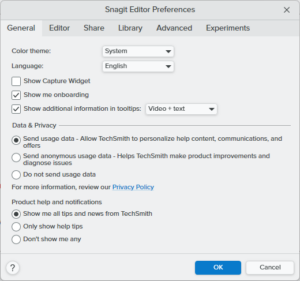
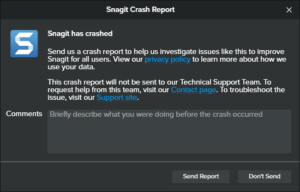
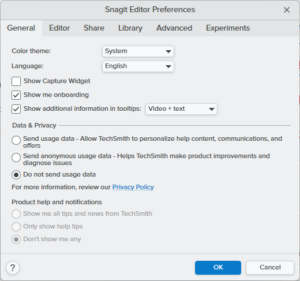
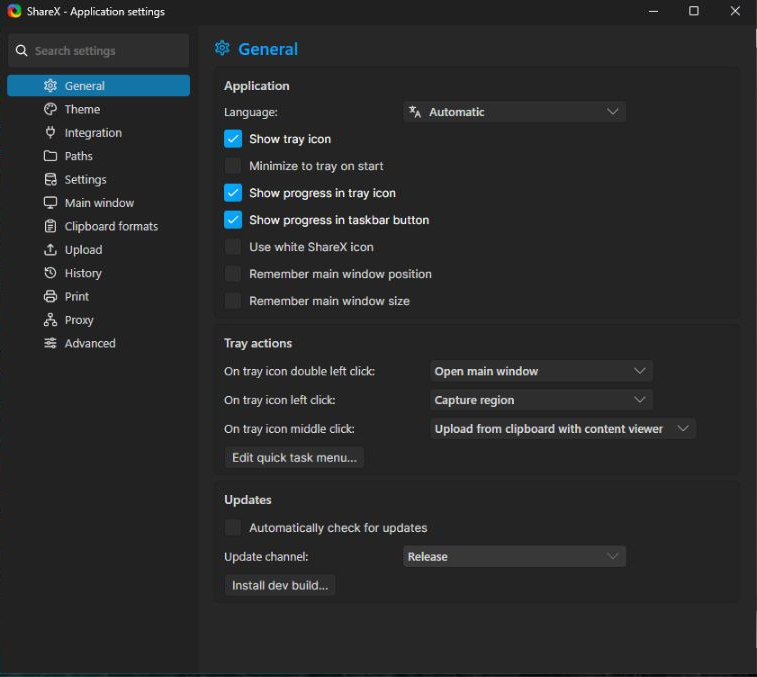
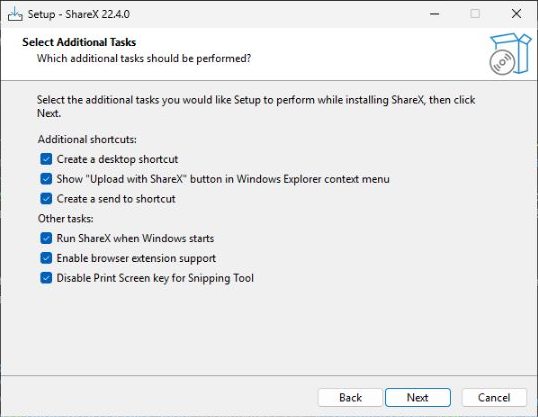
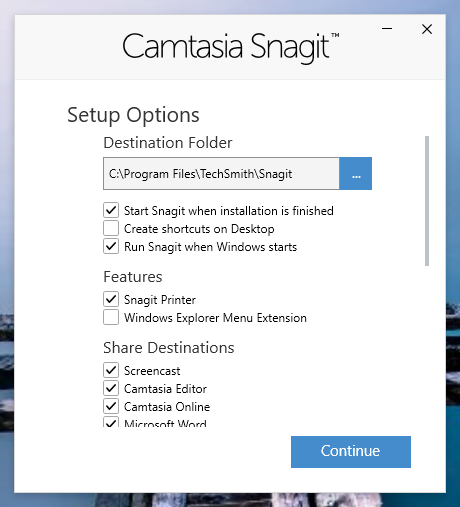
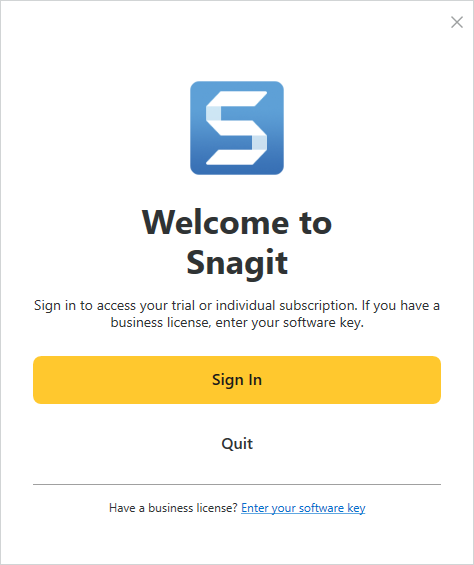
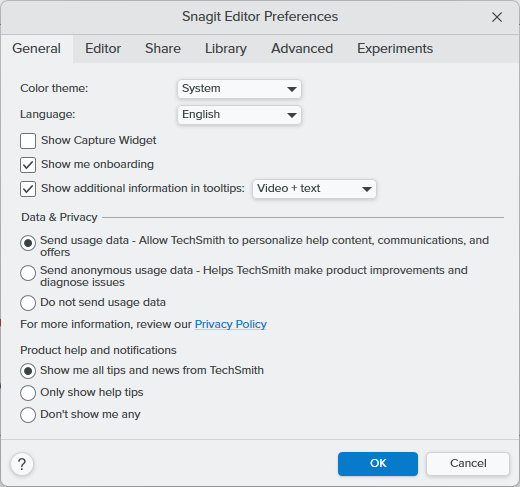
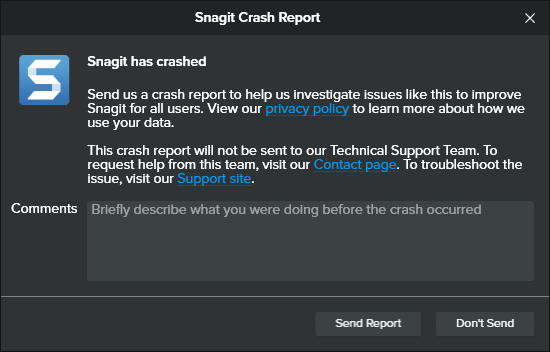
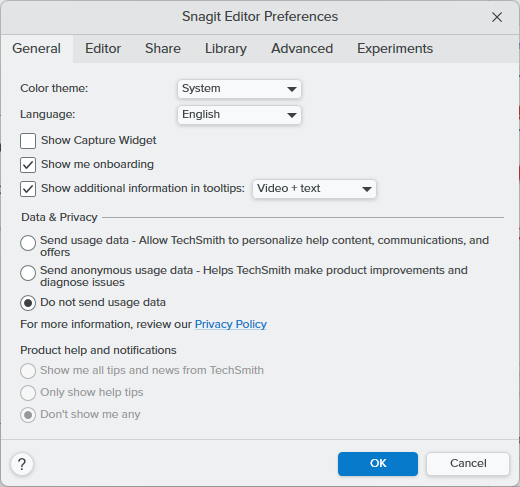
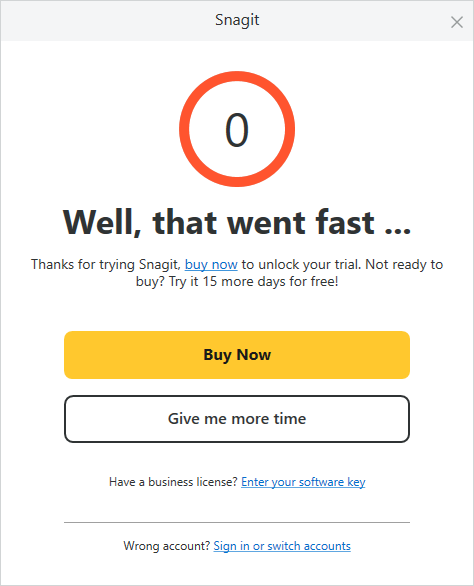
| Fairness score | 9/10 It needs no account or payment, gives me startup and update controls, and removes the program, but setup preselects all six integration and startup choices. | 7/10 The trial needed an account and usage data started on, but the opt-out and update controls stayed off, exported files survived expiry, and removal left no running Snagit process. |
| Software | ||
| Developer | ShareX Team | TechSmith Corporation |
| Version | 22.4.0 | 2026.4.0 (12714) |
| Released | November 8, 2026 | October 6, 2026 |
| License |
|
|
| Price |
|
|
| File size |
|
|
| Memory |
|
|
| Supported OS |
|
|
| Review | ||
| Reviewed by | Jay P. | Jay P. |
| Date reviewed | ||
| Review updated | Not listed | |
Format support
| Format | ShareX | Snagit |
|---|---|---|
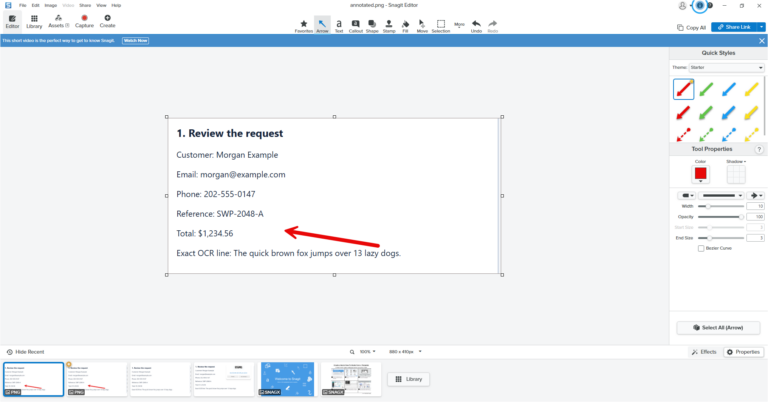
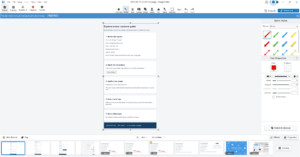
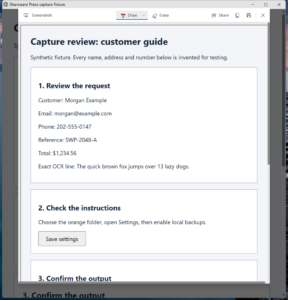
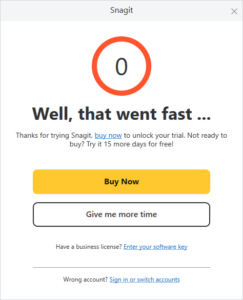
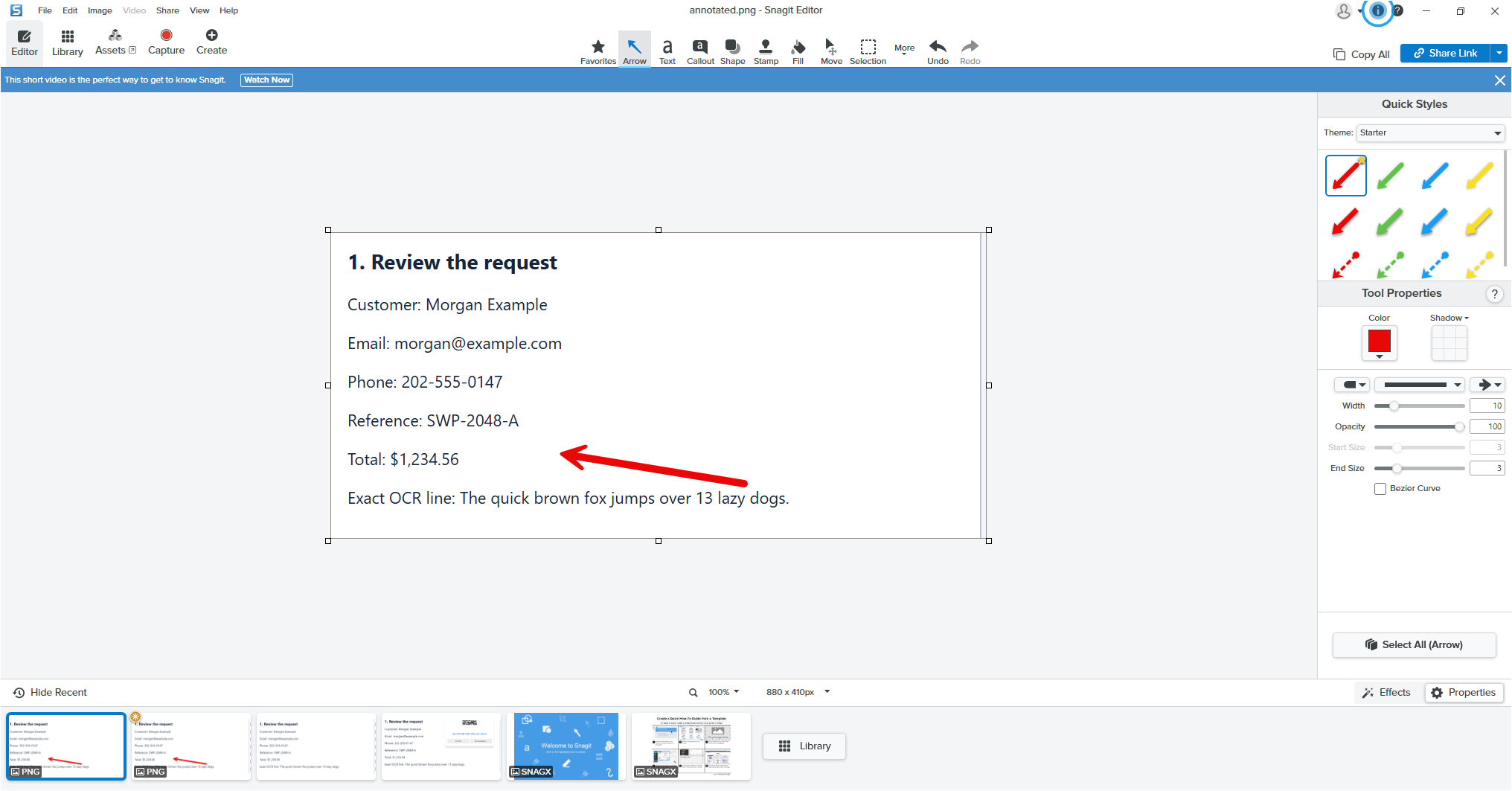
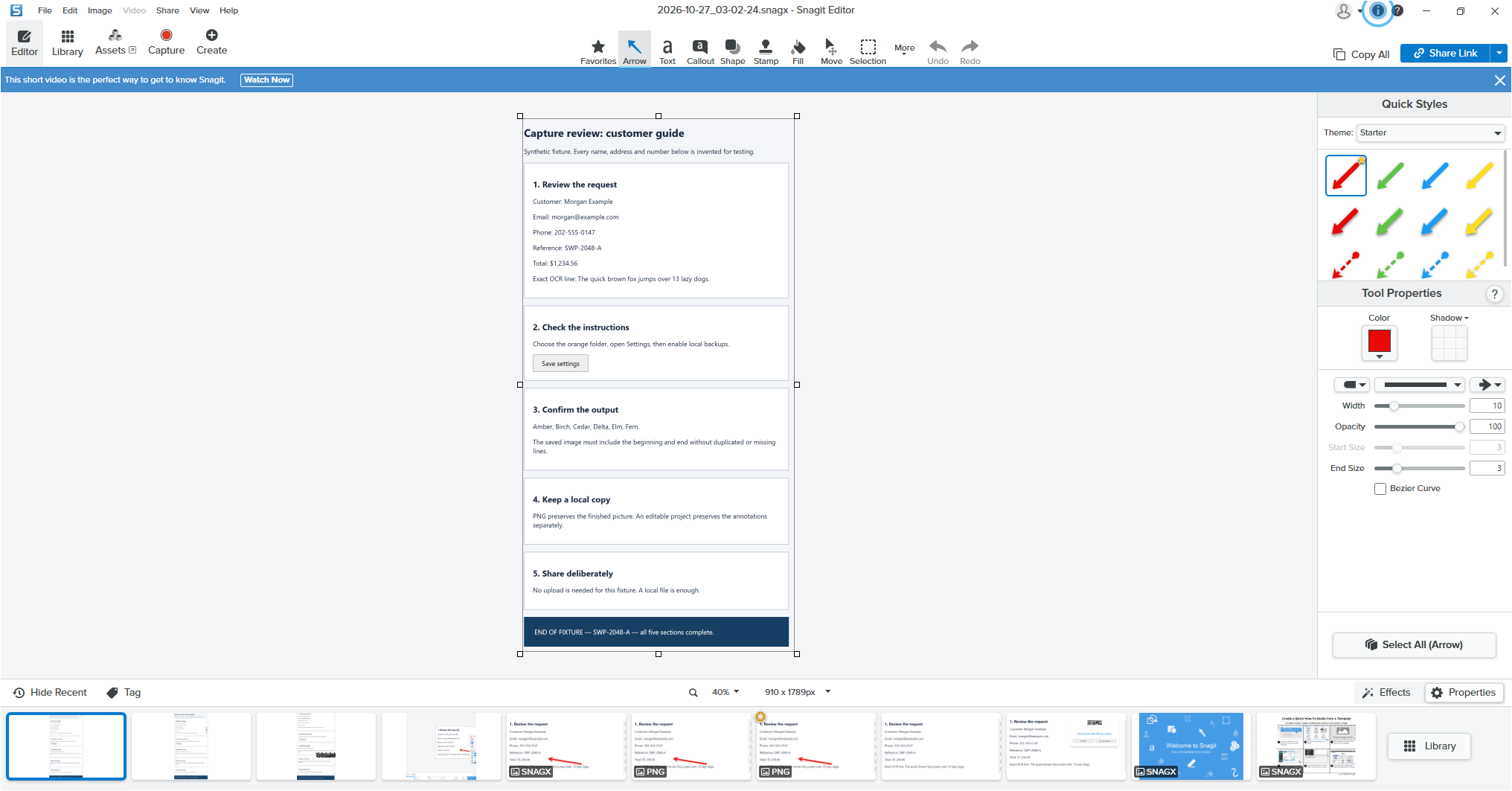
| SNAGX editable project | Not checked No corresponding editable-project job was covered in the ShareX review. | Creates and opens Tested The saved project reopened with its arrow editable; opening it after trial expiry reached the trial gate. |
“Tested” means we did it in our own test; “Not tested” means the developer lists it and we didn’t try it.
Release highlights and bottom lines
ShareX 22.4.0
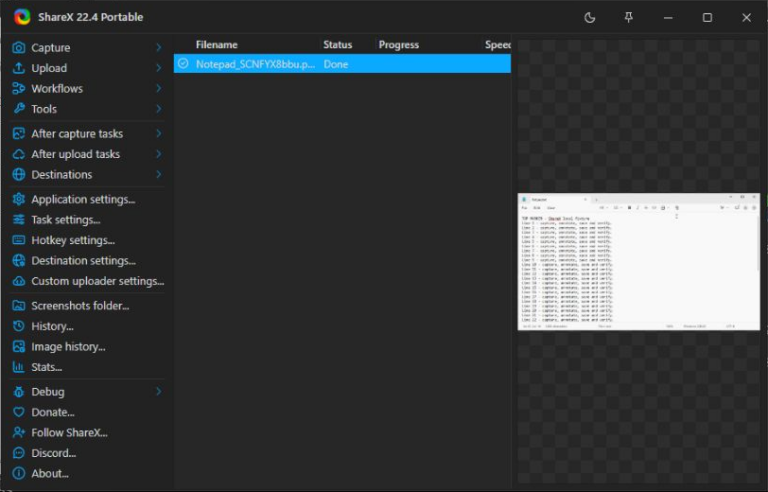
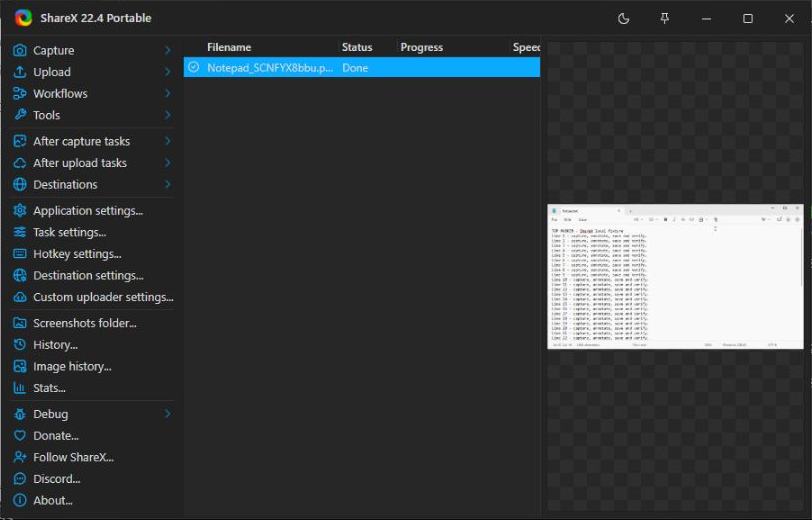
- Choose list or thumbnail tasks, with an optional image preview beside list view.
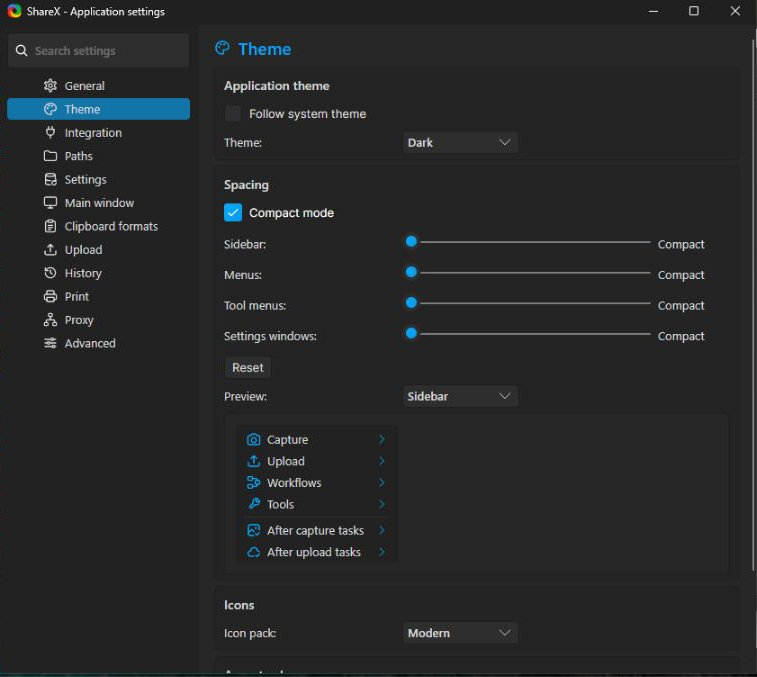
- Adjust interface spacing or select Compact mode for the v21 layout.
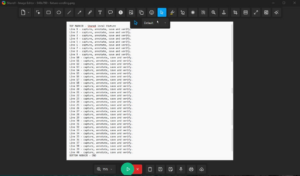
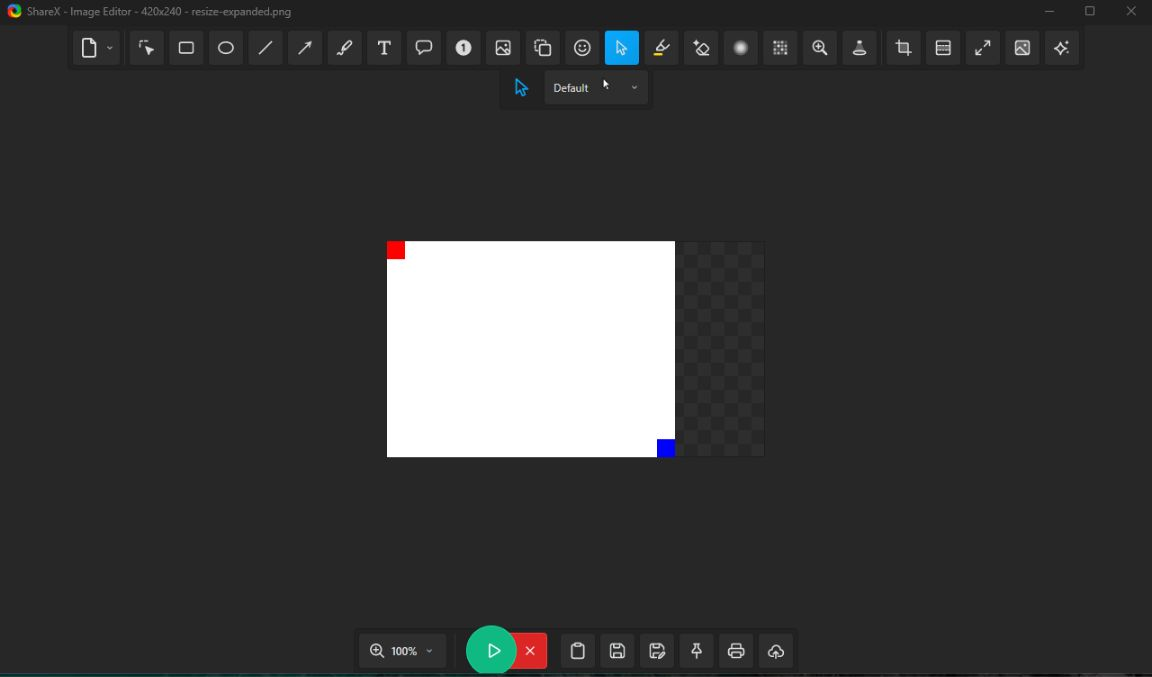
- Resize the canvas and optionally expand it when text or shapes cross the edge.
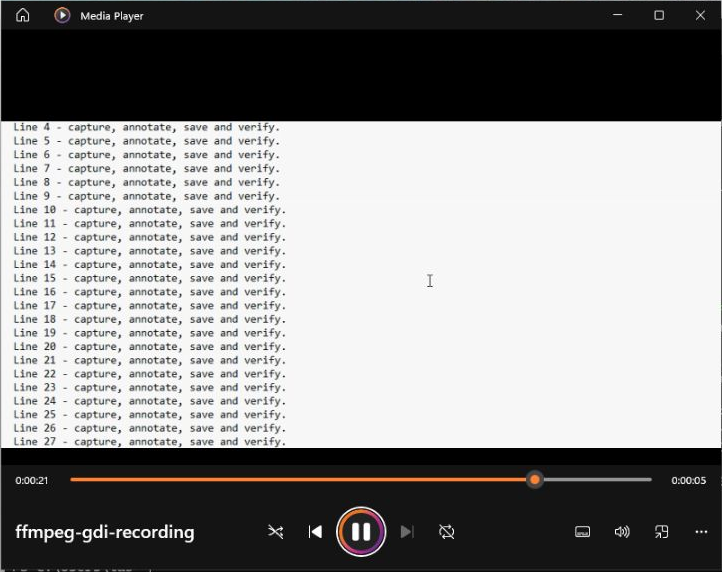
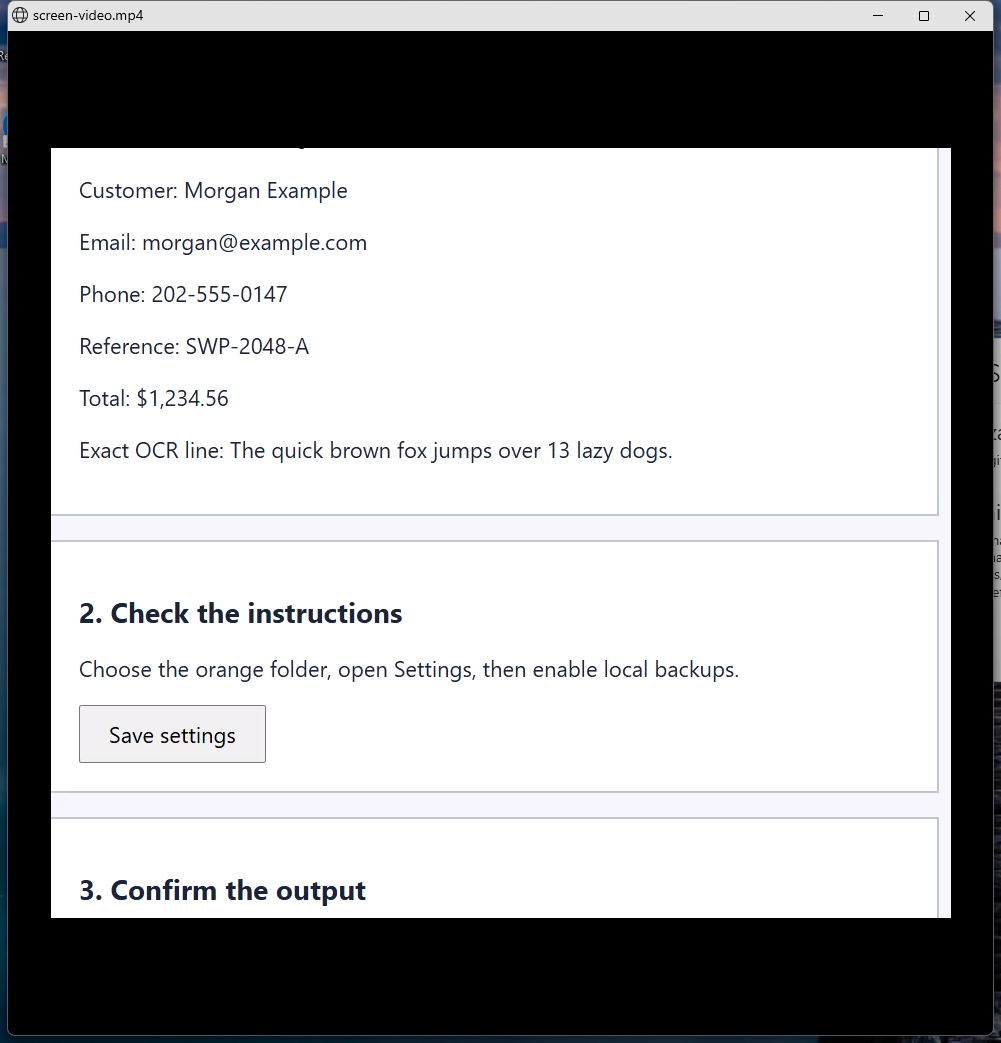
- Recording gains HDR tone mapping, a pre-recording FFmpeg bar and HEVC fallback for oversized regions.
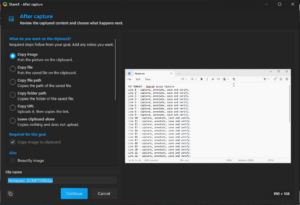
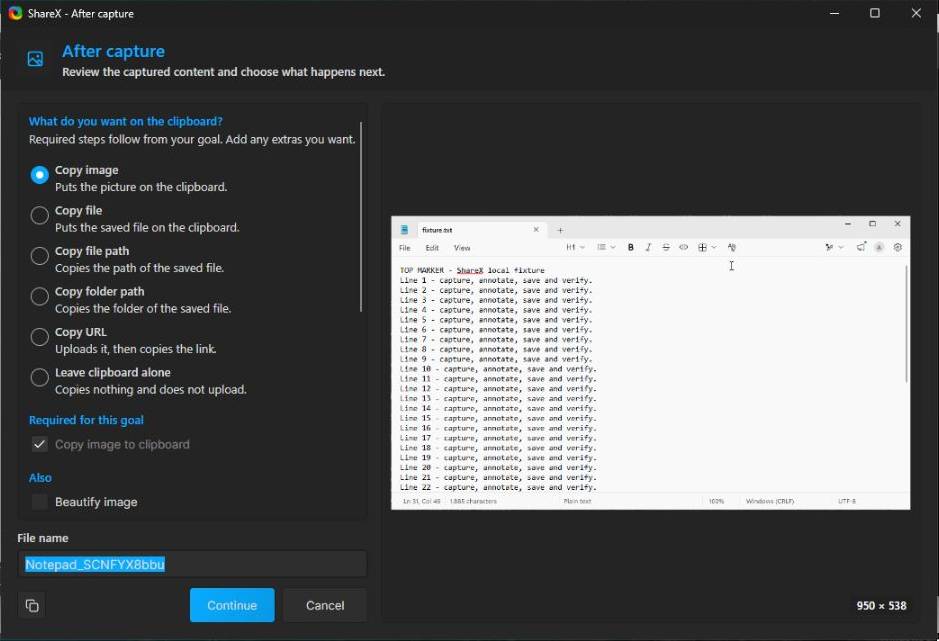
- Choose a clipboard goal and let the after-capture window select its required tasks.
Bottom line
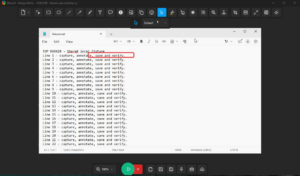
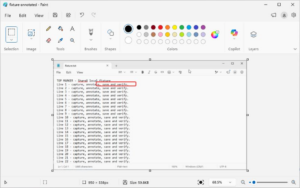
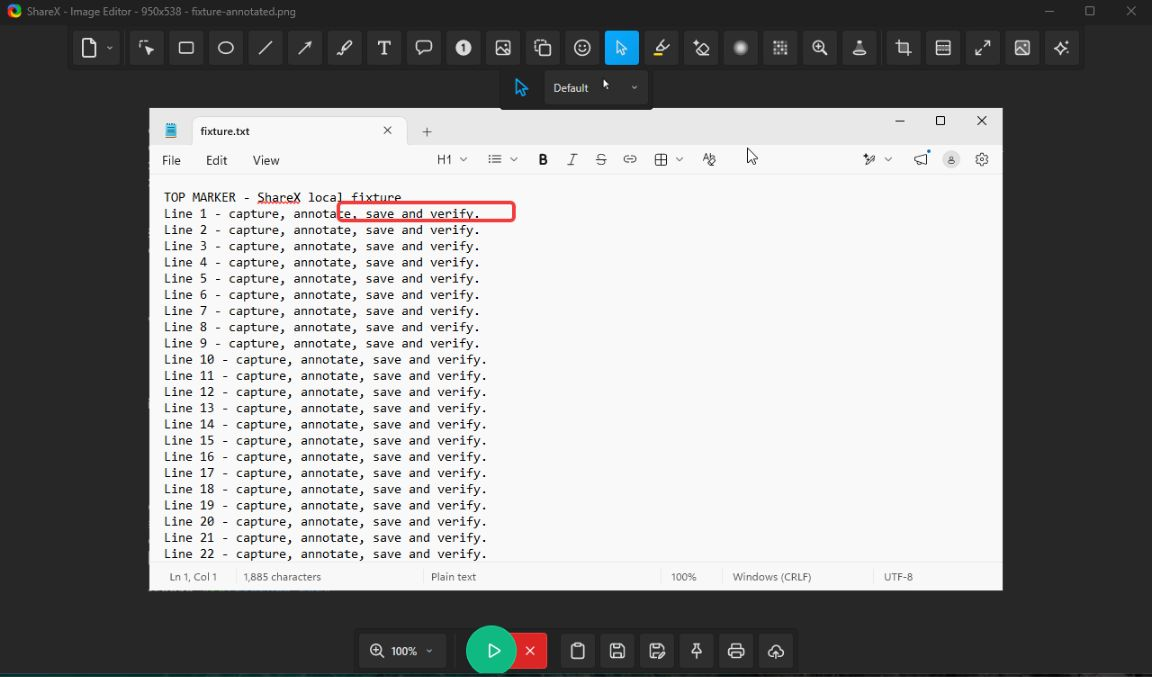
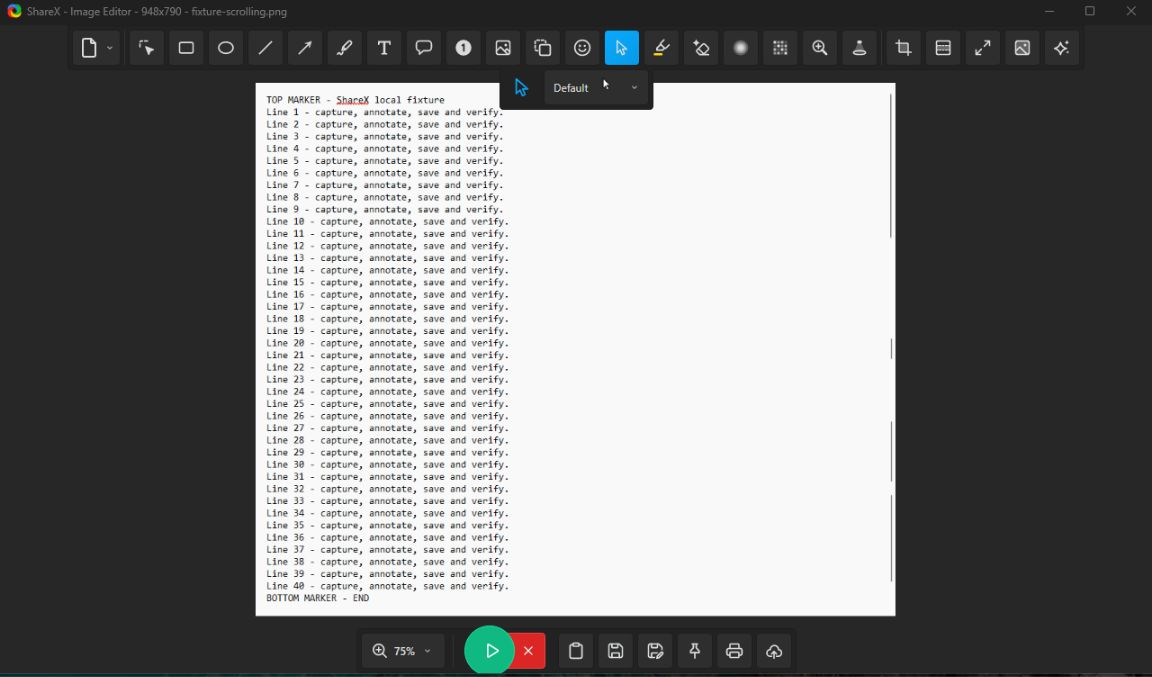
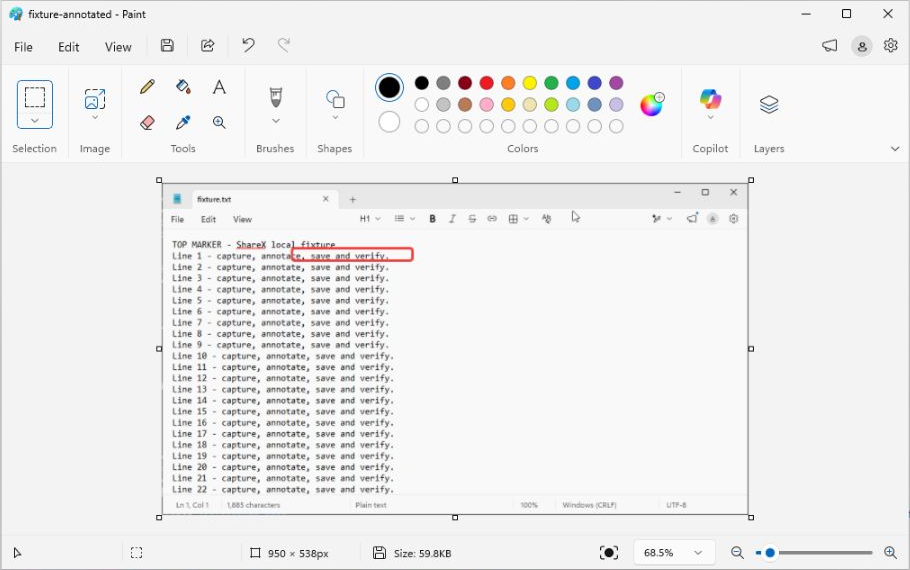
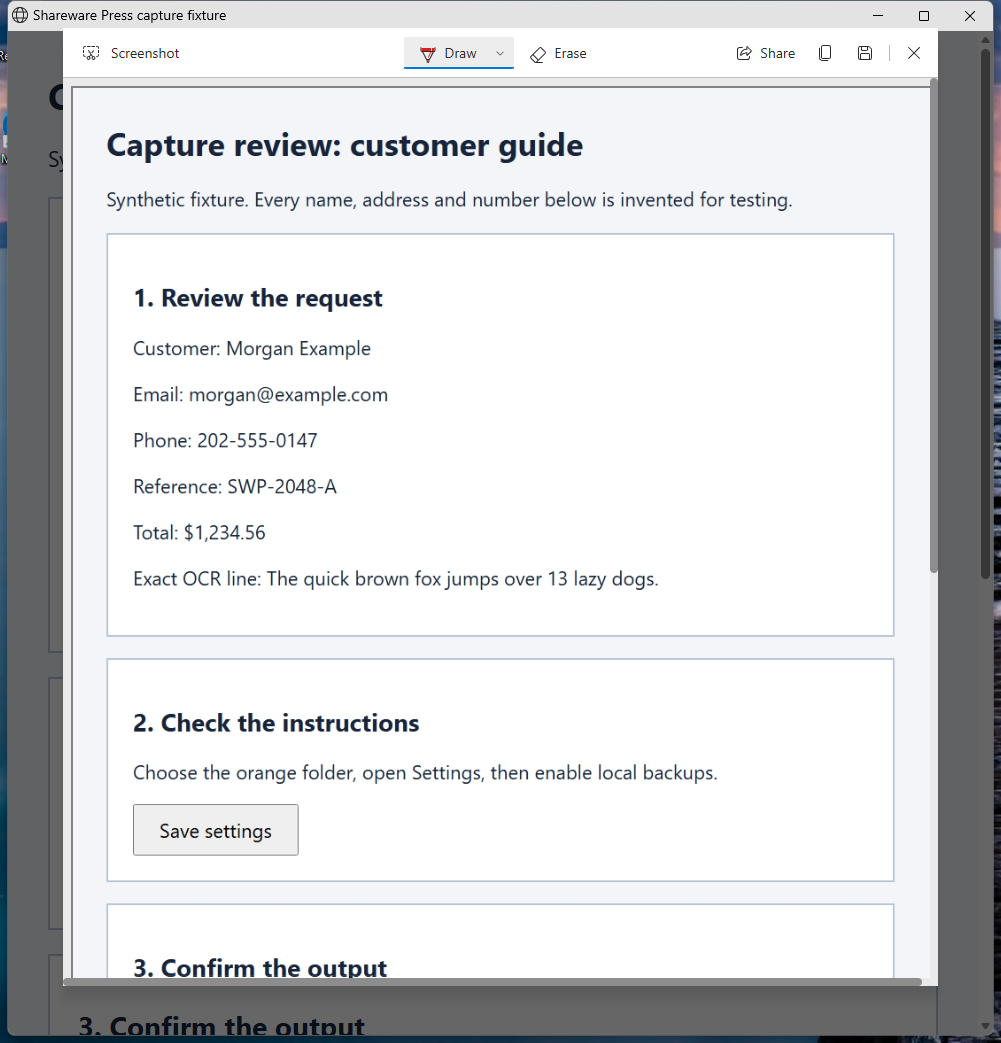
In After capture tasks, keep Save image to file checked and Upload image to host unchecked. Enable Show After capture window, then choose Copy image in the After capture window. Open the editor when you need markup. For recording, check a short saved clip with your chosen capture route and audio settings before relying on it.
Snagit 2026.4.0 (12714)
- Record video directly to Camtasia Online for further editing and collaboration.
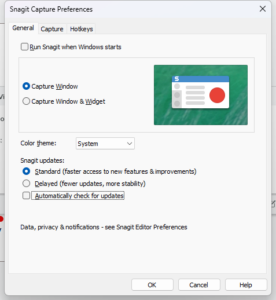
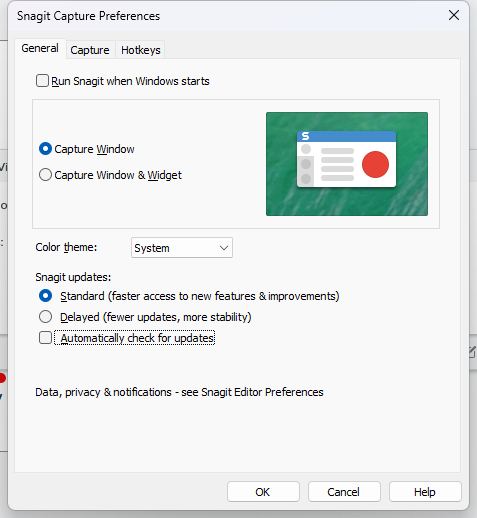
- Choose Standard or Delayed update rollout in Capture Preferences.
- Microsoft OCR becomes the default engine, with paragraph spacing added to Grab Text results.
Bottom line
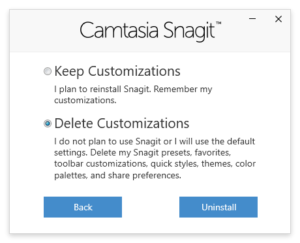
Try Snagit on a guide you actually need to revise, and save both the SNAGX and a finished export. If it saves enough editing work to justify another annual bill, it is worth considering. Before paying for video work, make sure saving a selected segment succeeds on your own files.
Bottom line
For local screenshots and finished image files, I would begin with ShareX. Keep Save image to file enabled and Upload image to host off; enable Show After capture window if you want its Copy image choice. That gives you a concrete starting workflow without an upload account or subscription.
Try Snagit when keeping annotations editable saves enough repeated work to justify the annual cost. Save an ordinary PNG alongside the project: the exported picture still opened after the trial expired, while the SNAGX project reached the gate. Before paying for video work, check that exporting a selected segment succeeds on your own files.



Discussion
Was this helpful? 0
Open a fresh voting form