The apps
-

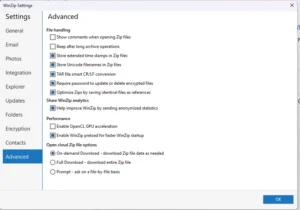
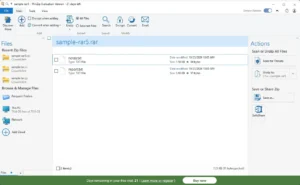
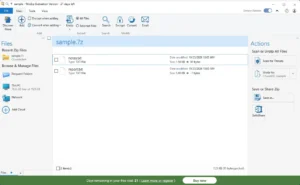
WinZip v77.2
5.0 /10 Not recommended
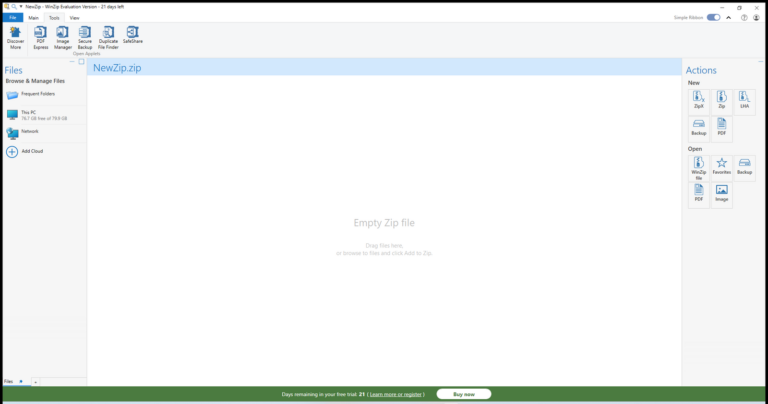
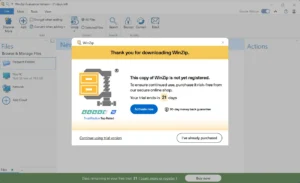
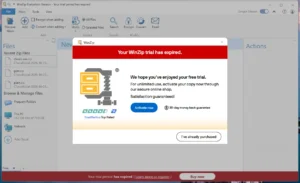
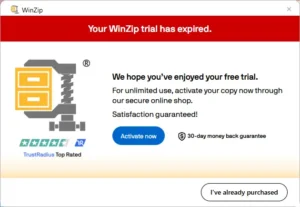

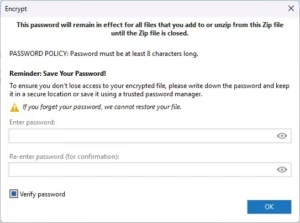
Best for: Offices that already run on it, and whose clients do too
-

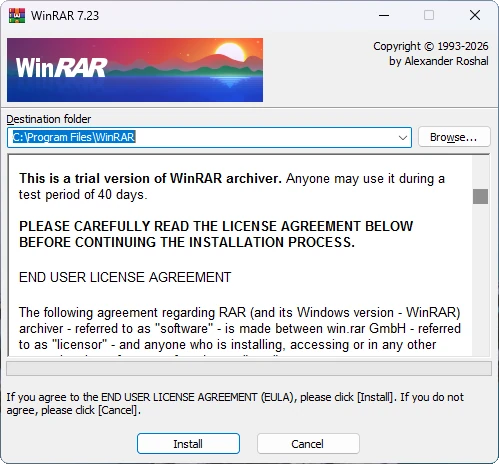
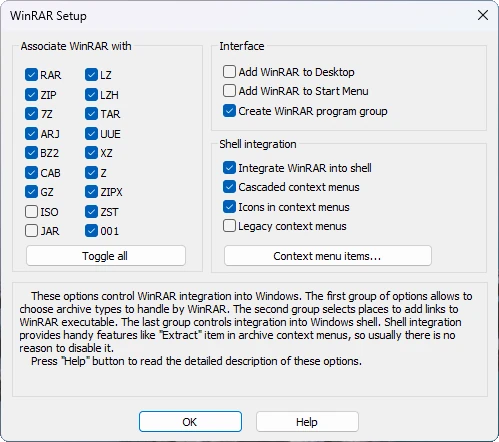
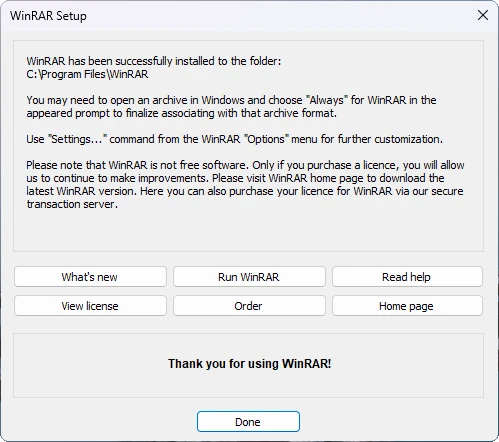
WinRAR v7.23
9.0 /10 Highly recommended
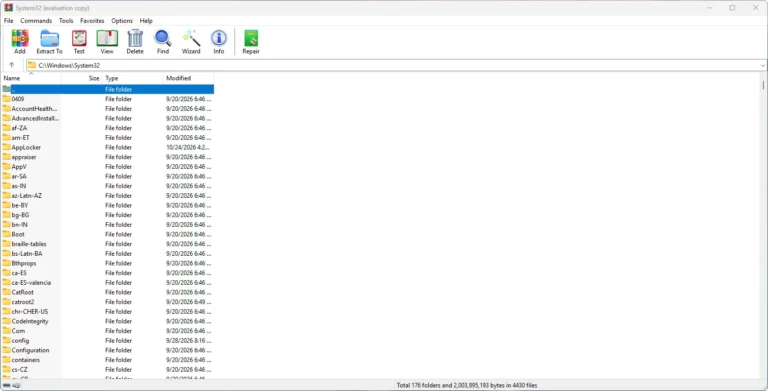
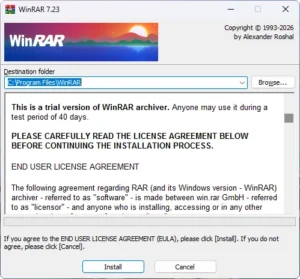
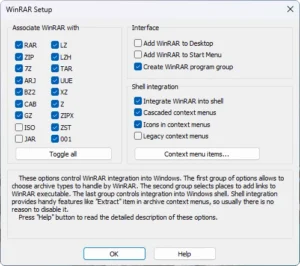
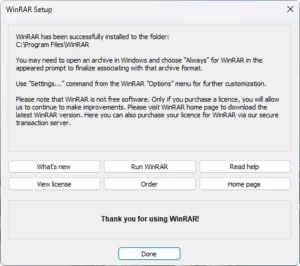
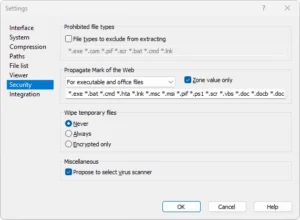
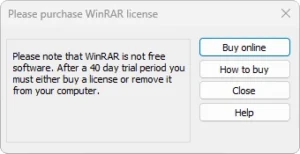
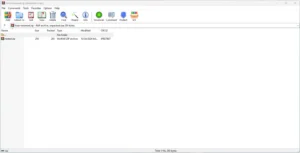
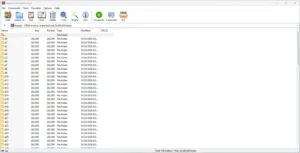
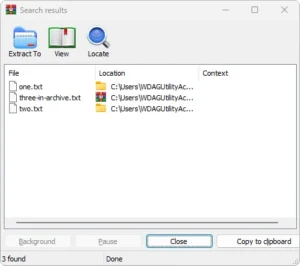
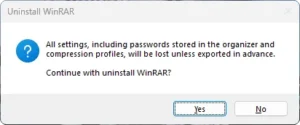
Best for: Making RAR archives, with recovery records, paid for once
-
Our pick

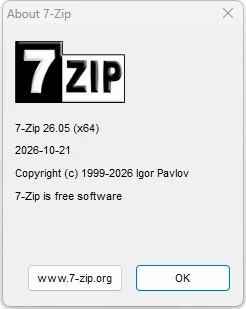
7-Zip v26.05
9.2 /10 Highly recommended
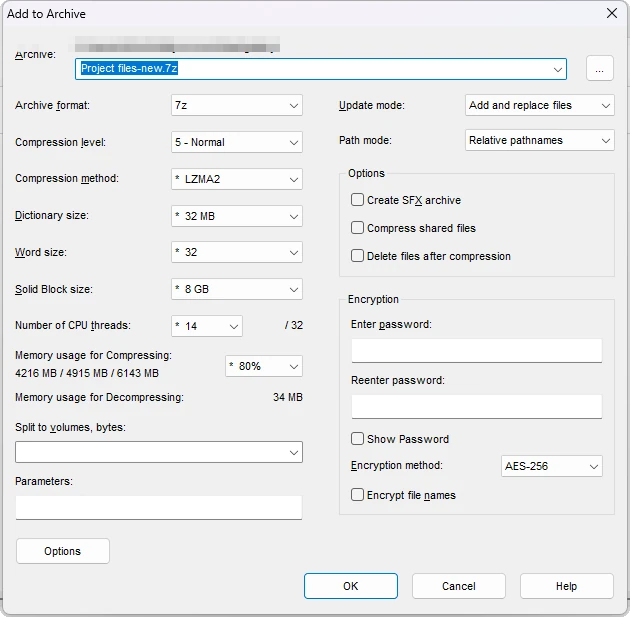
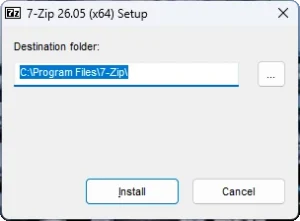

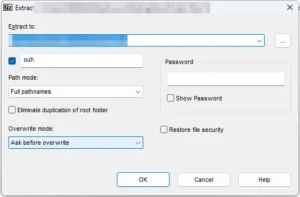
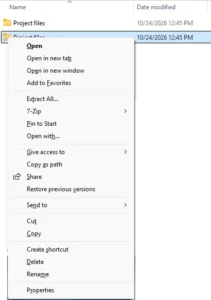
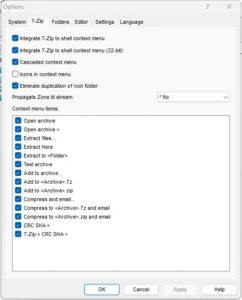
Best for: Most people: free, the smallest 7z archives and fast ZIPs

Properties side by side
Every row from each review’s Properties window, side by side.
| Property | WinZip | WinRAR | 7-Zip |
|---|---|---|---|
| Rating | |||
| Editor score | 5.0 /10 | 9.0 /10 | 9.2 /10 |
| Verdict | Not recommended | Highly recommended | Highly recommended |
| Users | No user ratings yet | No user ratings yet | No user ratings yet |
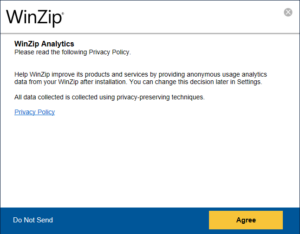
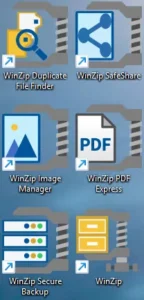
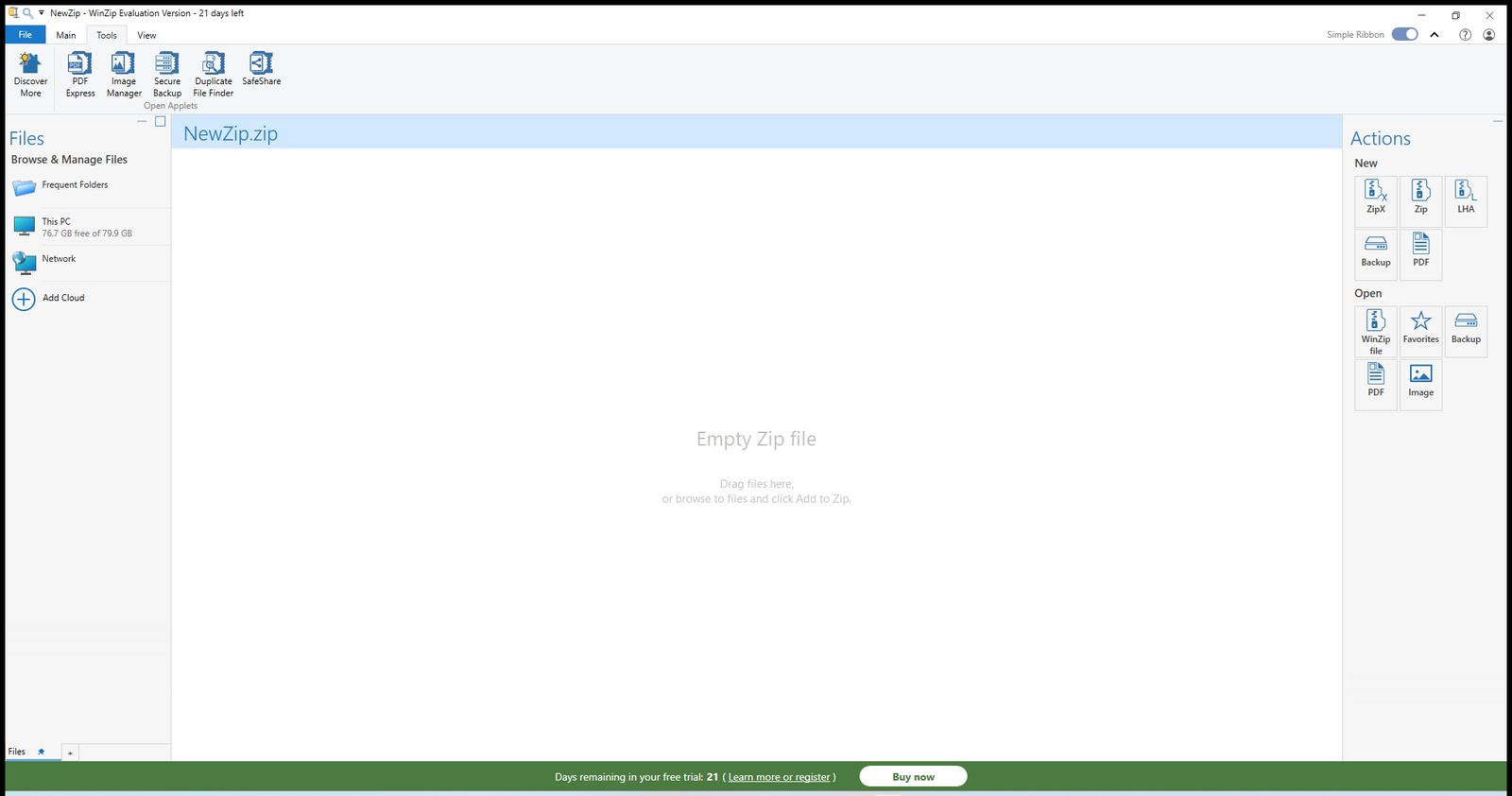
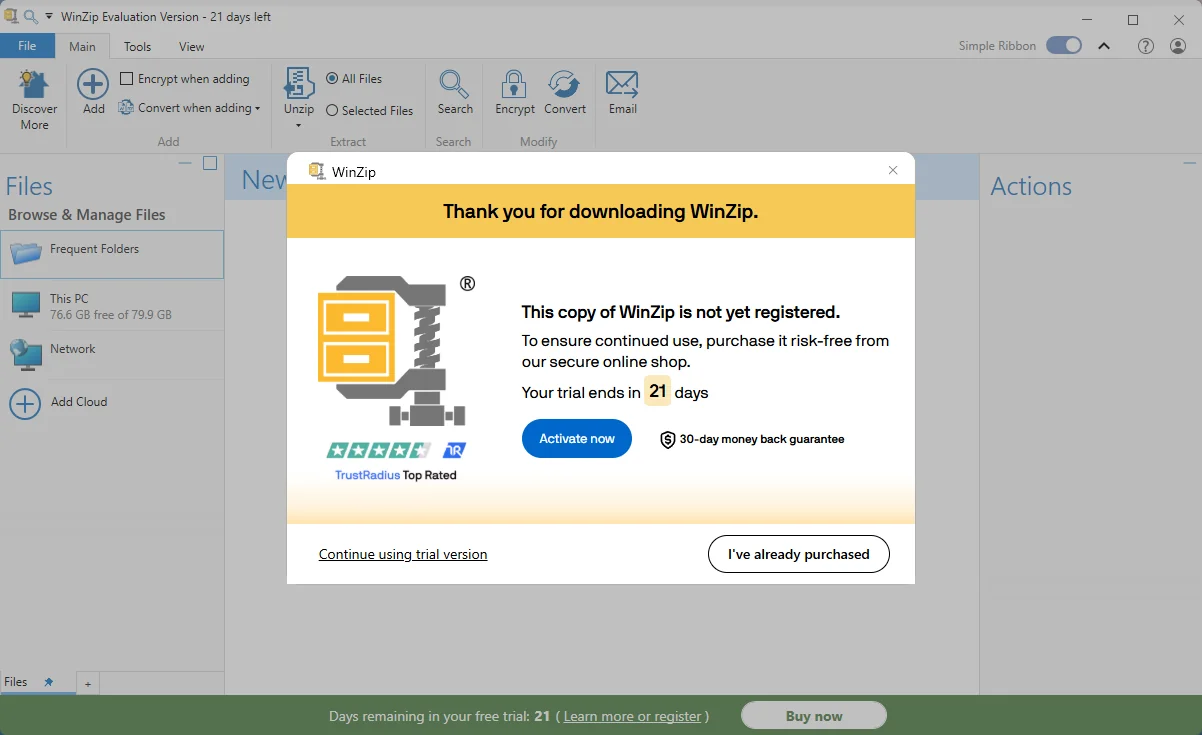
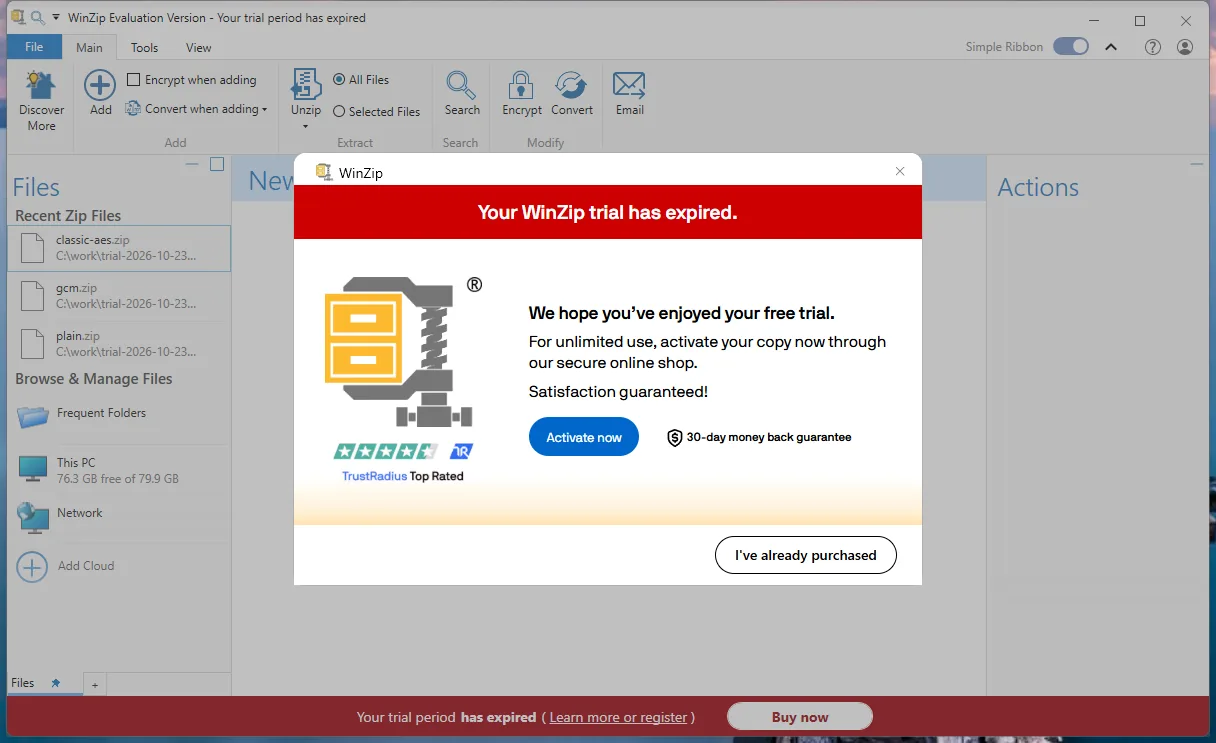
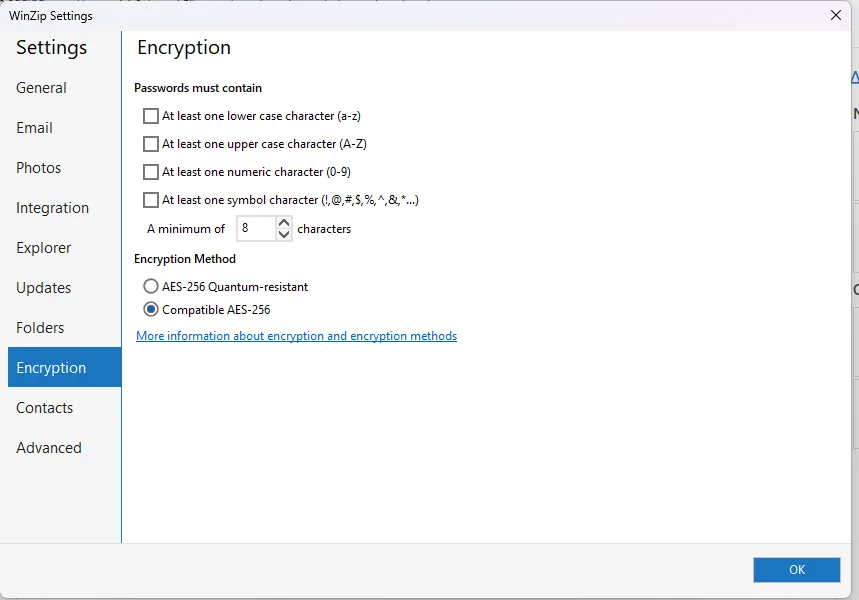
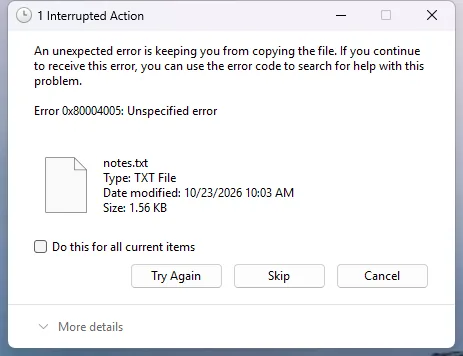
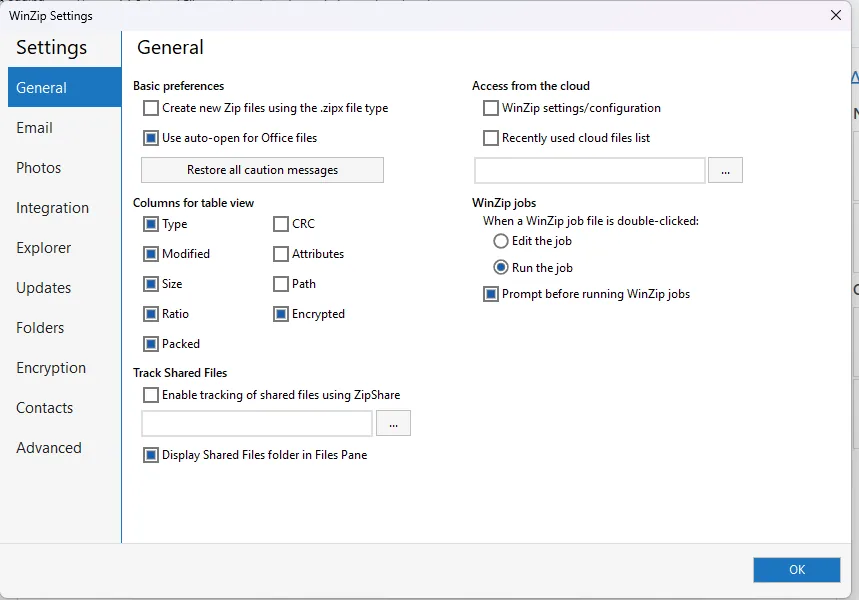
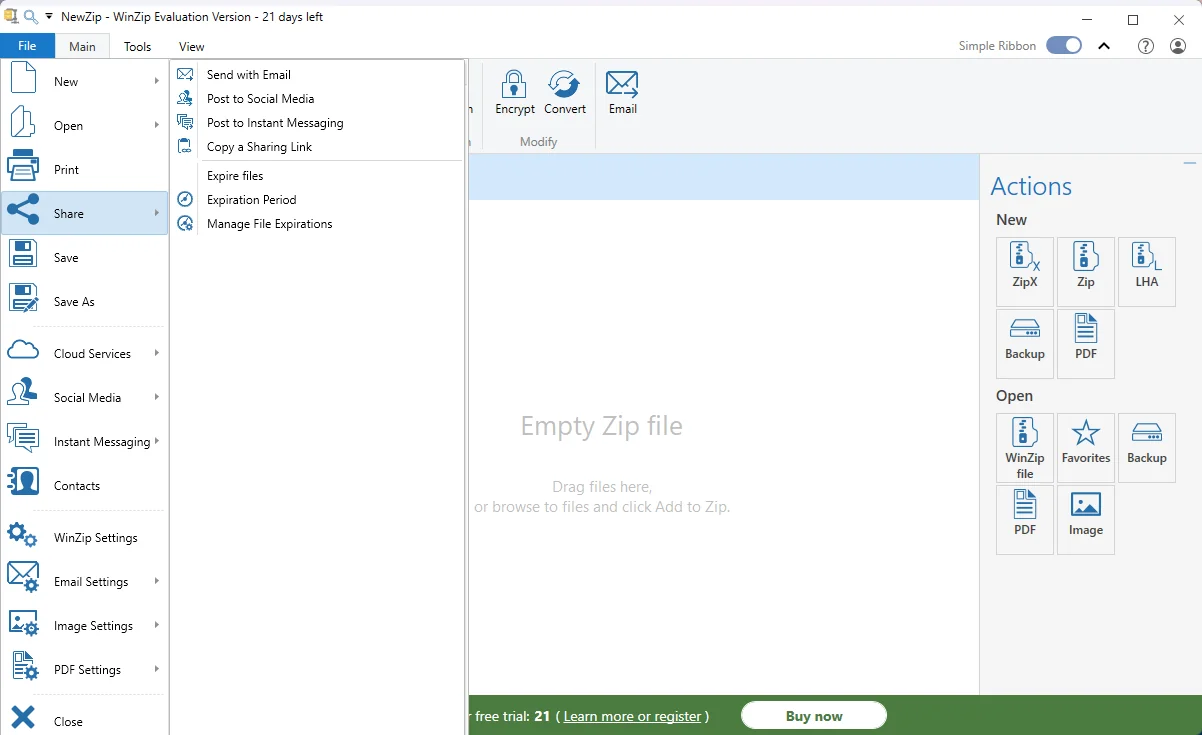
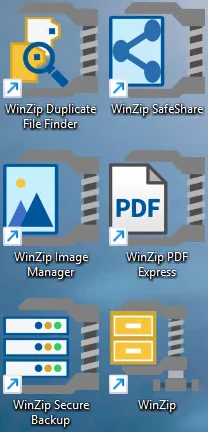
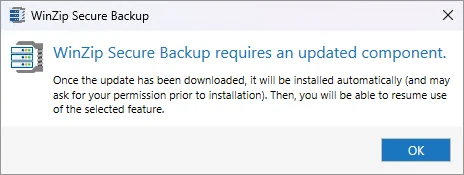
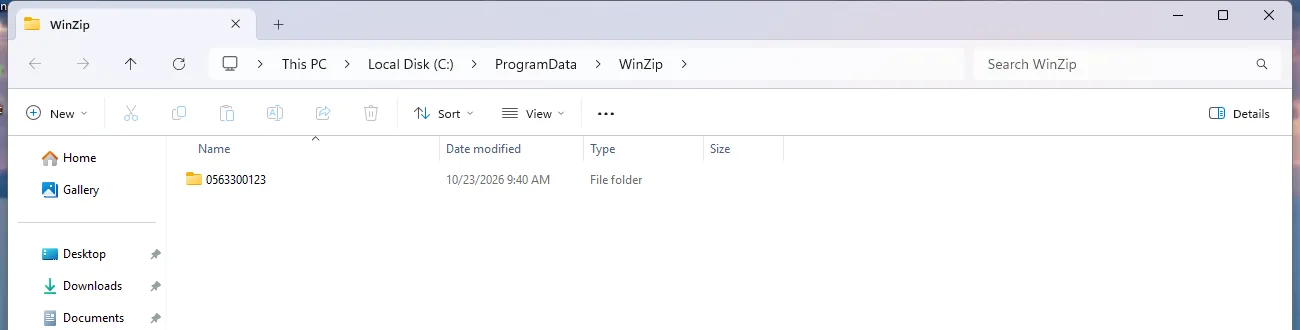
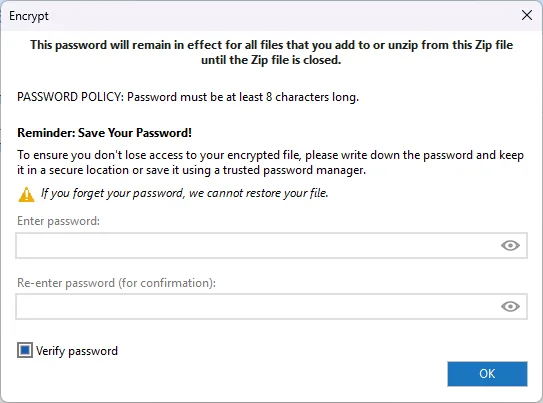
| Fairness score | 4/10 The trial needs no card and removal cleared its tasks and shortcuts, but five extra apps arrive without a choice, reminders interrupt use, the subscription renews automatically, the updater lacks an off switch, and the new encrypted ZIPs opened only in WinZip among the tools I tested. | 9/10 The 40-day trial is stated on the first install screen, nothing locks when it ends, nothing runs in the background or phones home, and the uninstall is clean. The only marks against it: a buy reminder on every launch after day 40, no stated refund policy, and unclear update terms. | 10/10 Free for good with the terms on the home page, no reminders, no account, no background tasks or network traffic in my test, and a three-second uninstall that leaves only its settings and a small temp copy of itself. |
| Software | |||
| Developer | WinZip Computing (Corel / Alludo) | win.rar GmbH (RARLAB) | Igor Pavlov |
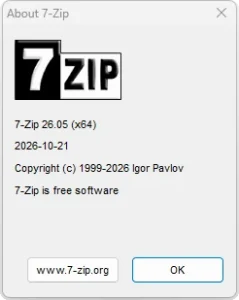
| Version | 77.2 | 7.23 | 26.05 |
| Released | September 16, 2026 | June 30, 2026 | October 21, 2026 |
| License |
|
|
|
| Warnings | Not listed | Not listed | |
| Price |
|
|
|
| File size |
|
|
|
| Memory |
|
|
|
| Supported OS |
|
|
|
| Review | |||
| Reviewed by | Jay P. | Jay P. | Jay P. |
| Date reviewed | |||
| Review updated | Not listed | Not listed | |
Benchmarks
| Test job | WinZip | WinRAR | 7-Zip |
|---|---|---|---|
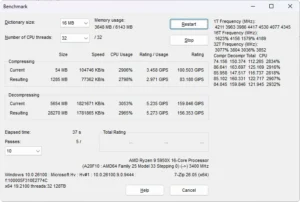
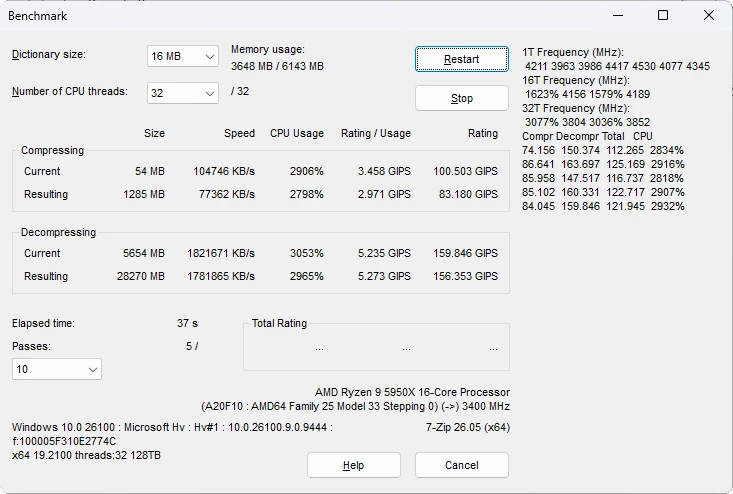
| Own format, fastest setting | Not tested | RAR: 5.1 s, 50.8% | 7z: 2.5 s, 43.6% |
| Own format, default setting | Not tested | RAR: 8.6 s, 43.7% | 7z (Normal): 39.7 s, 37.9% |
| Own format, best setting | Not tested | RAR: 12.1 s, 43.6% | 7z (Ultra): 134.7 s, 35.9% |
| ZIP, default setting | Not tested | 7.9 s, 49.7% | 3.6 s, 49.0% |
How we tested: 1,466 files, 522.6 MB (Windows programs, text files and 100 MB of random data that can’t be compressed), each job run twice in Windows Sandbox with 32 logical CPUs and 6 GB of RAM, faster run shown. Time first, then the archive size as a share of the original folder. The same file set and method in the WinRAR and 7-Zip reviews; I didn’t benchmark WinZip.
Format support
| Format | WinZip | WinRAR | 7-Zip |
|---|---|---|---|
| ZIP | Creates and opens Tested | Creates and opens Tested | Creates and opens Tested |
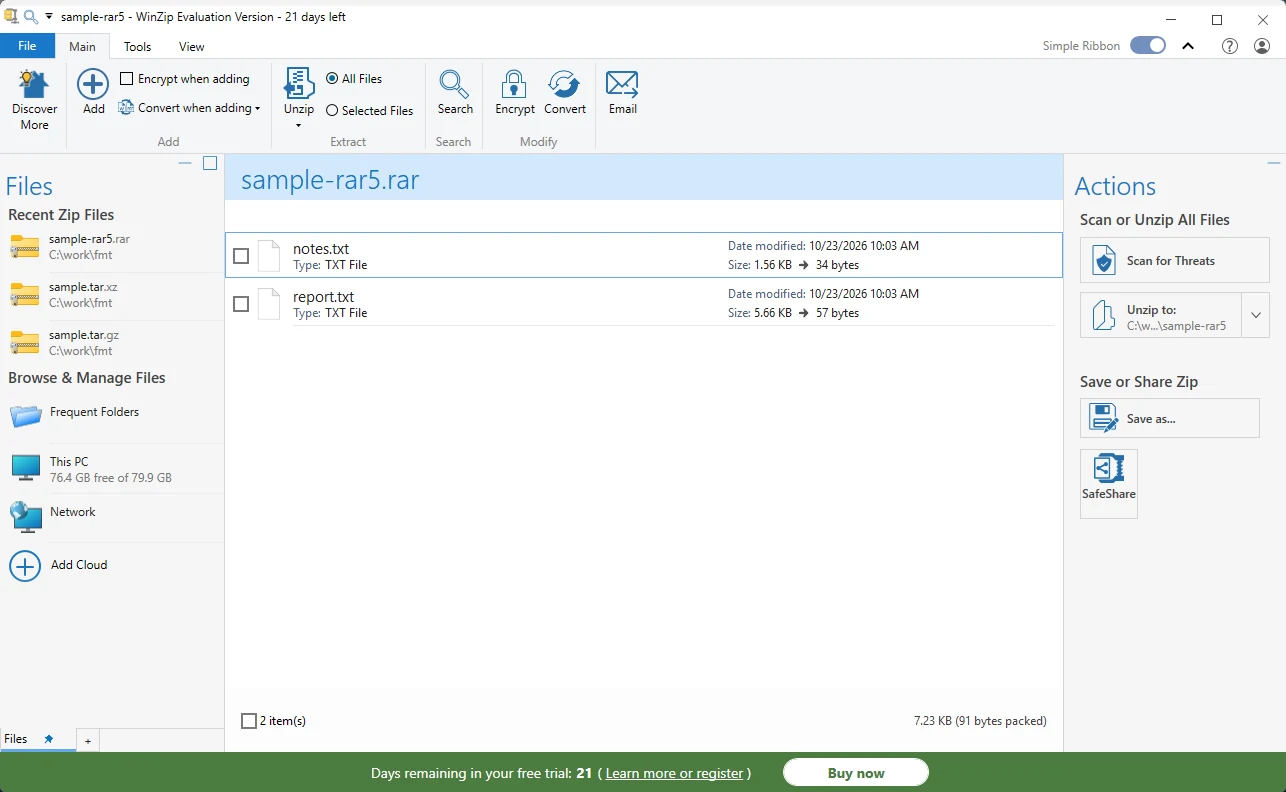
| RAR | Opens only Tested Opened; unpacking not confirmed | Creates and opens Tested | Opens only Tested RAR5 unpacked; RAR4 untested |
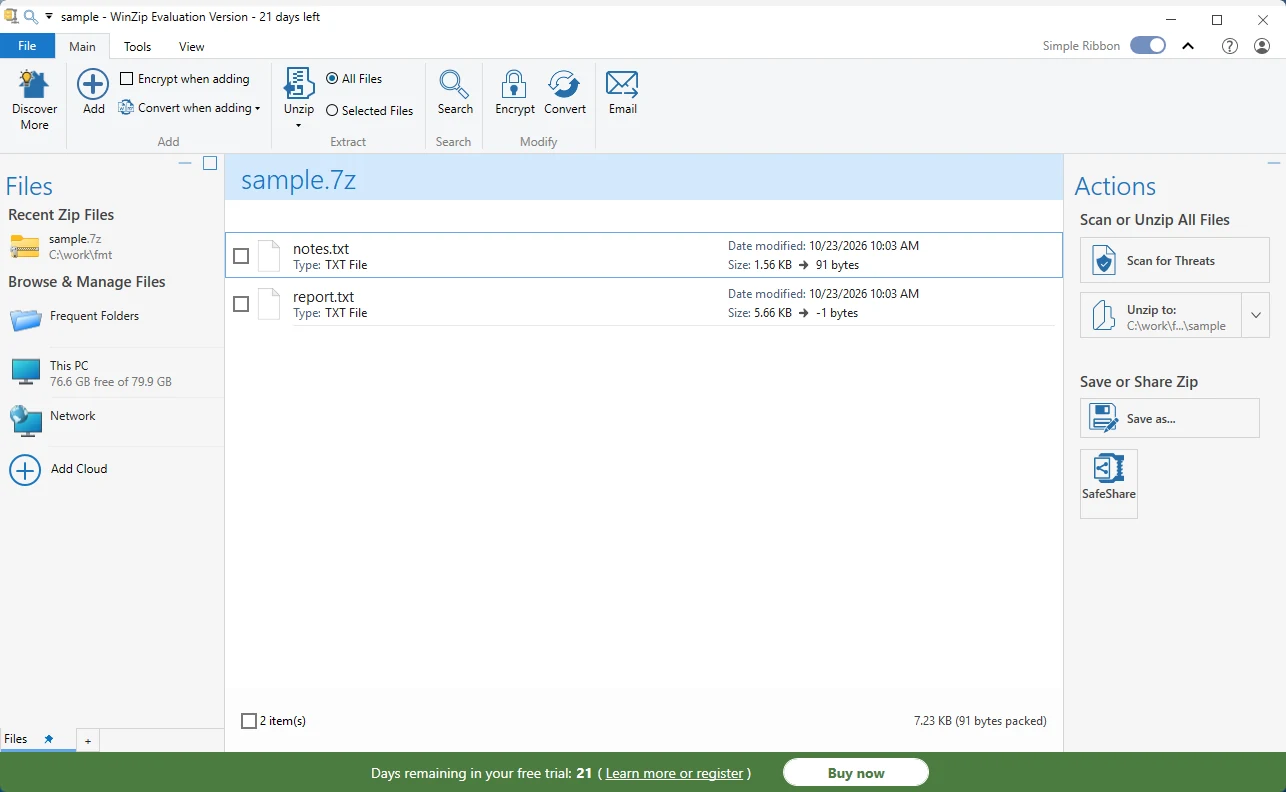
| 7z | Opens only Tested Unpacking confirmed | Opens only Not tested | Creates and opens Tested |
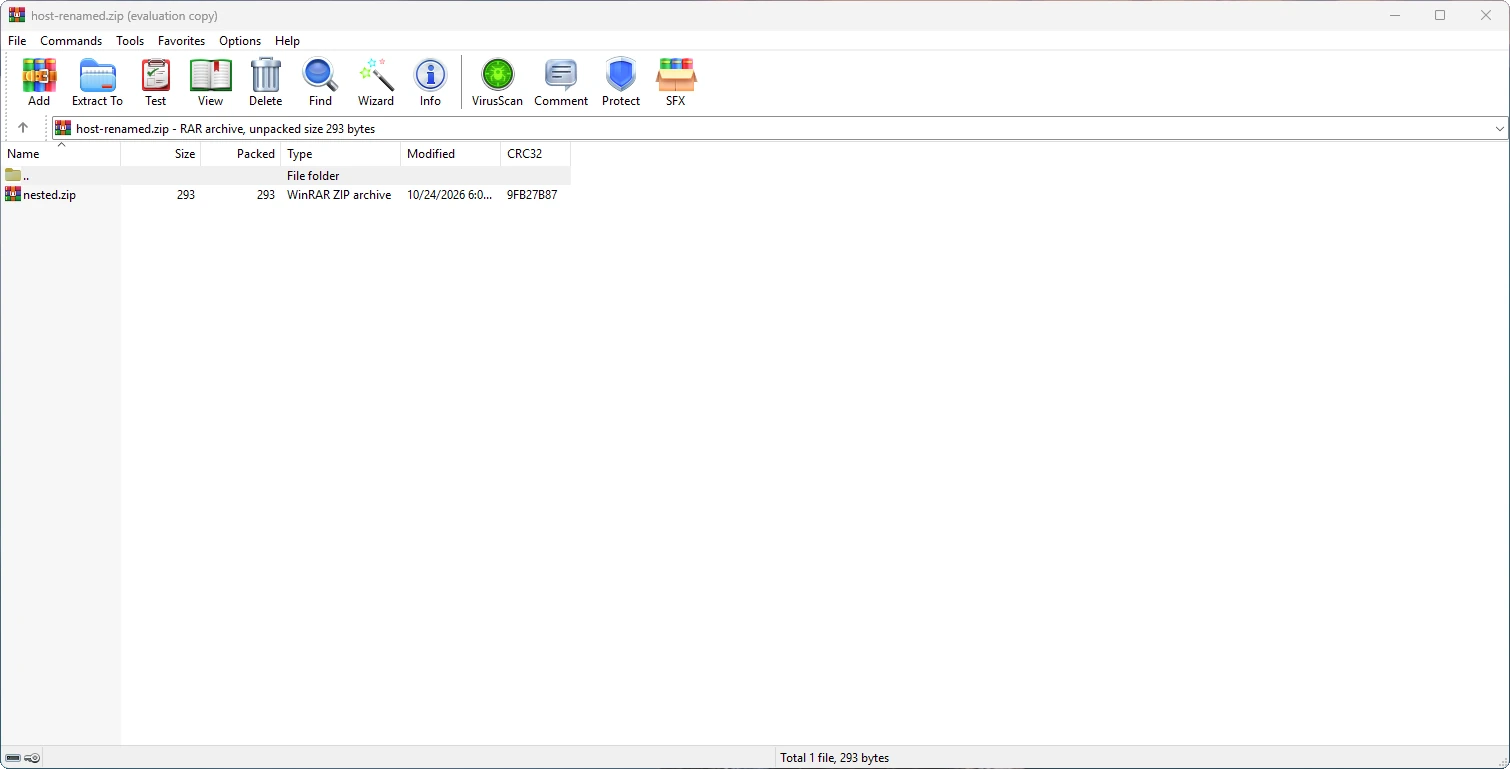
| TAR (gz, bz2, xz) | Opens only Tested Opened; unpacking not confirmed | Opens only Tested Plain TAR unpacked | Creates and opens Not tested Unpacking tested (plain and gzipped) |
| CAB | Opens only Tested Opened; unpacking not confirmed | Not checked | Not checked |
| ISO | Not checked Trial pop-ups blocked my test | Not checked | Opens only Not tested |
“Tested” means we did it in our own test; “Not tested” means the developer lists it and we didn’t try it.
Release highlights and bottom lines
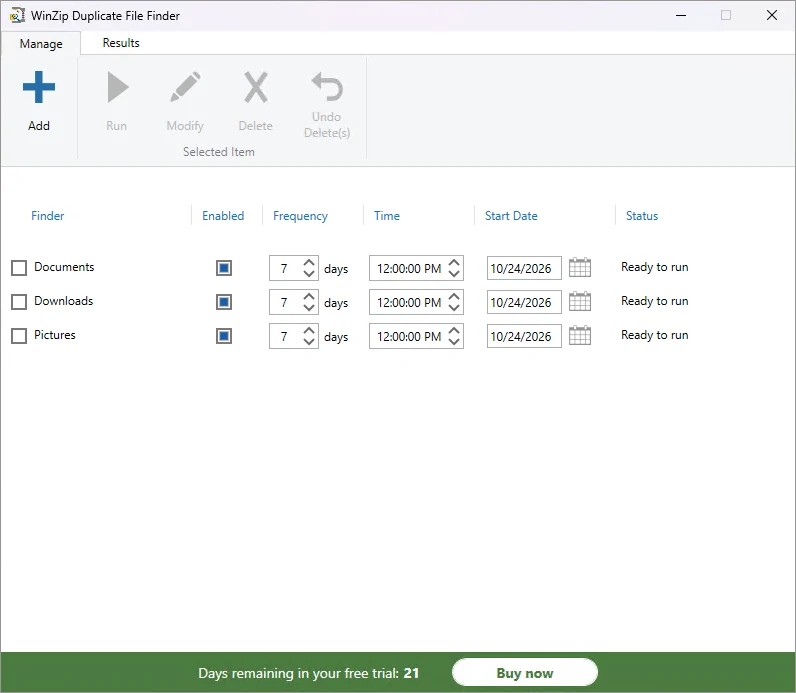
WinZip 77.2
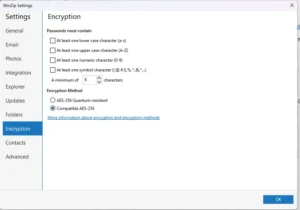
- Added AES-256-GCM encryption alongside the existing encryption method.
- Added digital-signature verification at startup.
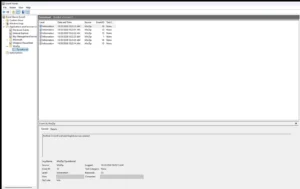
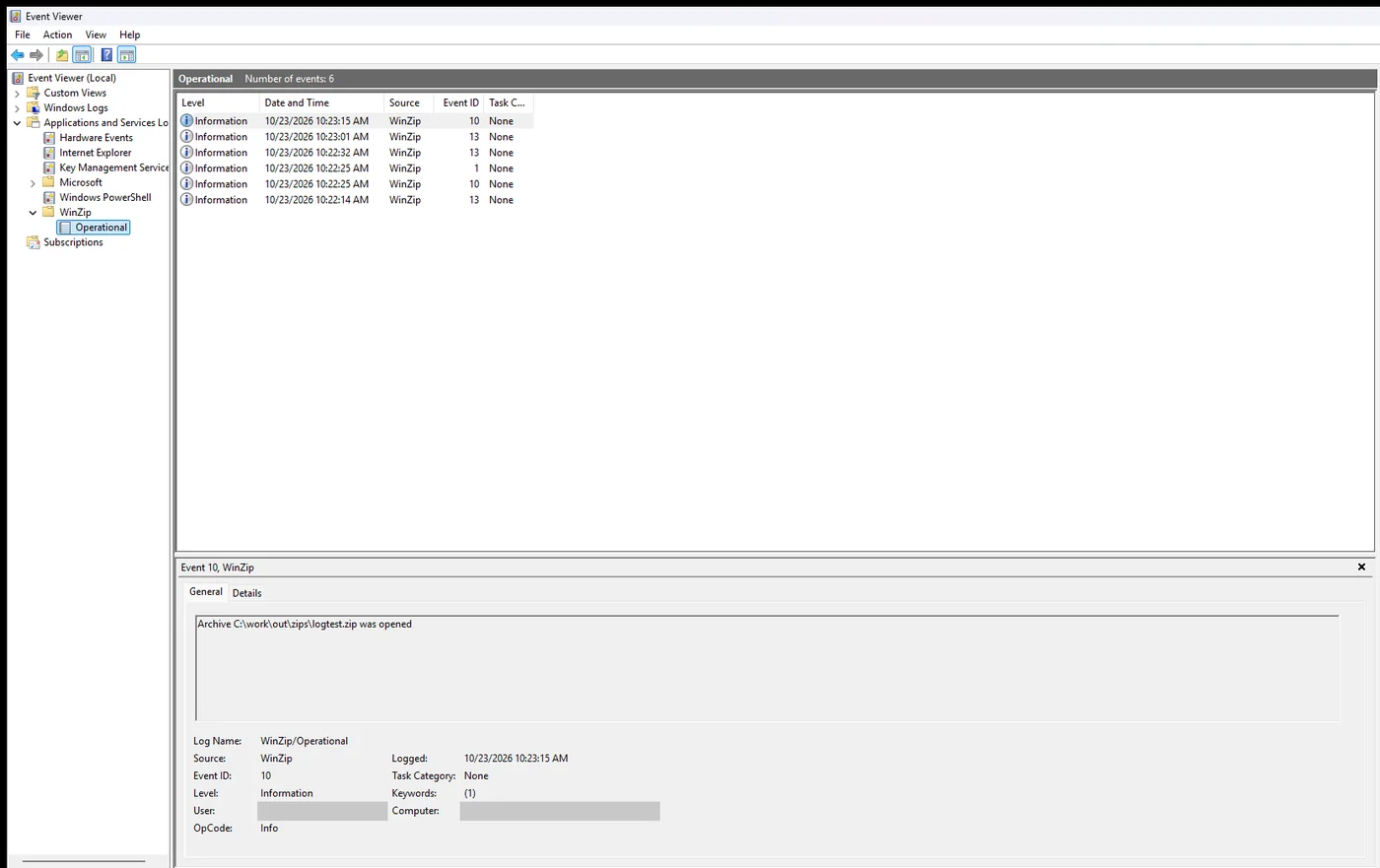
- Added an optional Windows event log for archive activity, controlled by an administrator policy.
- Removed in-app ZipShare promotions.
Bottom line
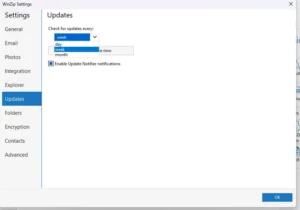
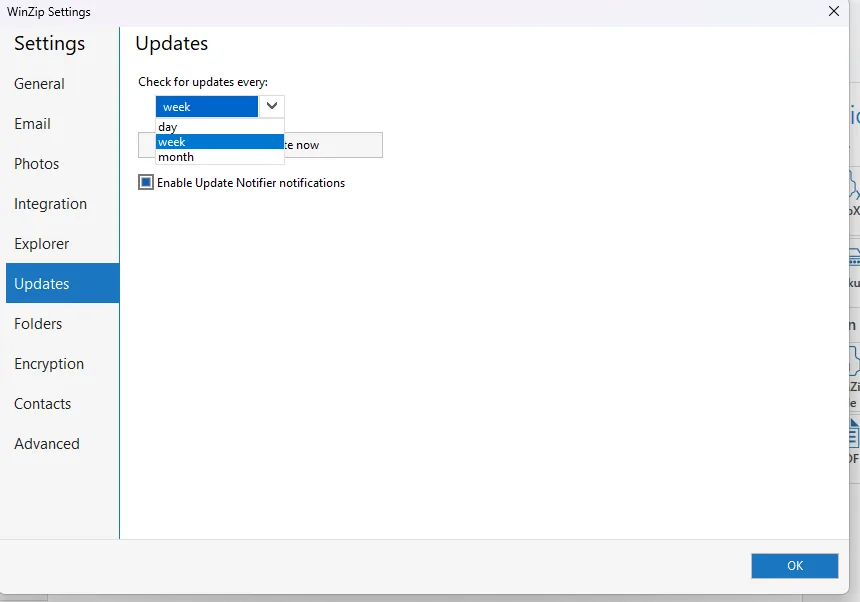
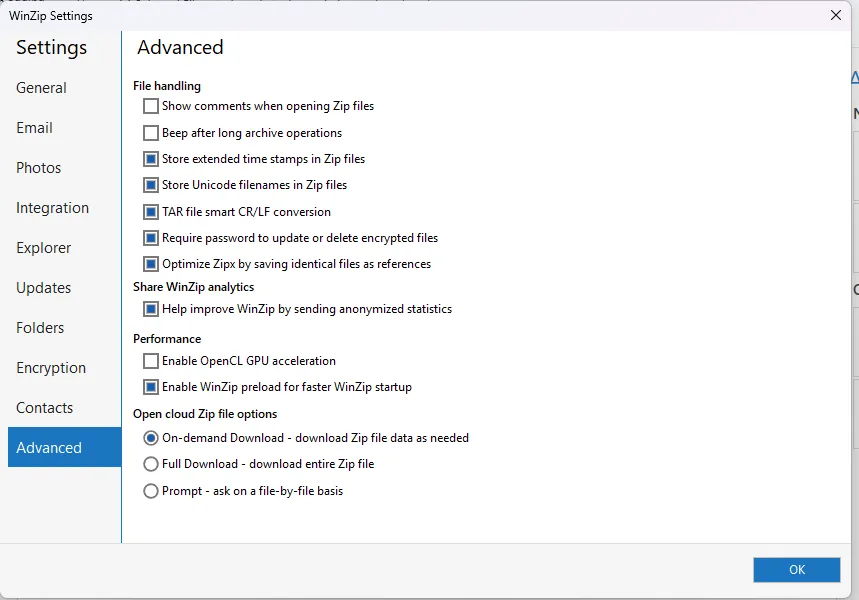
77.2 is a security release, and most of it is good: the self-check, the audit log, fewer ZipShare ads. What it didn’t touch is the one thing holding the score down. The fix is a single extra choice in a dropdown, “never”, next to day, week and month. If WinZip adds it, the cap goes away.
If WinZip can let an administrator switch on a log of everything you do in it, why can’t you switch off one update check?
WinRAR 7.23
- Fixed a heap overflow when rebuilding files from RAR5 recovery volumes in WinRAR, RAR and UnRAR.
- Blocked extraction through crafted symbolic links pointing outside the destination folder.
- Updated the 7z extraction module to 26.02.
- Allowed -iver and -idc to be used together.
Bottom line
If you make RAR archives, buy it. It is fast, it stays out of your way, and it leaves almost nothing behind when you remove it. If you only unpack downloads, try Windows’ own tools or a free archiver such as 7-Zip first and save your money. Either way, check the WinRAR website for updates now and then, because WinRAR won’t.
7-Zip 26.05
- Improved unpacking of Z archives.
- Improved unpacking of Mach-O files.
- Bug and vulnerability fixes.
Bottom line
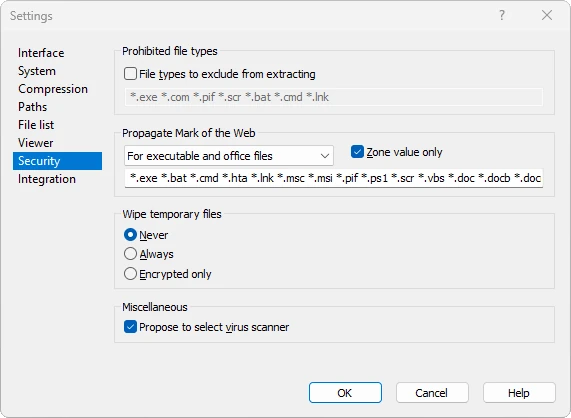
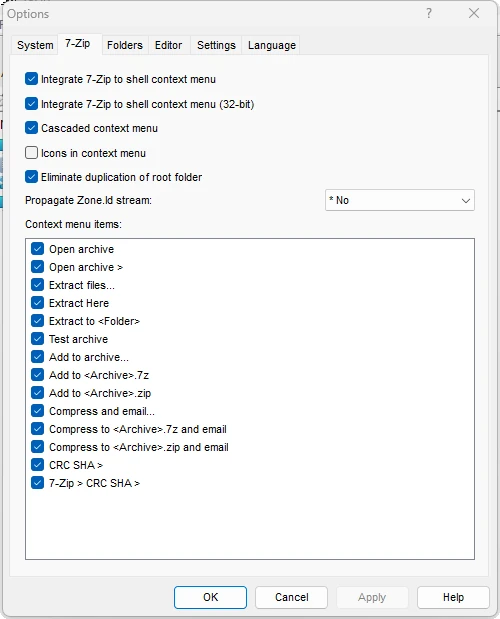
Install it, then spend one minute in Tools, Options: set “Propagate Zone.Id stream” to Yes, and decide which file types you want 7-Zip to open. After that, the only upkeep is yours: check the 7-Zip website for new versions now and then, because 7-Zip never will.
Bottom line
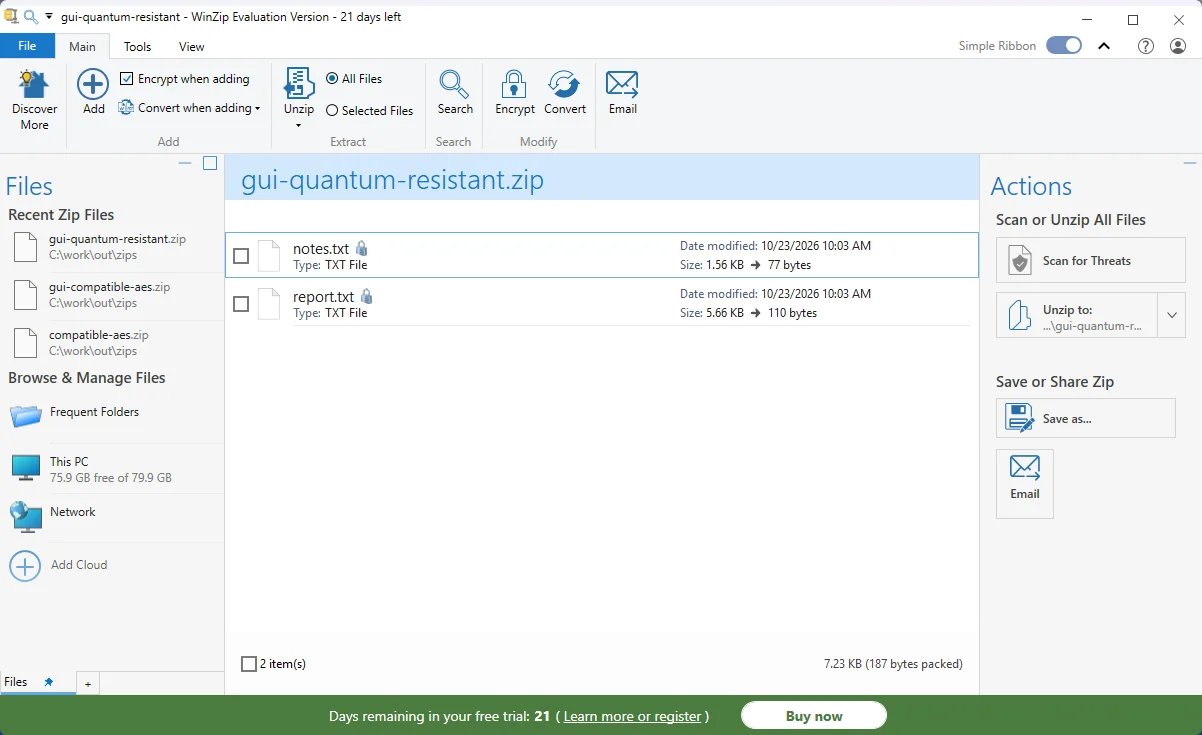
For most people, 7-Zip is the answer: it’s free, it made the smallest files, and one setting gets back the download mark Windows’ warnings rely on. Pay for WinRAR if you create RAR archives or want much faster default compression, and you only pay once. WinZip makes sense only if your office already depends on it, because a yearly subscription and an update check with no off switch in the app are a hard sell next to two tools that cost less or nothing.


Discussion
Was this helpful? 0
Open a fresh voting form