


What AOMEI Backupper is now, and who it’s for
Backupper’s free edition does useful backup work. I made a full file backup, let its schedule run an incremental backup, and recovered both versions with every file intact. The Professional trial also passed my encrypted differential backup and restore test. Those are good results, but they are only part of the decision with this release.
AOMEI sells Backupper as a Windows backup, disk imaging, sync and cloning program. Standard is the permanent free edition; Professional adds paid features and comes as a yearly or lifetime license. I tested Standard and the 30-day Professional trial without a purchase or account. This review covers file recovery, scheduling and the trial’s limits, not recovery of an unbootable PC or a completed disk clone. The separate Mac product is outside it.
Do the 8.5.1 changes matter to you?
The important changes in 8.5.1 concern how much trust to put in the program’s updates. Between April and July 2026, configuration files on AOMEI’s update server were repeatedly tampered with, a few minutes at a time, so the app could be pointed at malicious downloads. It matters more to me than another backup option.
AOMEI tightened the update server by July 29. The October 19 release notes for 8.5.1 describe disabling affected promotional-content and automatic-update entry points, separating update configuration from marketing resources, and tightening download verification. The Release Highlights and changelog summarize those notes. The preceding 8.5.0 release also addressed a driver access-control problem.
I downloaded signed 8.5.1 installers from the official download page and saw nothing malicious in these functional tests. I didn’t verify the security changes themselves. The history deserves disclosure, but on its own it isn’t evidence that the current installer is malicious.
The other listed fixes concern external-drive detection, ejecting USB drives and BitLocker-encrypted external disks. I did not have a physical external drive in this test, so those fixes do not contribute to the score.
File recovery in practice
Every completed restore matched its source files. My starting folder contained 104 files, including a 32 MiB random-data file, small documents, a non-ASCII filename and an empty directory. I changed a document, deleted another and added a new one between backups. I compared restored paths, lengths and SHA256 hashes, rather than accepting the green success message.
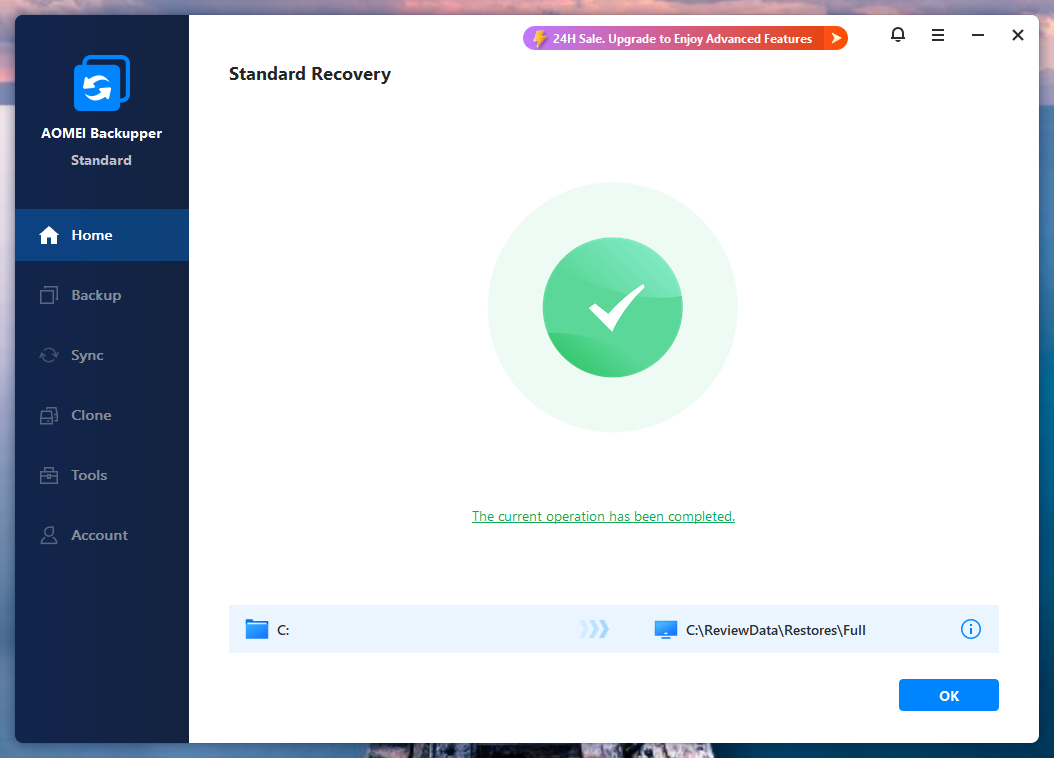
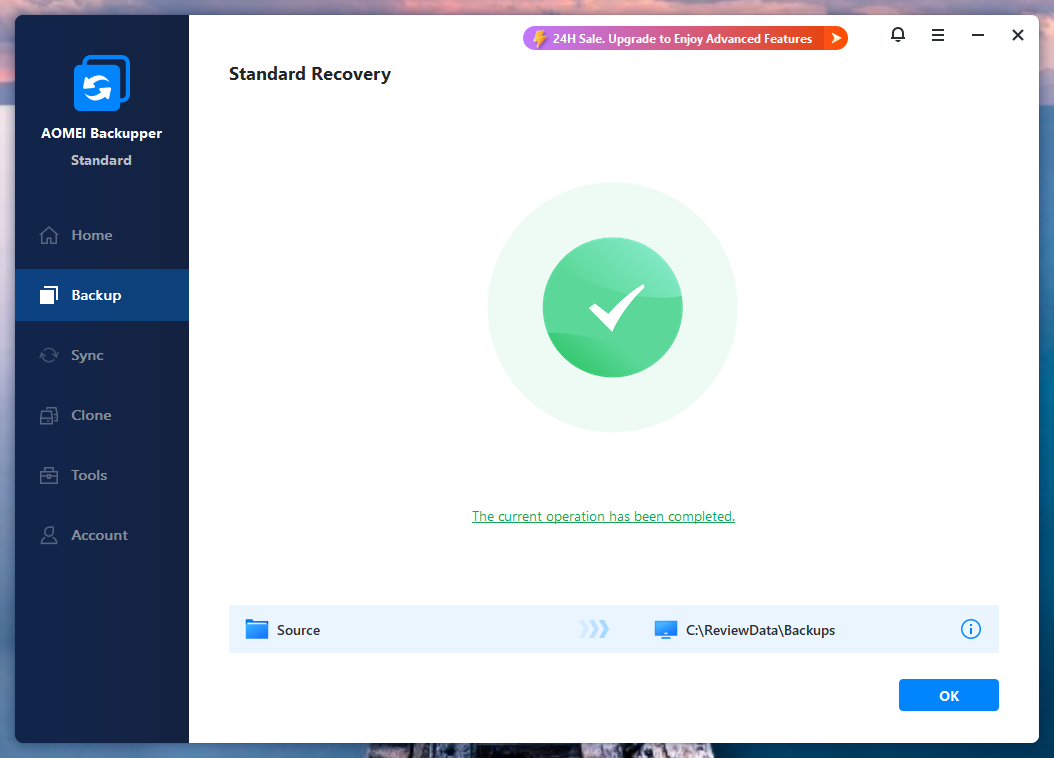
Standard’s full backup took eight seconds and produced a 33.7 MB image. Its daily schedule then ran an incremental backup in three seconds. Restoring that point brought back the changed document and new file without resurrecting the deleted one. Restoring the original full point recovered the older document and deleted file. Both restores matched all 104 files, and the empty directory survived. The separate image-check command also reported success.
 Open larger screenshot
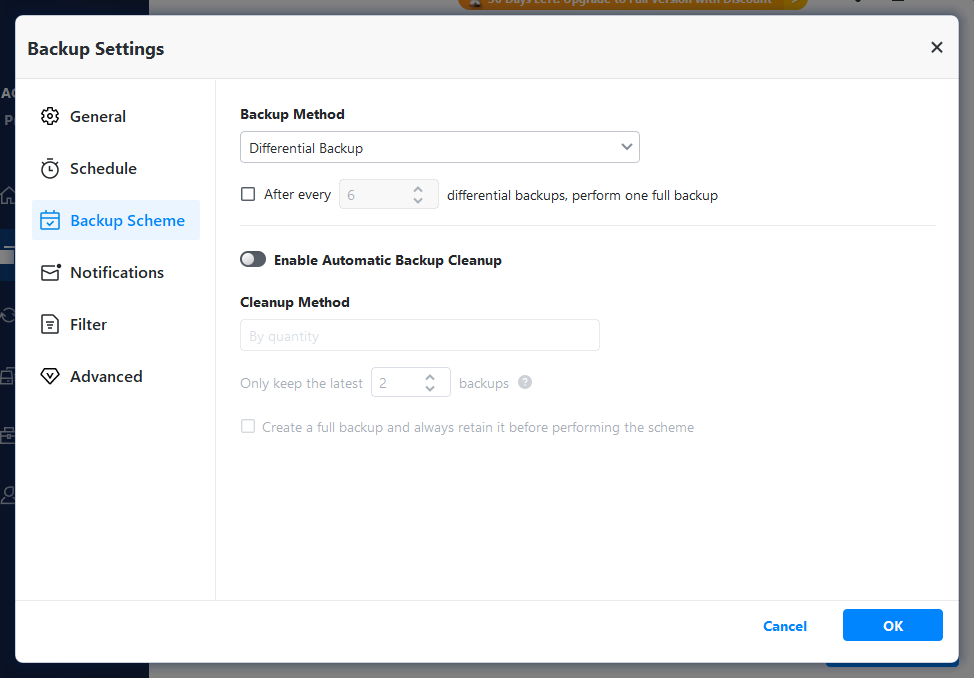
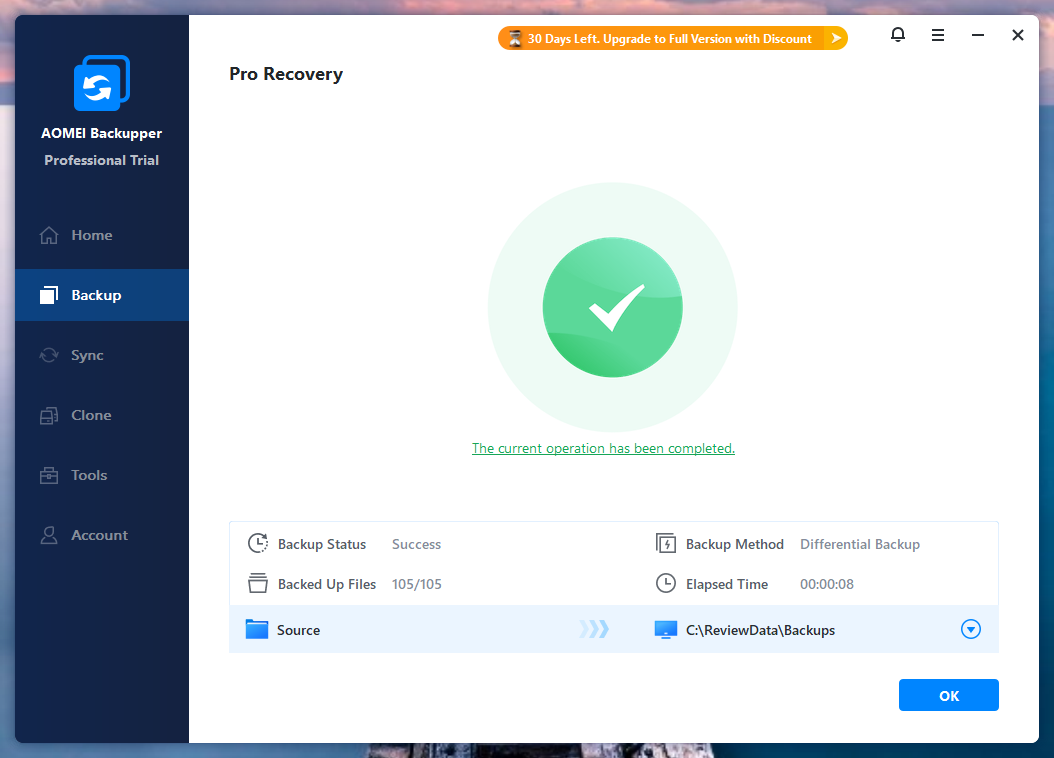
In the Professional trial I enabled encryption and differential backup. The initial full backup and the later differential each took eight seconds. After another change and an additional file, restoring the differential point recovered all 105 files with matching hashes. An incorrect password was rejected when I tried to run the encrypted backup job; the correct password let it proceed.
 Open larger screenshot
These are small file-backup tests on a single guest disk. The timings say what happened with this folder, not how long a terabyte of photos or a whole system would take. I did not test sync, cloud storage, damaged-image recovery or restore to different hardware.
Rescue ISO creation worked. Standard downloaded its Windows PE environment and created an 879 MB ISO in about four minutes. The downloaded Windows PE image passed a Windows integrity check, and the finished ISO contained its boot image, UEFI loader and boot catalog.
I created the recovery ISO, but did not boot it or perform a full-system recovery.
Installation and first run
The installer offered the Pro trial before installing Standard. I declined and installed the free edition. The Standard download was about 200 MB and the installed program folder measured about 721 MB. I saw no third-party software offer.
The completion screen had the User Experience Improvement Program checked by default. Standard’s first window showed an upgrade banner. Installation added an automatic Backupper scheduler service, backup-image file associations, a desktop shortcut and Start-menu links for the program, uninstall, PDF manual and website. I found no separate companion application among those shortcuts. The rescue-media tool was the extra tool I actually launched.
The Professional trial installed without a card or account. Switching editions through the installer preserved my backup tasks and images, which made it possible to check the same files after expiry.
Day-to-day use
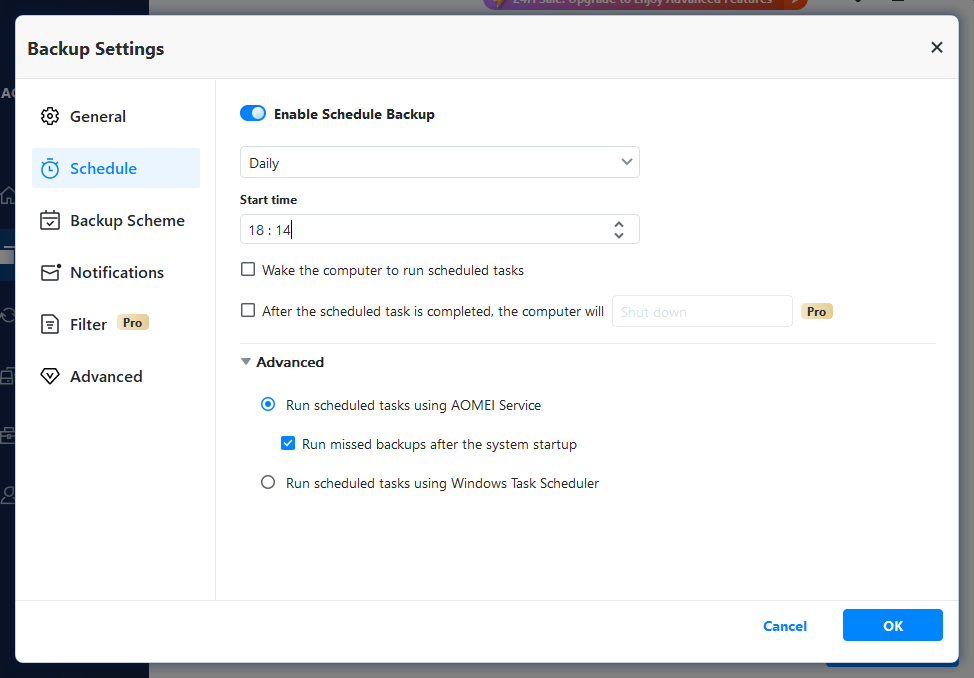
Scheduling worked; the sales prompts were harder to ignore. I set a daily job using AOMEI’s service and saw it run without a manual backup command. With just Standard’s main window open, five settled samples showed about 105 MiB for the main process and another 24 MiB for the scheduler service. That service has a clear purpose here: it runs the backups.
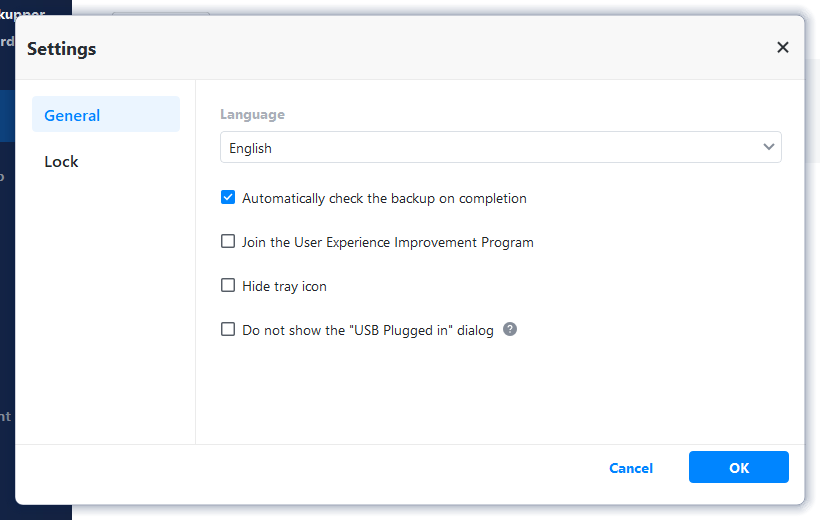
Automatic image checking after a backup was off by default. I switched it on and switched the experience-improvement option off. Both settings survived a relaunch. I did not capture network traffic, so the setting is evidence of an available control, not proof of what the app did or did not send.
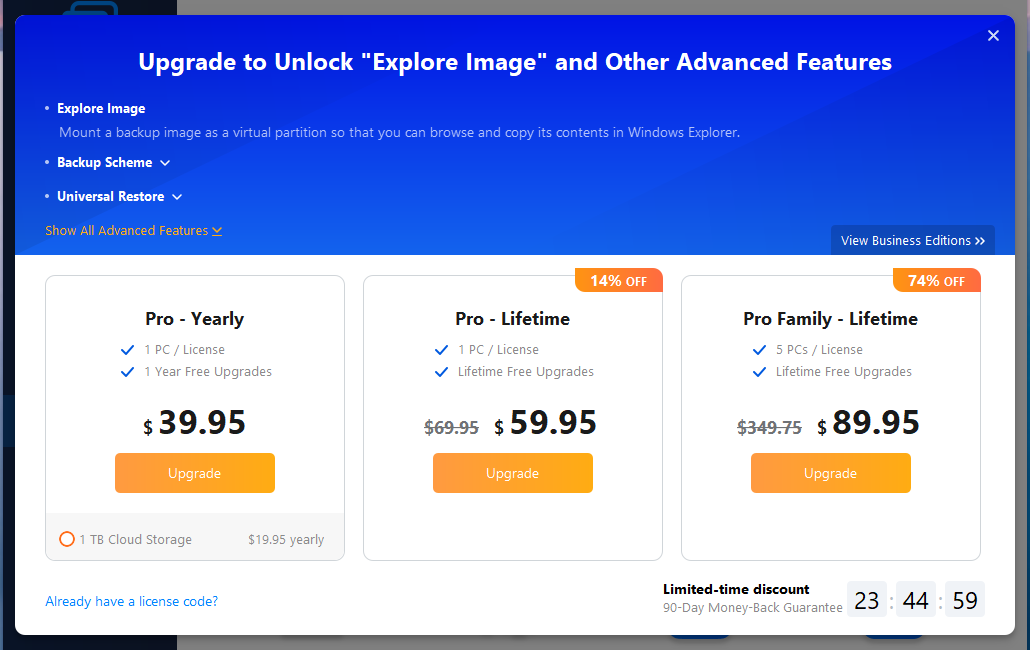
Both Standard exits I tested opened a discount offer that needed another click on Still Exit. The Pro trial also showed an exit offer. A rating request appeared after a task, and Standard’s Explore Image command opened a purchase screen. These were AOMEI’s own promotions, not third-party ads. Still, discount pop-ups, countdown offers and an upgrade banner in a free app are ads to me, and that’s why Backupper carries the adware flag. I did not submit a rating or buy anything.
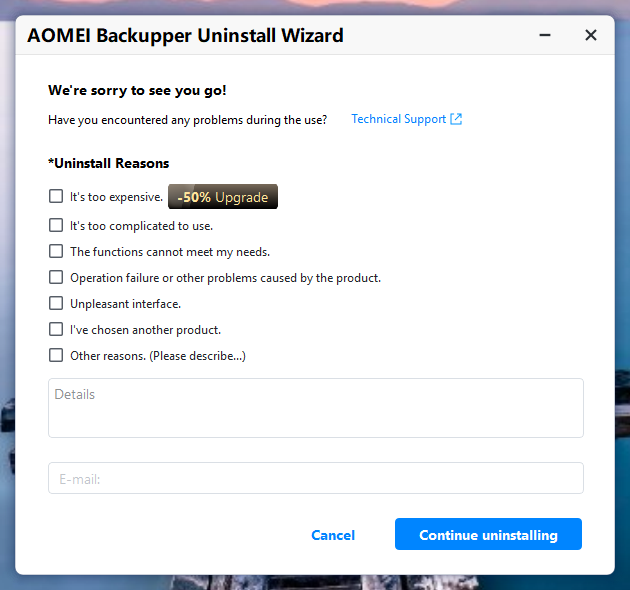
Uninstalling had another condition. The standalone uninstaller required me to choose an uninstall reason before continuing. Closing that survey canceled removal. I later selected Other reasons, entered “Review testing complete” and continued without supplying an email address. Installer-managed edition replacements had skipped this survey.
Removal reached a restart-required prompt. Before restarting, the scheduler service, shortcuts, backup-image associations and uninstall entry were gone, with no Backupper process running. My 105 source files still matched their hashes, as did the four backup images I had preserved before expiry. Settings, a small cache and a boot-time cleanup task remained. I deferred the restart, so I cannot say whether that cleanup finishes. The fairness score covers Standard and the trial behavior I observed, not paid cancellation.
 Open larger screenshot
Price and value
Standard already covered the full, scheduled incremental and file-restore jobs I tested. There is no reason to buy Professional merely to get those results. Professional’s encrypted differential backup also worked in the trial, so there is a concrete paid feature to evaluate if that is how you want to protect your backups.
The editions table uses AOMEI’s regular US store prices. In-app offers showed different discounts, including countdown offers, so I would check the final checkout terms rather than assume that any one popup is the normal price. The annual license renews automatically; the lifetime option avoids that recurring bill. Optional cloud storage is a separate purchase.
I would start with Standard and pay only for a feature I actually need. Its file restores and rescue ISO creation worked in my tests. Before relying on any backup program for a failed Windows installation, I would also make the rescue media on the PC it will protect and test that it boots.
What happens when the trial or subscription ends
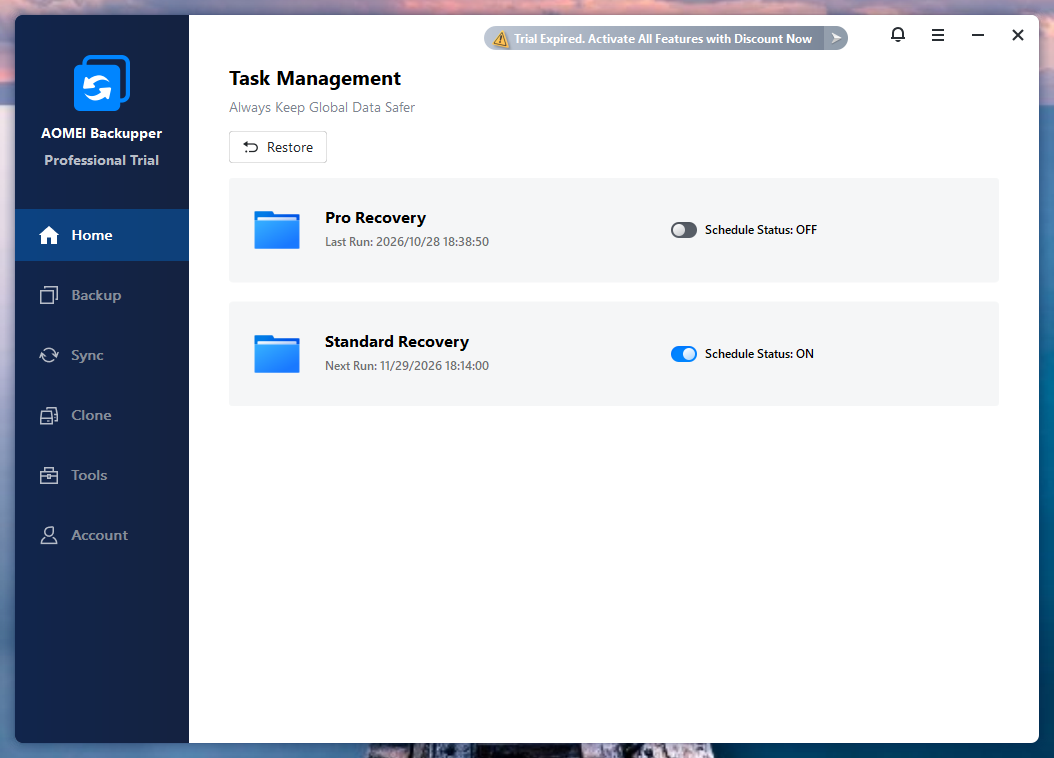
The expired Professional trial blocked manual recovery, but free Standard provided a working way back to my files. I advanced the guest clock by 31 days. Professional displayed Trial Expired, and reinstalling it through the normal replacement installer did not reset the trial.
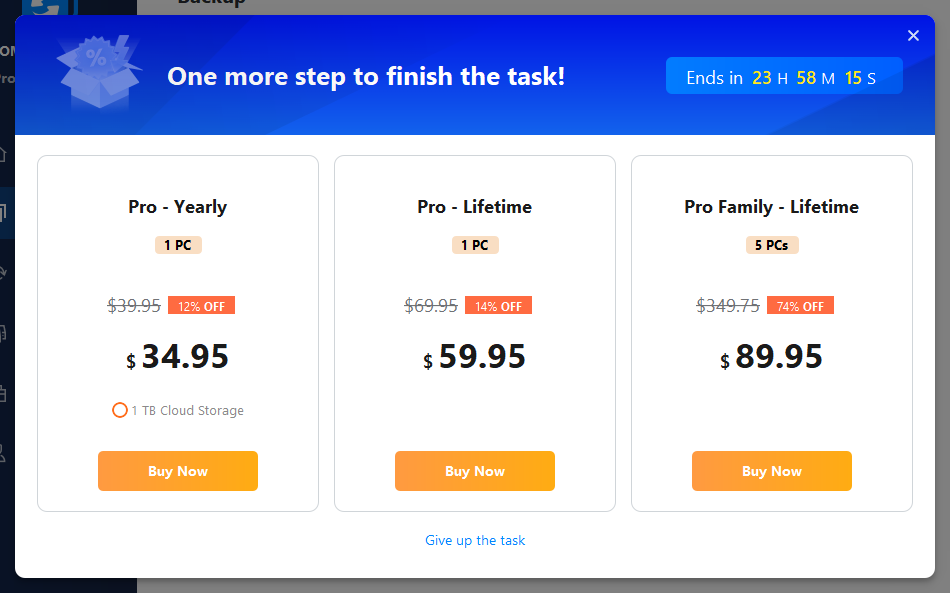
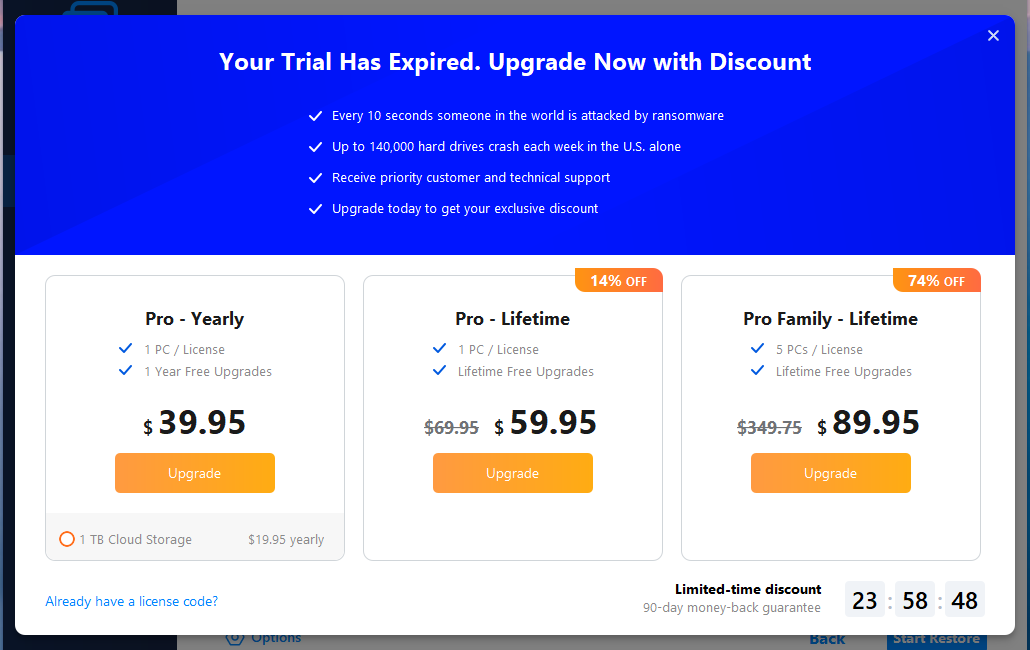
The expired app accepted my backup password and let me browse the encrypted differential image. Starting the restore opened an expiry purchase screen instead of recovering the files. Starting a manual Pro backup did the same. Dismissing that offer brought up another offer with a Give up the task link. I also saw activity from the earlier Standard schedule after the clock change and a new incremental image, so I would not describe expiry as stopping every background operation.
 Open larger screenshot
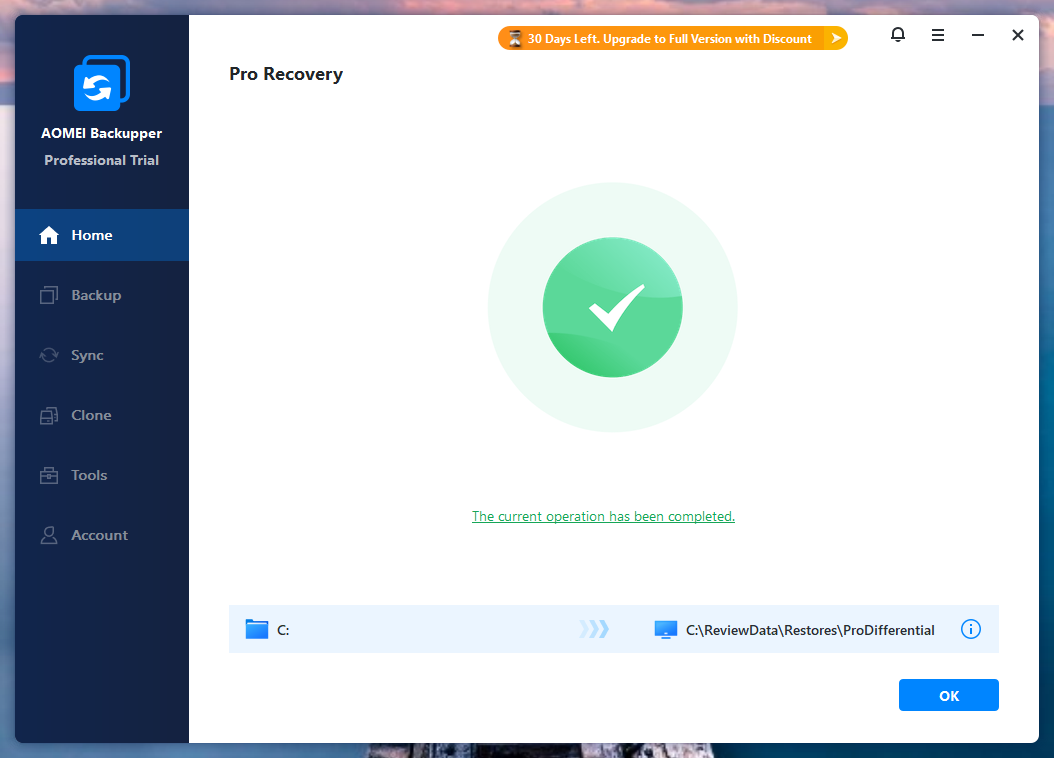
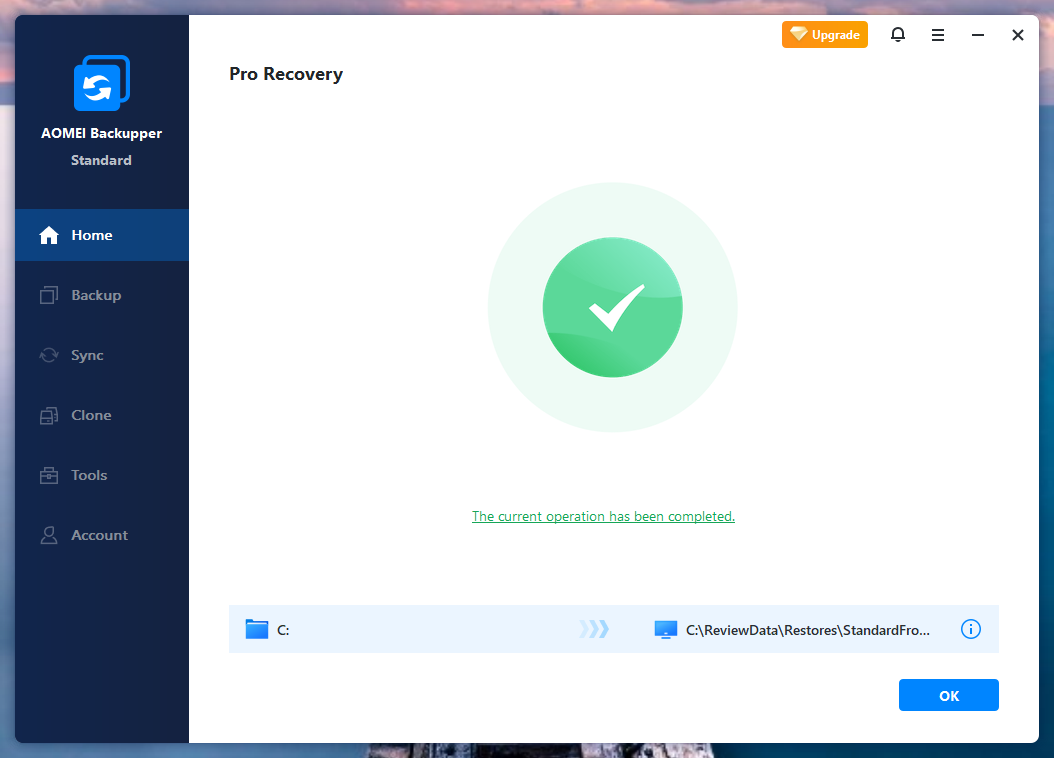
I then installed Standard, still at the later date, supplied the password and restored the same Pro differential backup to a separate folder. All 105 files matched. That is useful evidence that this particular encrypted backup remained recoverable without buying Pro. It is not a test of every Pro backup type or a lapsed paid subscription.
 Open larger screenshot
Standard itself has no timed trial to end. The yearly Pro license renews automatically, and paid licenses come with a 90-day money-back guarantee. I did not purchase, cancel a subscription or request a refund. A local clock change cannot establish how those processes work.
Alternatives, and who should skip it
A separate file copy may be enough if you only need another copy of a small folder. Windows copied the same 104-file starting set and all hashes matched. That gives you ordinary files you can open without Backupper. It does not give you the tested backup history, deleted-file recovery or a system image, and a copy on the same disk is no protection against that disk failing.
Veeam Agent for Microsoft Windows Free is another option to investigate for scheduled PC backups. Its published free-edition limit is one backup job, with local-drive and network-share destinations among its supported choices. I did not install or restore with Veeam for this review, so I cannot rank its speed or recovery reliability against Backupper.
Skip paying for Professional if Standard already handles your actual file-backup job. If your main need is recovery of an unbootable PC, include a boot-and-restore test in your own evaluation; my file-backup tests do not establish that result. Veeam is also worth investigating if you prefer a different vendor after reading about AOMEI’s security incident, with the untested comparison limits above.
Bottom line
Standard is worth trying for scheduled file backups; I would keep the free edition unless I needed a paid feature such as the encrypted differential backup I tested. Check a restore from your own images before relying on them, especially before changing editions or letting the Pro trial end. For full system recovery, add a real rescue-media boot test on the PC you intend to protect.