

What Internet Download Manager is now, and who it’s for
Internet Download Manager is useful if downloads are something you manage, rather than something you click and forget. It keeps a list, sorts files into categories, runs queues and resumes interrupted transfers. Its browser extension hands downloads to that list without making you copy every address.
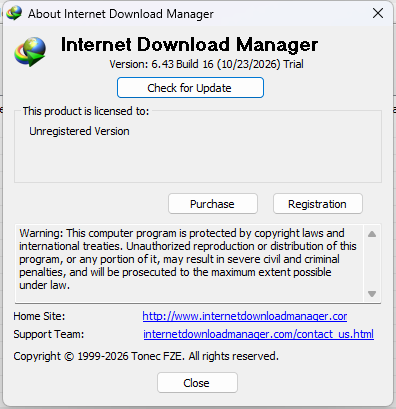
I tested the unregistered Windows trial of 6.43 Build 16. Manual downloads, Edge interception, a queued job and pause/resume all worked, and the completed files matched their reference copies. That is the reason to consider it. I did not establish that it makes an ordinary internet connection faster.
Tonec sells one-year and lifetime licences after a 30-day trial. The trial licence permits noncommercial use. This is a Windows app, supporting Windows 7, 8/8.1, 10 and 11, including 64-bit systems. There is no version of this IDM for macOS, Linux, Android or iOS. If you only download a few files a month, I would start with your browser.
Do the 6.43 Build 16 changes matter to you?
Build 16 is mainly a video update. Its release notes cover missing download panels on some videos and improved, faster conversion. I tested file downloads, not streaming-video capture or conversion, and didn’t compare it with an older build.
If a video you are allowed to save stopped appearing in IDM’s panel, those fixes are relevant. If you mainly download installers and documents, they give you little new to use. The ordinary HTTPS MP4 file I downloaded worked, but fetching a file directly is different from finding a stream, combining its tracks and converting it.
Downloading in practice: completed files and interrupted jobs
Resume worked, and the file came back intact. That matters more to me than a moving speed counter.
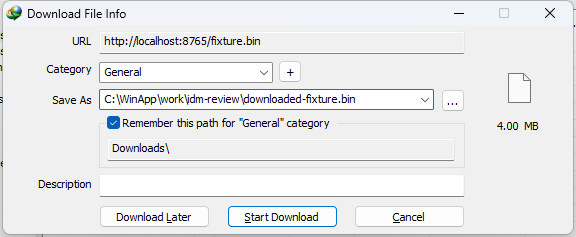
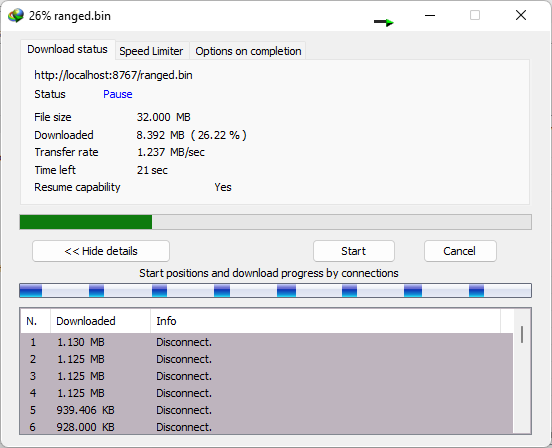
I used a controlled HTTP server with known files, byte-range support and a deliberate delay in each connection. A 4 MiB file completed normally. For the resume test, I paused a 32 MiB transfer at 26%, waited, then pressed Start. IDM continued from saved progress. The server recorded requests for nonzero byte ranges, and the finished file’s SHA-256 hash matched the original.
 Open larger screenshot
| Job | Result |
|---|---|
| Manual HTTP download, 4 MiB | Completed; exact hash match |
| Pause and resume, 32 MiB | Continued from partial progress; exact hash match |
| Download intercepted from Edge, 4 MiB | Passed to IDM, categorized and saved; exact hash match |
| Download Later, then start the main queue, 32 MiB | Completed; exact hash match |
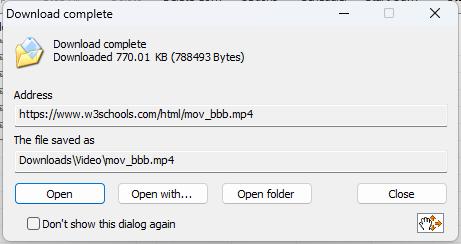
| Direct HTTPS MP4, 788,493 bytes | Matched an independent download with the same user agent |
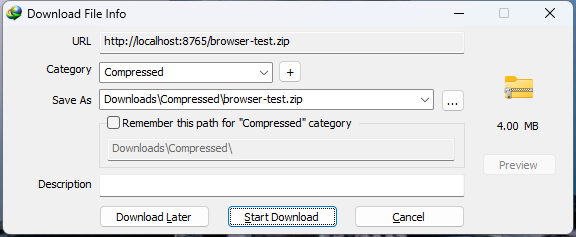
The browser test files had ZIP filenames to trigger IDM’s download capture and Compressed category. Their contents were test bytes, not archives. This was a transfer check, not an extraction check.
Windows’ included curl downloaded the same 32 MiB file correctly too. For the HTTPS sample, the site refused curl’s default user agent; using the user agent displayed in IDM’s settings produced the same MP4 bytes as IDM. That is a server compatibility difference in this test, not proof that one downloader is generally better.
The advertised speed gain of up to eight times was outside what my setup could measure. My server delayed each connection separately, so opening several connections gave IDM an artificial advantage. A real server may cap your total bandwidth, refuse extra connections or not support resume. Segmentation and resume worked here; any speed gain will depend on the server and your connection.
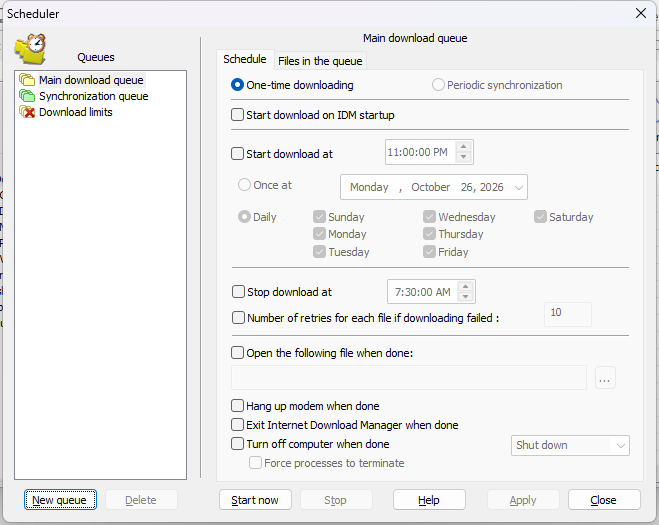
I started a queued job through Download Later and checked its output. Timed starts, repeated synchronization, shutdown actions, FTP, authenticated sites and the website grabber remain untested.
Installation and first run
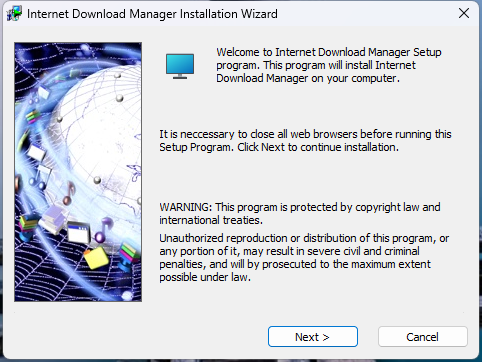
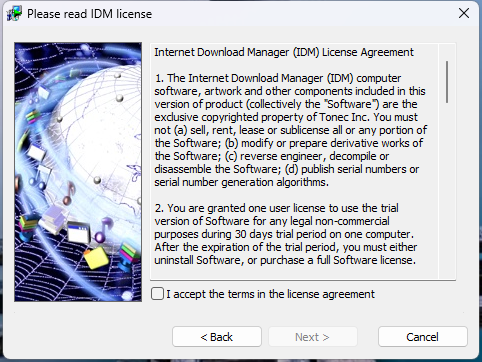
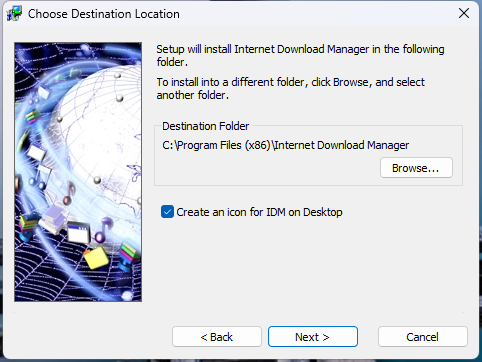
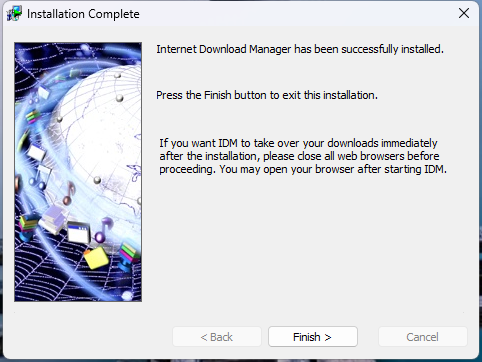
The installer was straightforward and asked for no account or card. The roughly 12.1 MiB download had a valid Tonec signature. Setup showed a licence, a destination folder and a prechecked desktop shortcut. I saw no third-party offer.
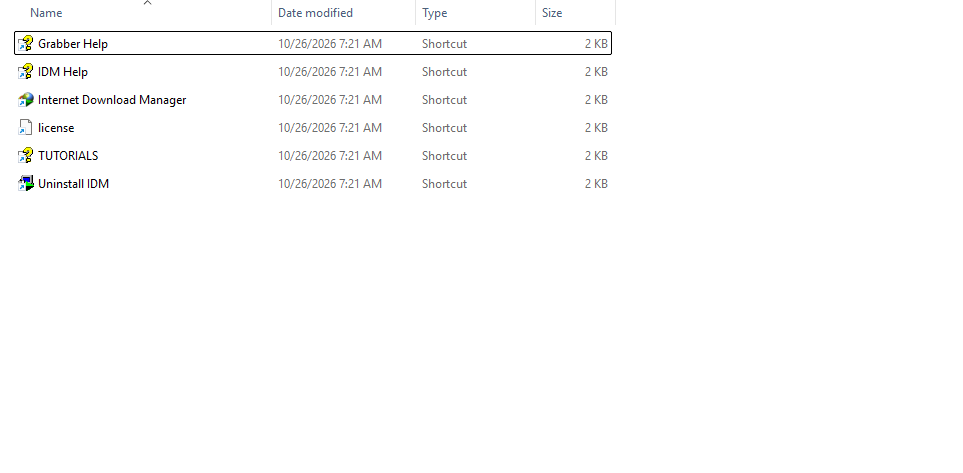
It added about 25 MiB of program files, a desktop icon, and Start-menu links for IDM, its help, grabber help, tutorials, licence and uninstaller. I found no separate companion app. The footprint comparison showed an IDM startup entry, but no additional IDM service or scheduled task.
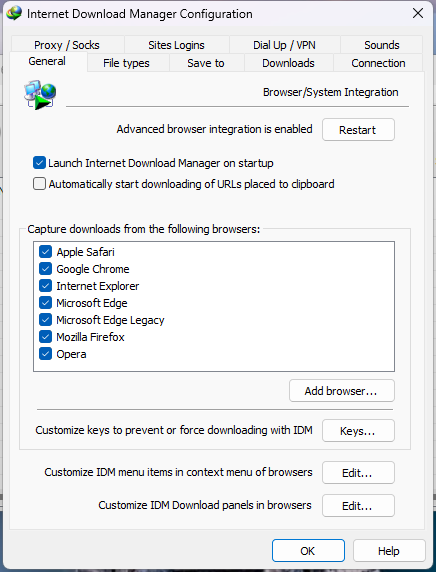
I don’t like that setup never asked about startup. There is no startup option anywhere in the installer, yet IDM was set to launch with Windows. General settings let me turn it off, and the startup registry entry went away. It’s an easy fix, but it should have been my choice, and it costs IDM points in the verdict. The same settings page lists the browsers IDM should capture from; clipboard URL capture was off.
Edge still required me to turn on the extension. Its permission prompt included reading and changing data on websites, managing downloads, managing apps and extensions, and communicating with native applications. Those are broad permissions. They are worth reading before you enable a tool that sits between your browser and your downloads. I did not audit its network traffic.
 Open larger screenshot
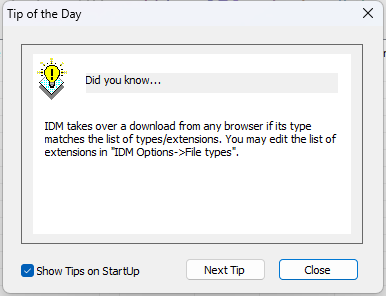
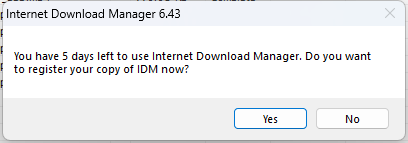
First run brought a Tip of the Day window with a working startup-tip switch. During use I also saw a registration reminder with Yes and No buttons and a remaining-day count. No let me continue.
Day-to-day use
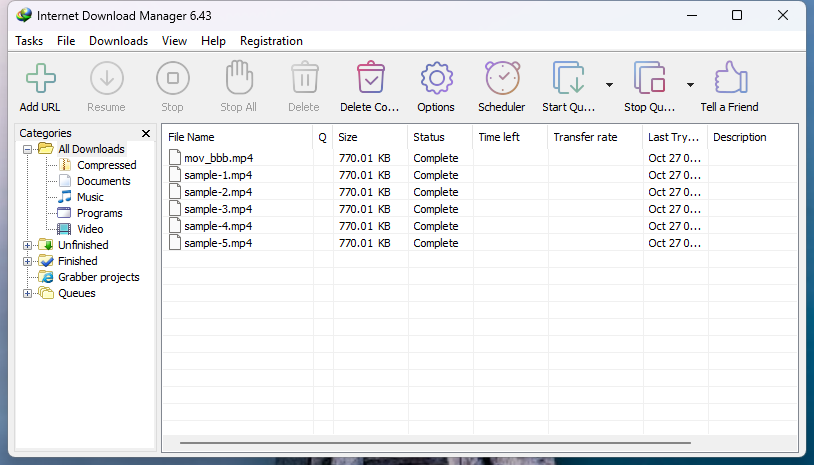
The main list does its job without trying to become a file suite. Categories sit on the left, downloads on the right, and the useful actions are in the toolbar. The separate progress dialog shows connections, transfer rate and whether resume is available. It is a busy, traditional Windows interface, but the distinction between downloading now and adding to a queue is clear.
With only the main window open and no active transfer, three settled samples were about 42 MiB for IDM and another 16 MiB for its browser helper. I found no minimum RAM figure on the vendor pages I checked.
Closing the main window is not the same thing as leaving browser integration behind. After I used Exit, the browser’s native integration still created an IDM process while Edge remained open. That belongs in the cost of browser capture, rather than being an unrelated extra program.
Updates
I want an off switch for automatic update checks, and I couldn’t find one. I checked all nine configuration pages. Help offers a manual check, and the documented automatic interval is weekly. None of the settings I read disabled those checks. The warning on this listing concerns update checks; I didn’t see an update install without permission.
Removing it
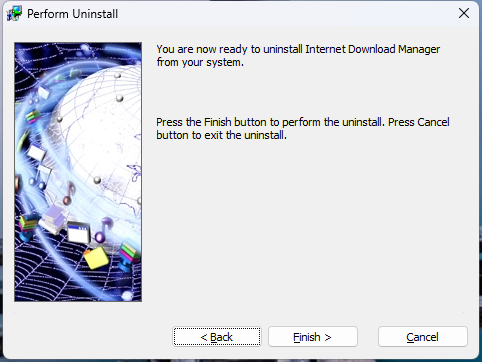
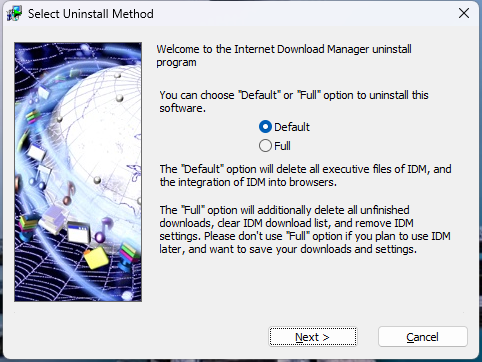
The uninstaller gives a useful choice. Default removal says it keeps your download list and settings; Full says it also removes settings, the list and unfinished downloads. I tested Full through IDM’s registered uninstaller.
 Open larger screenshot
It removed the startup entry, shortcuts and uninstall registration, and no IDM process remained after the removal windows closed. Completed downloads stayed in place and still matched their original hashes. A 163 KiB copy of the uninstaller remained in the program folder, along with some browser-related registry keys.
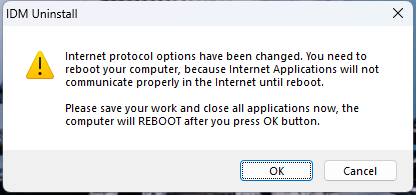
It also asked to restart Windows, saying internet protocol settings had changed. I deferred that, so cleanup after a restart is unverified. I would save other work before removing it.
Price and value
The lifetime licence is the one I would consider for regular use. Tonec’s current US store lists one PC at $11.95 for a year or $24.95 for lifetime use. The lifetime licence includes three years of updates from the first use of the key. That is lifetime use, not lifetime updates.
The price is reasonable if the browser capture and queue save you work every week. It is harder to justify for occasional downloads when your browser is already there and curl handled my basic file correctly for free.
What happens when the trial or subscription ends
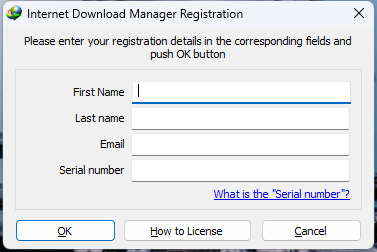
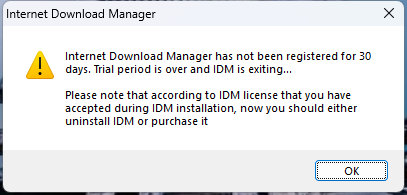
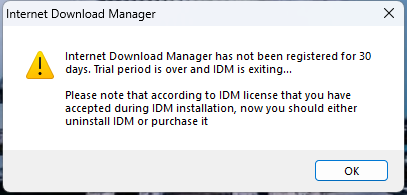
The unpaid trial eventually blocked the app, but my clock test did not reproduce a simple 30-day countdown. A held 31-day jump still left IDM reporting nine days. After exiting and moving ten more days forward, it said the trial was over and IDM was exiting. Acknowledging that opened a registration form; cancelling closed it. I could not reach the download window.
 Open larger screenshot
Reinstalling the same version with the date still forward brought back the expired-trial message. It did not reset the trial. This was a simulated expiry test, so it doesn’t establish the exact countdown during a normal month.
Your completed files are separate from that lockout. Windows could still read and hash mine after expiry and Full removal, with the same results. An unfinished transfer is different: Full removal explicitly warns that it deletes unfinished downloads.
The paid licence terms give the one-year version an expiry date unless extended; the lifetime licence has no usage expiry, with updates limited as described above. The refund period is 30 days after purchase. I didn’t buy a licence, so activation, renewal, cancellation and refund handling remain untested.
Alternatives, and who should skip it
- Your browser. Start here for occasional downloads. Installing another program and granting broad browser access should solve a problem you actually have.
- Windows’ curl. It downloaded the same 32 MiB test file correctly. It is an option for a direct URL or a script, though you have to work at a command line instead of using IDM’s list and dialogs.
- AB Download Manager. A free, open-source downloader with queues, scheduling and browser integration. I haven’t tested it, but it is an option to try before paying for IDM.
Skip IDM if you don’t need a managed download list, want a native app on another platform, or need a recommendation specifically for streaming-video capture. My tests support ordinary file downloads and resume; they don’t settle that last question.
Bottom line
Use the trial on the sites and files you actually download, especially any server where you need resume to work. If its browser capture and queue become useful habits, consider the lifetime licence. If you keep bypassing it, remove it before the trial ends and keep using your browser.