


What Revo Uninstaller Pro is now, and who it’s for
Revo Uninstaller Pro is worth considering when removing a program goes wrong. For an ordinary uninstall, I would start with Windows or Revo Free. Pro earns its place with a missing uninstaller, or when you want a record of what a new installation changes.
Its normal routine is simple: run the program’s own uninstaller, then look for files and registry entries it left behind. Forced Uninstall can search by a program folder when the normal route is broken. Installation tracing works the other way round: watch the setup first, save the changes, and use that record when removing it later.
This is a Windows tool. It supports Windows 7 onward, including Windows Server editions; I tested the installed Pro trial on current 64-bit Windows. The developer has a separate Android app, but no native Mac or Linux edition of this desktop program.
Do the 5.5.4 changes matter to you?
I would take this update if I already used Revo, but the release notes give a new buyer little to judge. The 5.5.4 release notes cover improved leftover scanning, minor bug fixes and updated language files. It doesn’t name a particular broken uninstall or explain the fixes.
The scanning change matters most because deciding what belongs to a removed program is the whole job. My tests below show what 5.5.4 found and removed. I didn’t compare it with an older build, so I can’t say it finds more, makes fewer mistakes or runs faster than before. The language updates may help if you use another language; I used English.
Cleanup in practice: what actually went
Revo removed the leftovers I put there, and its registry backup restored the setting I asked it to restore. That is useful. It still needs someone willing to read the results before clicking Delete.
A normal uninstall, with known leftovers
I made a small test program whose own uninstaller deliberately left two things: a preferences file in AppData and a registry setting. Alongside it I put a similarly named folder, another registry setting and a personal document. Those were things Revo should leave alone.
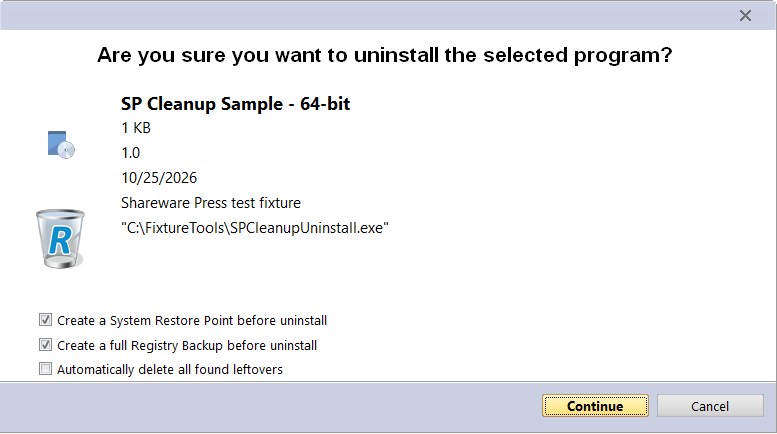
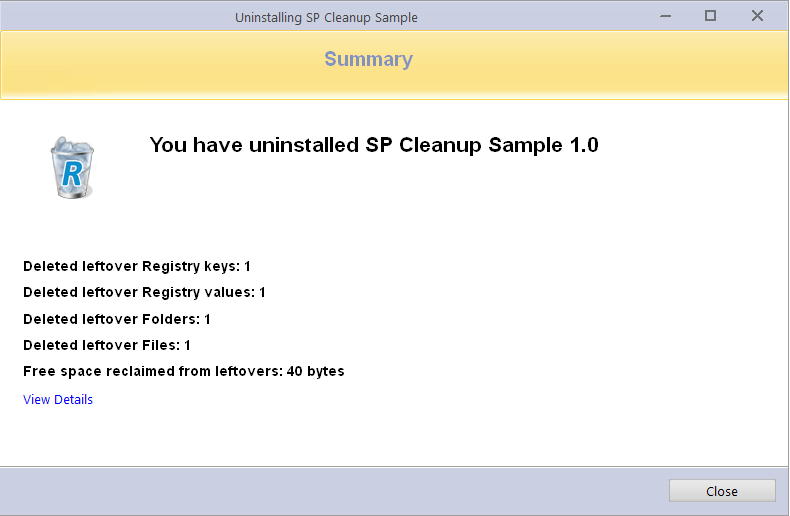
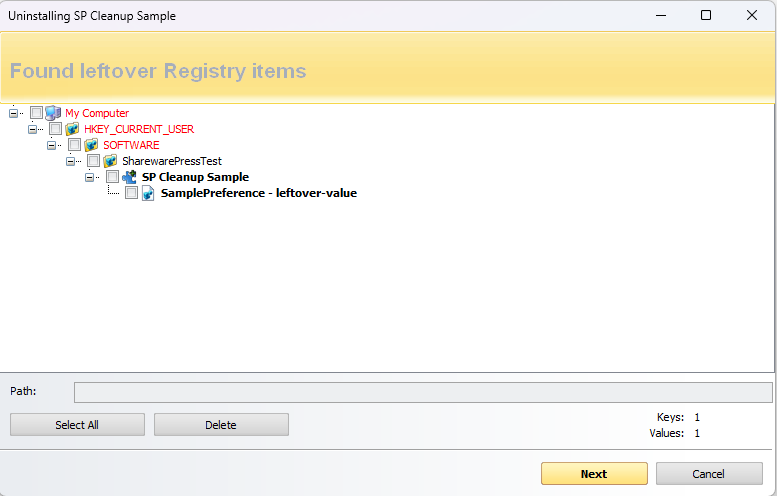
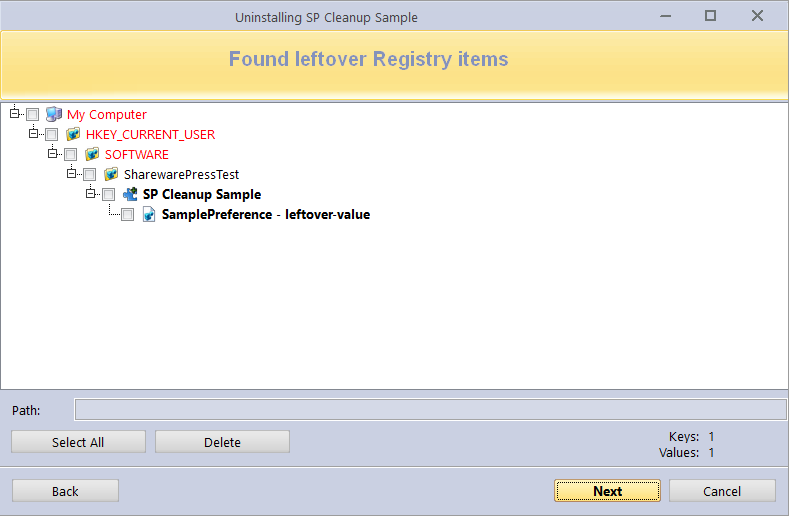
First I ran the native uninstaller by itself. The program and its uninstall entry went; both intended leftovers remained. Then I recreated the sample and removed it through the Pro trial, using the default Moderate scan. Revo found the preference key and value, and the preferences file. I selected those entries for deletion. They went, while the neighboring files and personal document kept the same contents and the other registry setting stayed put.
 Open larger screenshot
For comparison, I installed Revo Free 2.7.2 and gave it the same recreated sample, with the same scan mode. It removed those leftovers too and preserved the same guard data. Pro didn’t win this basic job. These were controlled samples, not proof that either edition can safely remove every program.
When the uninstaller is missing
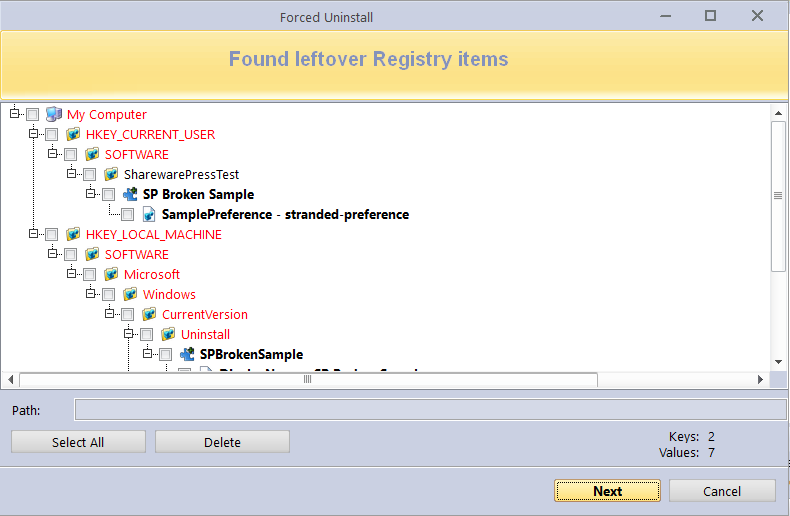
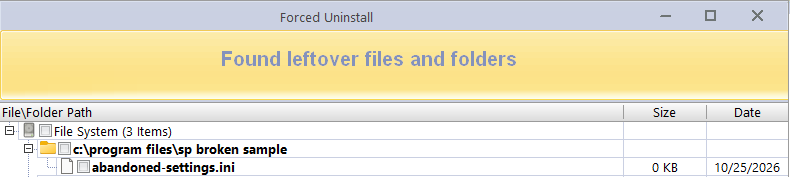
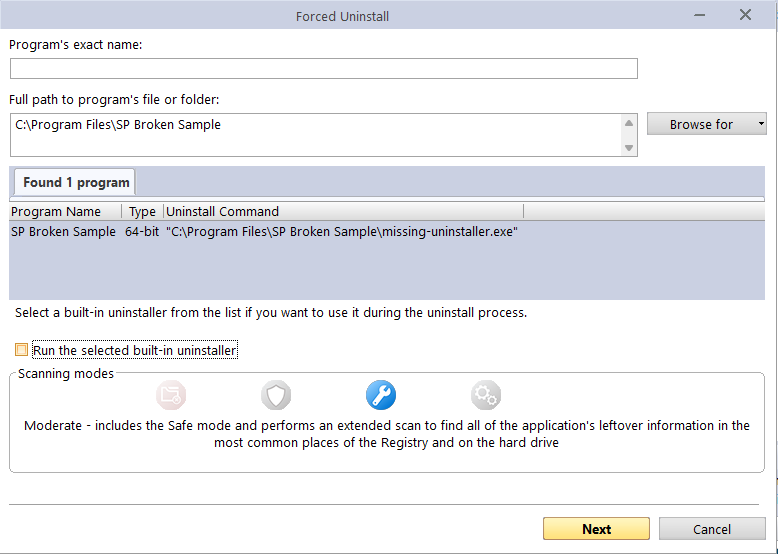
This is a better reason to pay. I registered a second sample with a program file, a stranded preference and an uninstall command pointing to an executable that didn’t exist. In Forced Uninstall I browsed to its exact program folder and turned off the option to run that missing uninstaller.
 Open larger screenshot
The Moderate scan found the registration and preference, then the program folder, its file and a recent-folder shortcut. After I selected and deleted them, the folder, uninstall entry and preference were gone. A similarly named sibling folder still had its original file. That is the sort of repair I want from a paid uninstaller: a specific program with a specific problem.
Watching a real installation
Installation tracing worked with WinMerge 2.16.58.2. I started its setup through Revo, installed it, opened and closed WinMerge, then saved the trace. Revo listed 339 registry items and 446 file and folder items. I kept other installations out of that session so their changes wouldn’t get mixed in.
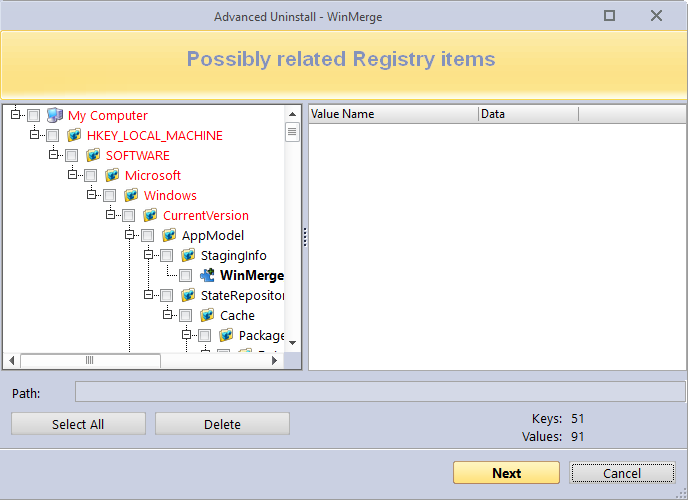
Removing WinMerge from the traced list removed its program folder and the settings keys I checked. The optional Advanced Uninstall stage then offered more potentially related registry and Windows package entries. I inspected those and left them unchecked. A long list isn’t a reason to delete it.
I also ran WinMerge’s own uninstaller on a separate installation. It removed the program folder and those checked settings keys too. That doesn’t establish that either route removed every shell registration. It does mean this test gives me no basis for saying Revo cleaned WinMerge more completely. The trace is useful for seeing what setup changed; its item count is not a score.
Undoing a deletion
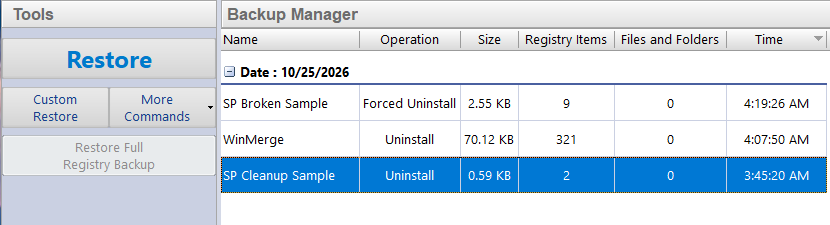
Backup Manager deserves some credit. Before deleting the first sample’s registry setting, I left Revo’s registry-backup option on. Restoring that backup brought back the exact key and value. The deleted preferences file did not return: this was a registry backup, not a backup of the whole application.
 Open larger screenshot
Deleted leftover files normally go to the Recycle Bin. I didn’t test restoring those files, a full registry recovery or System Restore. Keep that distinction in mind before treating the Undo button as permission to be careless.
Installation and first run
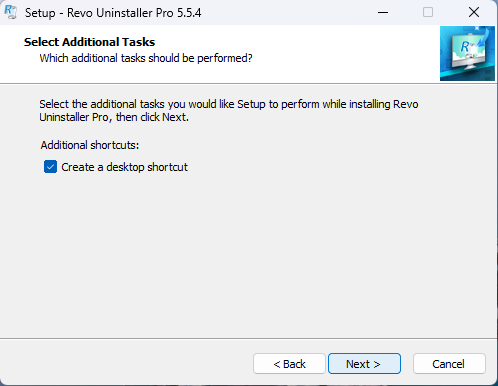
The Pro installer was clean and straightforward. My official download was 18.3 MB, digitally signed by VS REVO GROUP OOD. The interactive setup asked about the licence, destination and a desktop shortcut, which was on by default. I saw no third-party offers, account requirement or request for a card.
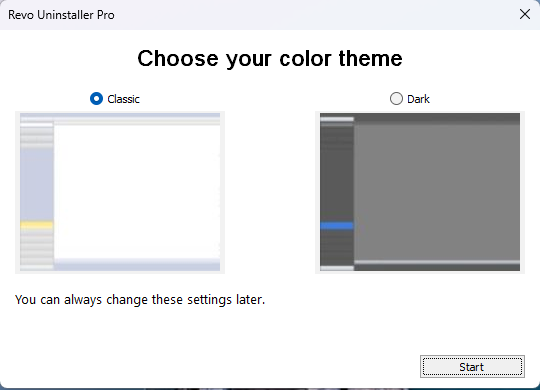
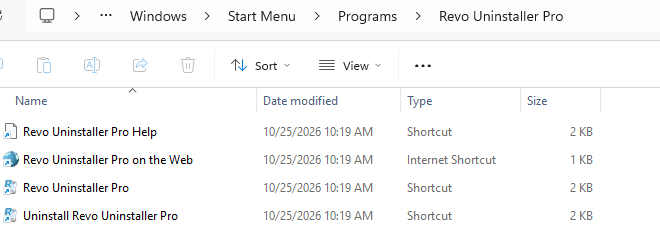
The installed program folder measured about 72 MB. My before-and-after snapshot found a folder right-click handler and five shortcuts, including the desktop one, but no added service, scheduled task or startup entry. The Start-menu folder held the program, Help, its website and Uninstall; there was no separate companion app. First launch offered a theme choice; the normal program list then showed the remaining trial days.
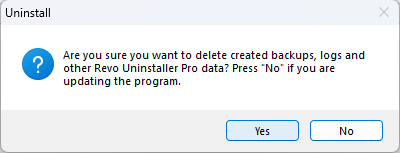
I also checked how well an uninstaller removes itself. Its own removal process asked whether to delete created backups, logs and other Revo data. After saving my test evidence elsewhere, I chose Yes. The Pro program folder, local data folder and checked settings key went, and the folder context-menu count returned to its original level. A roughly 65 KB license file remained in ProgramData, along with a registry key added during installation. Those leftovers are stored data, not evidence of a running background program.
Day-to-day use
The results screens are easier to trust than a one-click cleanup promise. Revo showed what it wanted to remove and waited for my selection. Automatic deletion was off. That gives me a chance to spot something I want to keep, though it also means this isn’t a tool I would hand to someone who doesn’t want to read file paths.
The main program list used about 36 MB of memory at rest, in three samples after a restart. That was with no removal or tracing job running. There is nothing remarkable about that footprint on a current PC.
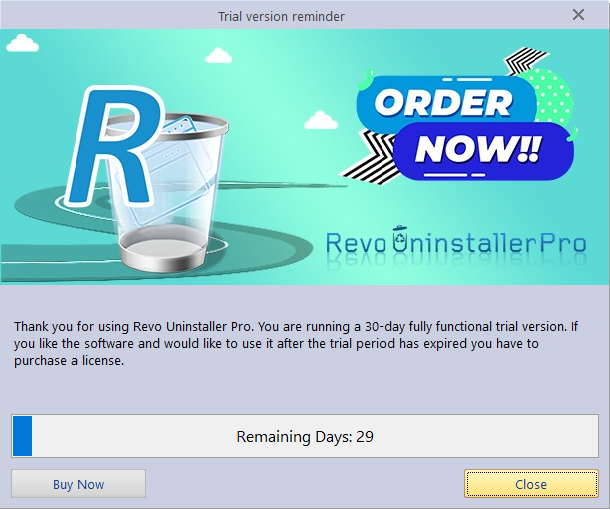
The trial reminder is less welcome. On three exits it opened an Order Now window that I had to close separately. Its Close button was usable without a visible countdown. Asking for payment is fair; asking again while I’m already leaving is an annoyance.
Update controls are better. Checking at startup was on and automatic background updating was off. I switched the startup check off, saved, restarted Revo and checked the boxes again. Both remained off. I saw no account or telemetry-consent prompt. I didn’t audit its network traffic.
Other tools include a shared Logs Database, Windows app and browser-extension removal, batch removal and cleaning tools. I didn’t use those for this review. They aren’t part of my reason to recommend it.
Price and value
I would buy the installed Pro edition for repeated troubleshooting or installation tracing. I wouldn’t buy it just to clear a few abandoned preferences: Free handled my basic test equally well.
The licence is a better deal than the word subscription might suggest. The licence lets you keep using the eligible version after the paid update and support period ends. You are paying for later updates if you renew, rather than renting access to the version you already have.
The Properties box and editions table show the current promotional prices and regular prices. Treat the discount as temporary. Portable is sold per user for multiple computers, which may suit someone maintaining several PCs, but I didn’t activate or test it. Portable has no trial. The installed trial is the version I would use to decide whether the features are worth paying for.
What happens when the trial or subscription ends
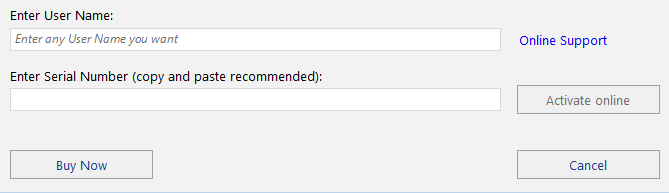
The trial ends with a lock. I moved the test machine’s clock forward 31 days and checked that it stayed forward. Revo then opened only an activation window asking for a name and serial number. Cancel closed it. There was no program list or way into cleanup, the saved trace or Backup Manager.
 Open larger screenshot
Reinstalling didn’t help. I uninstalled, chose to remove Revo’s data, installed the same version again with the clock still forward, and got the same activation screen.
Your ordinary files aren’t locked by this. My personal document and guard files were still readable with their original contents. Revo’s saved backup and trace data also remained available to copy before I uninstalled, but I did not restore a Revo backup through another tool. Having the bytes is different from having a working Restore command. Finish any recovery you need while the trial still opens.
For a paid licence, expiry ends updates and support rather than access to the eligible version. The purchase terms allow you to decline automatic renewal and include a reminder seven days before an automatic charge. Refund requests go through support with your order details under a 60-day money-back guarantee. I didn’t buy a licence, so I haven’t checked the renewal default, cancellation, refunds or continued use after the paid update period.
Alternatives, and who should skip it
- Revo Uninstaller Free 2.7.2. My first choice for a normal uninstall followed by leftover scanning. It matched Pro on the recreated preferences-file and registry-setting test. I installed it and did that job; this wasn’t a full review of its other features. It showed an Upgrade to Pro button, but no third-party ad during that comparison.
- The program’s own uninstaller. Start here when removal works normally. Windows’ uninstall command uses the removal program supplied by the app. Running WinMerge’s native uninstaller removed the program folder and settings keys I checked. My deliberately untidy sample left its preferences behind. Whether that matters depends on what remains; a few saved settings don’t automatically need cleaning.
Skip Pro if you rarely remove programs, if Free already handles the job, or if you want every result deleted without reading it. Consider it when you regularly install software for testing or have a broken uninstall that needs a targeted search. Mac and Linux users need a different tool.
Bottom line
Try the installed Pro trial on a troublesome program, or use it to trace the next installation you expect to remove. If neither job comes up, stay with the native uninstaller or Revo Free. Before the trial ends, finish any backup restoration you need.