
What WinZip is now, and who it’s for
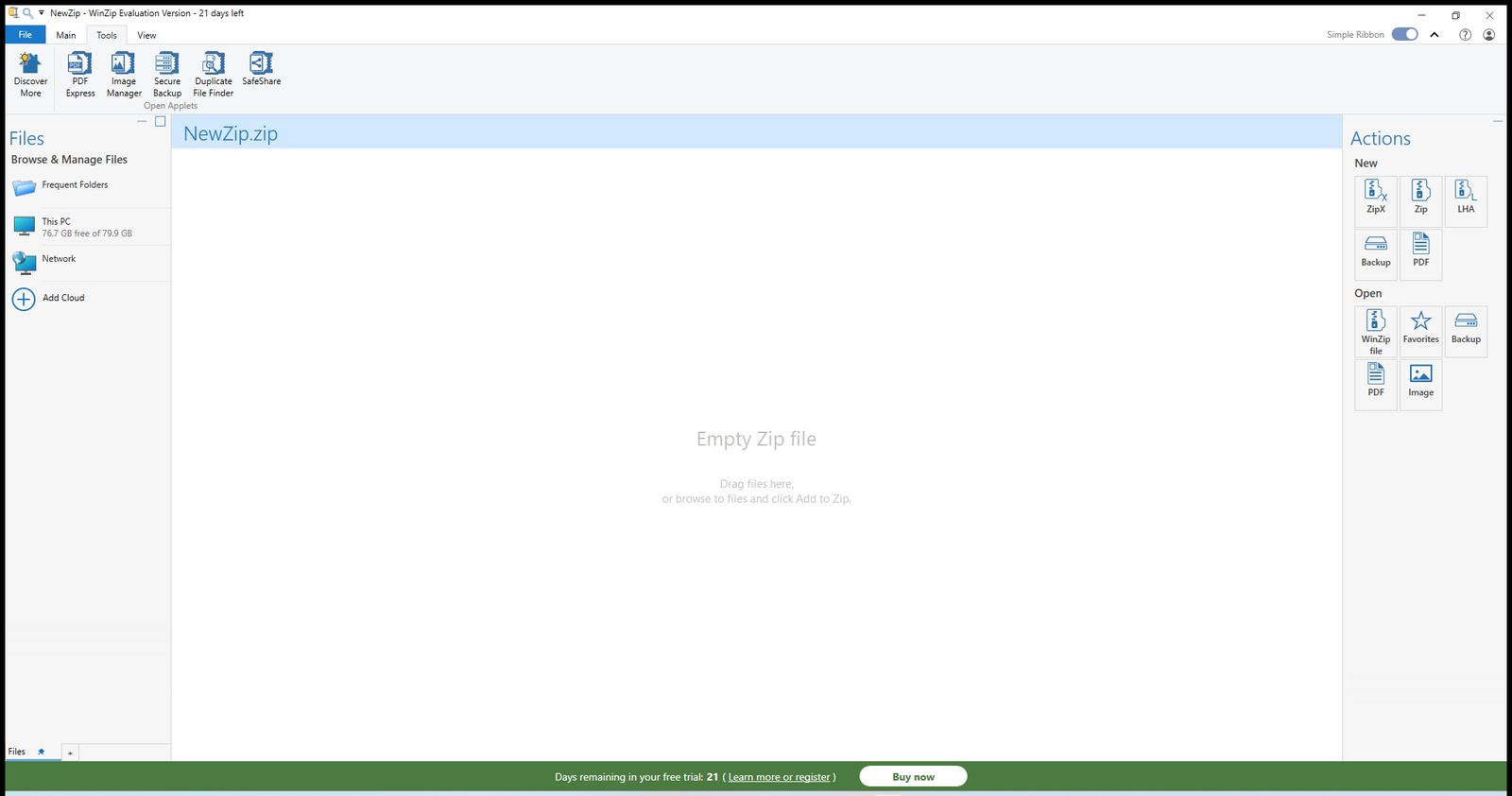
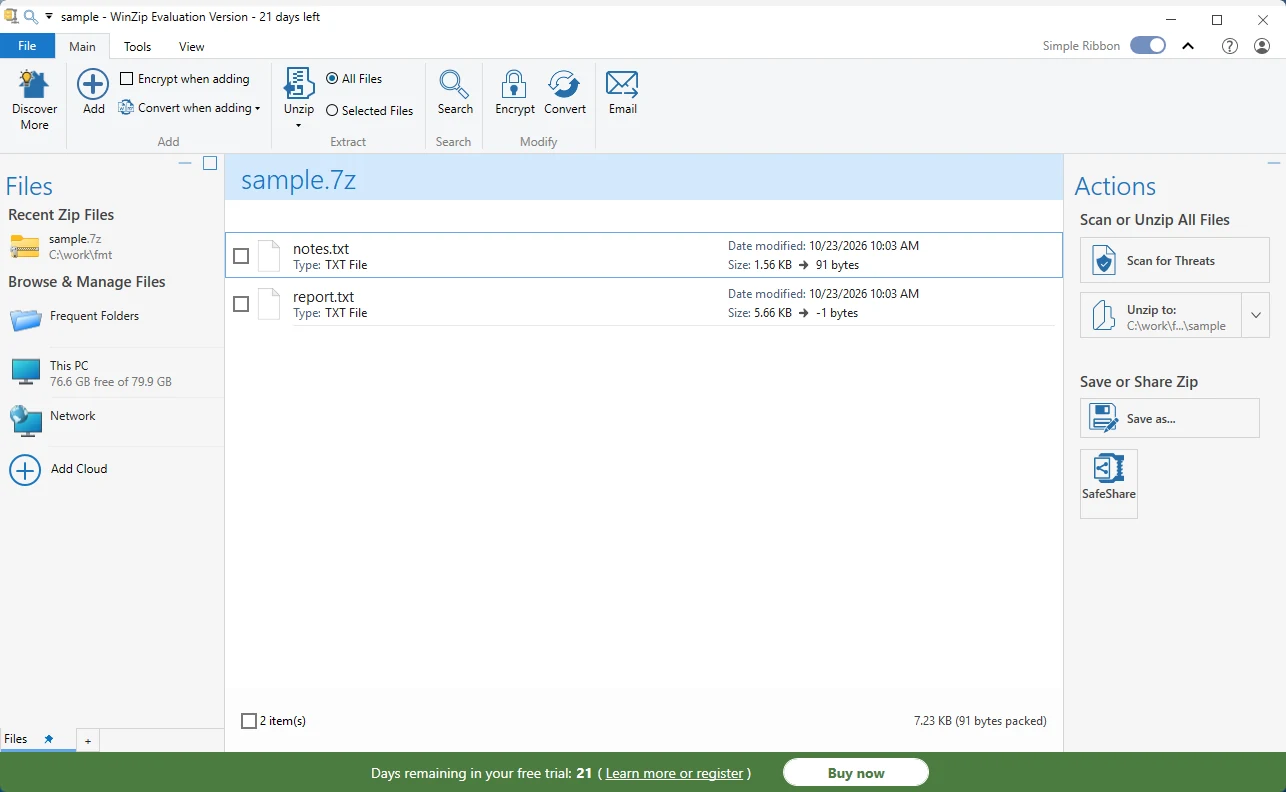
WinZip is not just a zip tool anymore. It is a file suite. The main window does archiving and encryption, and a PDF tool, an image manager, backup, secure sharing and a duplicate file finder come along with it.
So who is it for? Offices that send encrypted files to clients and want one tool everyone already knows. That’s really it. If you only open the odd download, Windows already does that for free.
Do the 77.2 changes matter to you?
I tested every change I could in a clean Windows 11 test environment. The question for each one is whether it matters to you.
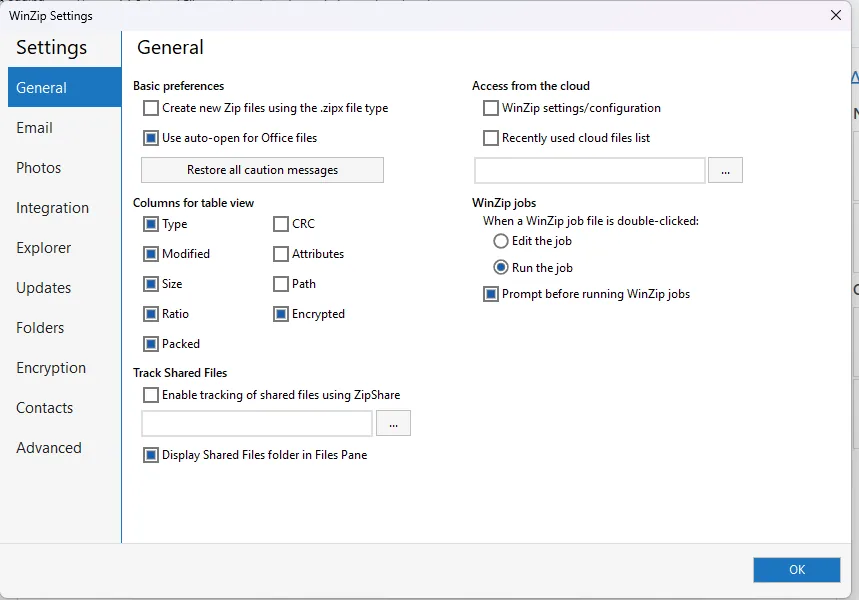
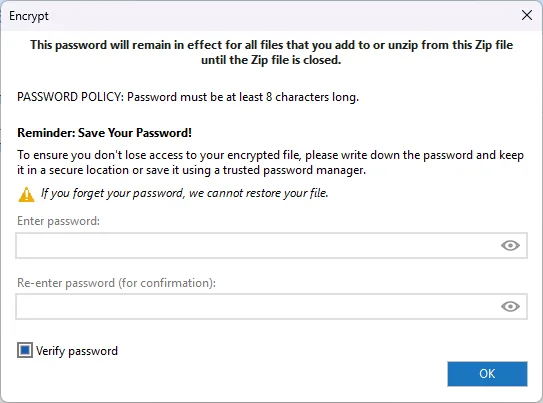
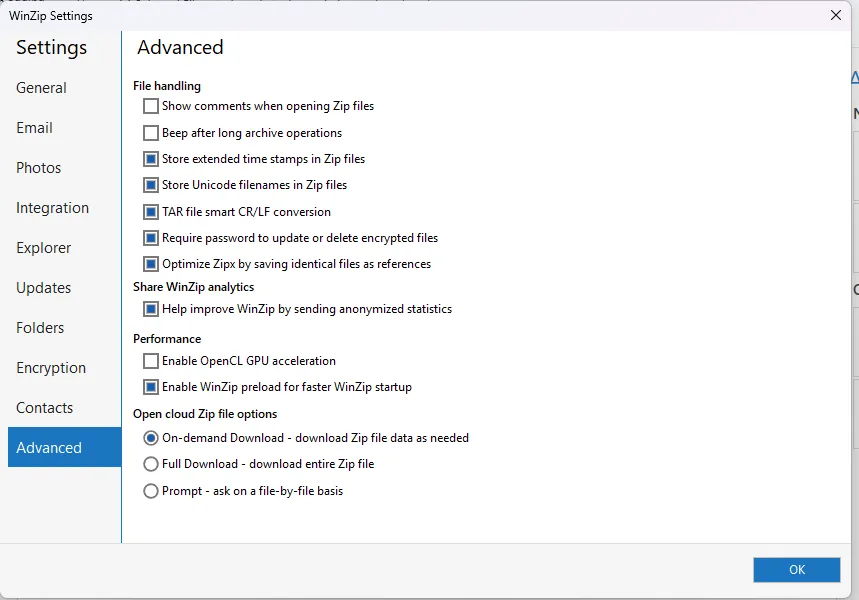
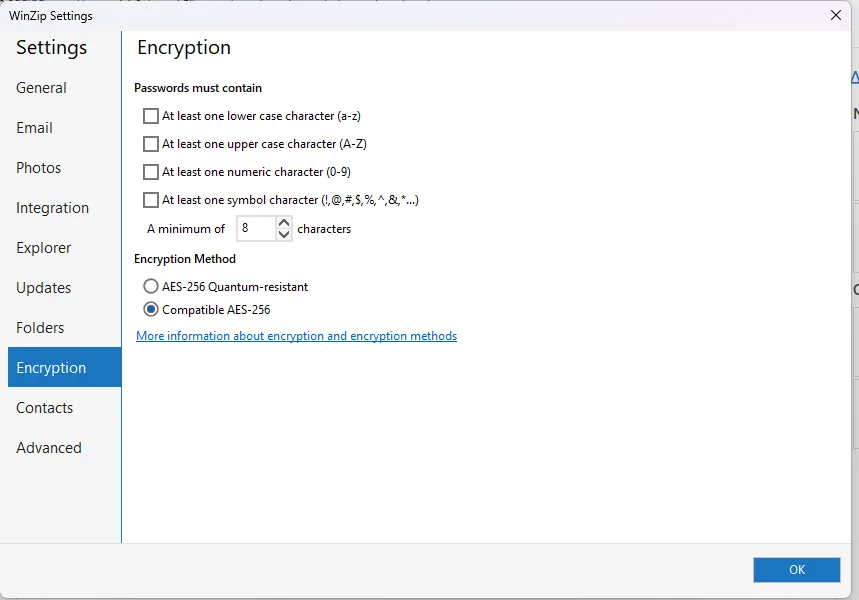
“Quantum-resistant” encryption. This is the headline. It is a second method, not a replacement, and it is not the default: a fresh install uses Compatible AES-256. You switch in Settings, Encryption, as one setting for everything. The Encrypt dialog only asks for a password. The new archives are marked differently inside the file and the program carries GCM routines, so I am fairly sure this is the AES-256-GCM mode WinZip announced. It never says GCM on screen.
 Open larger screenshot
Do you need it? Probably not. The old method was already AES-256 with a tamper check. The new one does both in one step. For you, that changes almost nothing, except who can open your files. And both use the same 256-bit AES key. If one is quantum-resistant, so is the other. The label sells. It doesn’t describe a difference.
A self-check at every start. The new startup check verifies WinZip’s digital signature and is designed to stop it if verification fails. With the activity log on, every launch logged “check passed”; I didn’t modify the program to test a failure. It’s on for everyone and costs nothing. Good. But it checks WinZip, not the files you open, and it can’t help if your copy was never genuine.
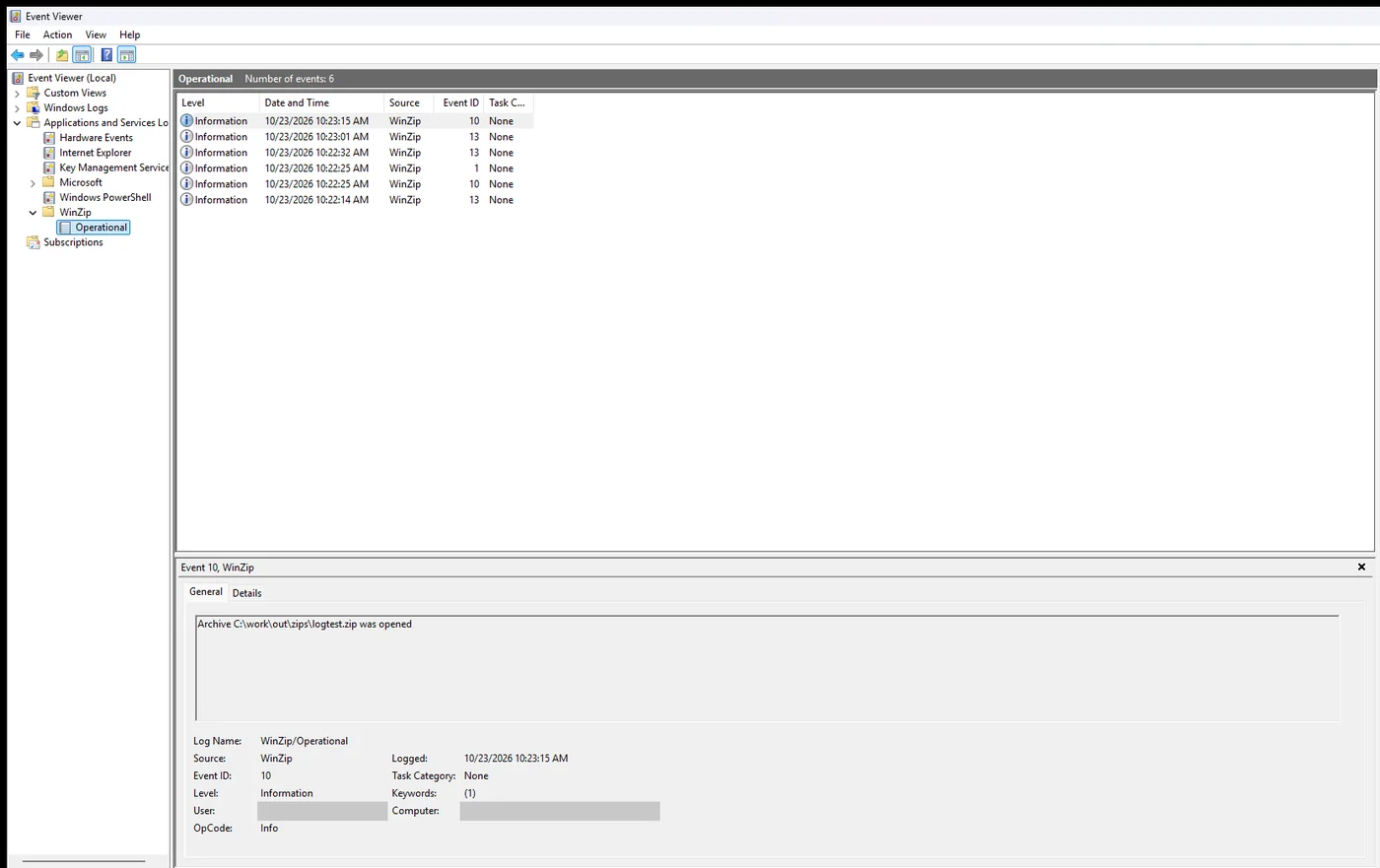
An activity log. WinZip can write what you do with archives to the Windows event log. None of its ten settings pages has a switch for it. It is a machine-wide registry policy that only an administrator can change, off by default. Once I set it, Event Viewer showed archives opened, files added and the start-up check. WinZip’s event list also covers extracting, renaming and deleting, but an extract never showed up in my test. I can’t say yet whether that was my test or WinZip.
For a home user, this is useless. For an office that has to show who opened the payroll archive and when, it is the most useful change in the release.
The update service and the security assessment. The release notes include update-service hardening and fixes for the findings of an application security assessment. They give no details to assess those changes. A safer updater is good. One you can say no to would be better.
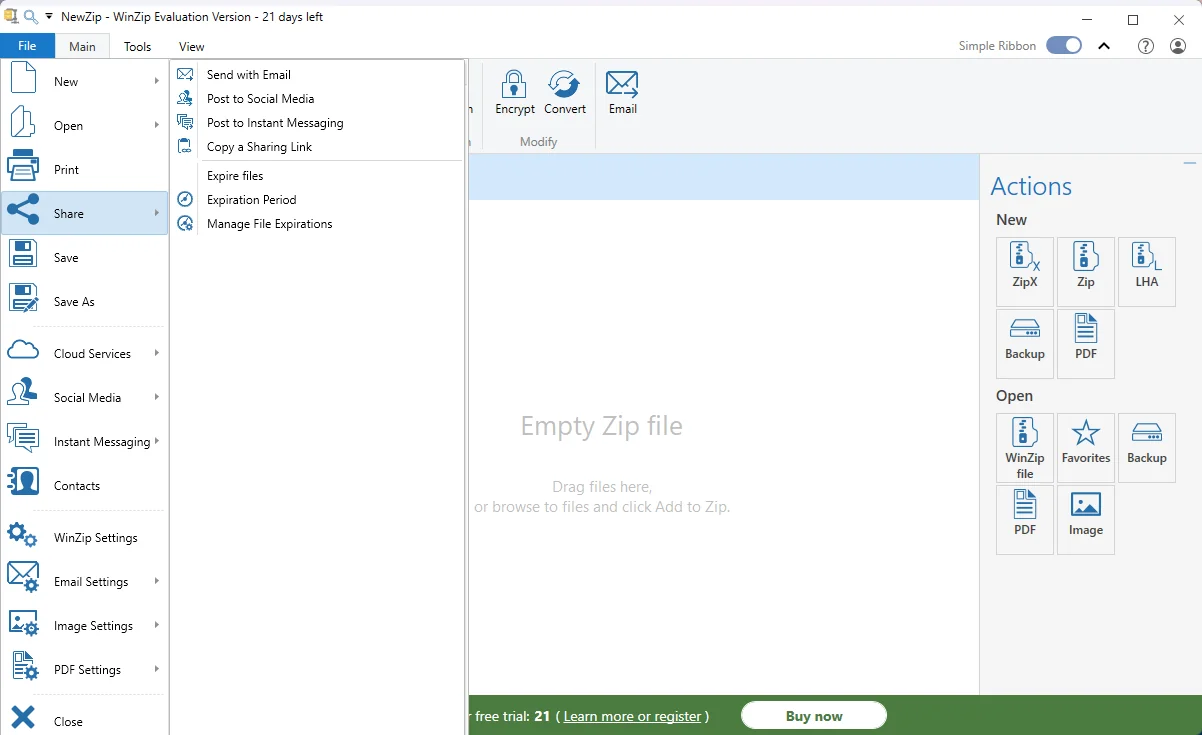
ZipShare. The ZipShare promotions are gone from the main window and the Share menu. Its tracking option still sits, switched off, in Settings, General. Meanwhile the Actions pane promotes SafeShare, another WinZip app, twice. One ad left, another took its place.
So who needs 77.2? If you already pay for WinZip, update. The self-check alone is worth it. IT departments get the most: the audit log, and the new encryption for files that never leave the office. Home users get almost nothing they will notice. If you don’t use WinZip, nothing here is a reason to start.
Encryption in practice: who can open your files
I made two encrypted Zips, one per method, with the same files and password, and tried to open them elsewhere.
- WinZip opened both.
- 7-Zip 26.05, the current version, opened the Compatible one without a problem. On the Quantum-resistant one, it listed the files, then said “Wrong password” for each. The password was right. Your client will go looking for a typo that doesn’t exist.
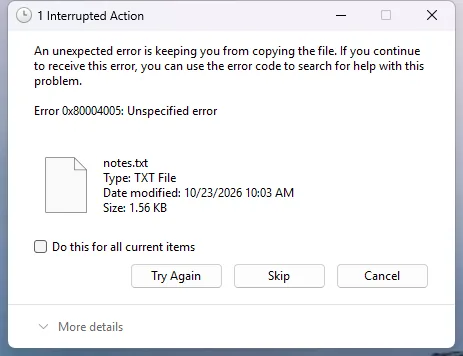
- Windows File Explorer opened neither. No password prompt, just “Error 0x80004005: Unspecified error”. That is not a GCM problem. Explorer simply can’t open WinZip’s encrypted Zips, old method or new.
And since it’s one global setting, switching it changes every Zip you encrypt afterwards, including the ones you send out. So the rule is simple. Inside an office where everyone has WinZip, either method works. For everyone else, stay on Compatible, tell them to install 7-Zip, and don’t count on Windows. I did not test WinRAR, the Mac version or the mobile apps.
Installation and first run
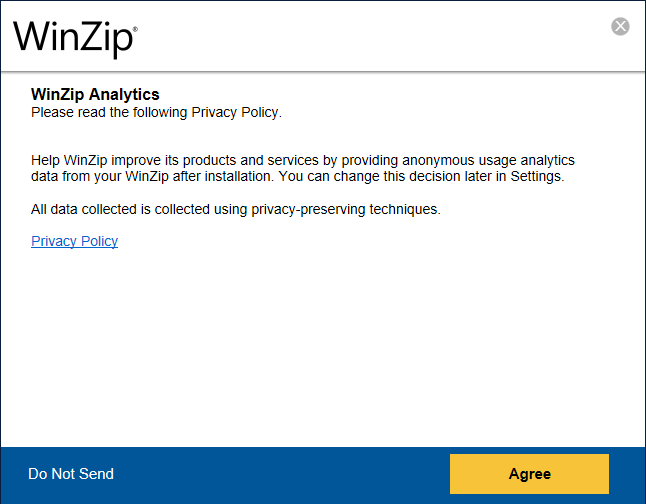
The 2.9 MB web installer is signed by Corel, downloads about 80 MB more and took about five and a half minutes. Credit where it’s due: five screens, no third-party offers. The analytics screen asks before sending usage data, and “Do Not Send” works with one click. It’s just small text next to a big yellow “Agree” button. Not illegal. Designed so you click the wrong one.
What it doesn’t ask about is everything else. After installing, I found:
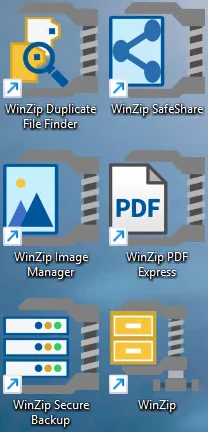
- six shortcuts on the shared Public Desktop, so every account on the PC gets them
- two start-up programs, an Update Notifier and a “Preloader”
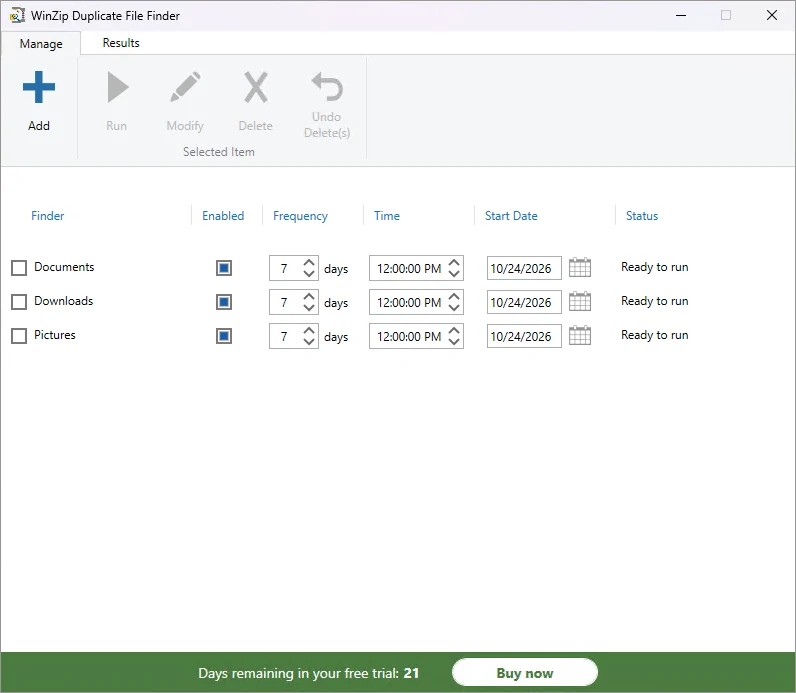
- an Update Notifier task that runs three times a day, a Duplicate File Finder scan of Documents, Downloads and Pictures every week, and a weekly Updater
- a 368 MB program folder
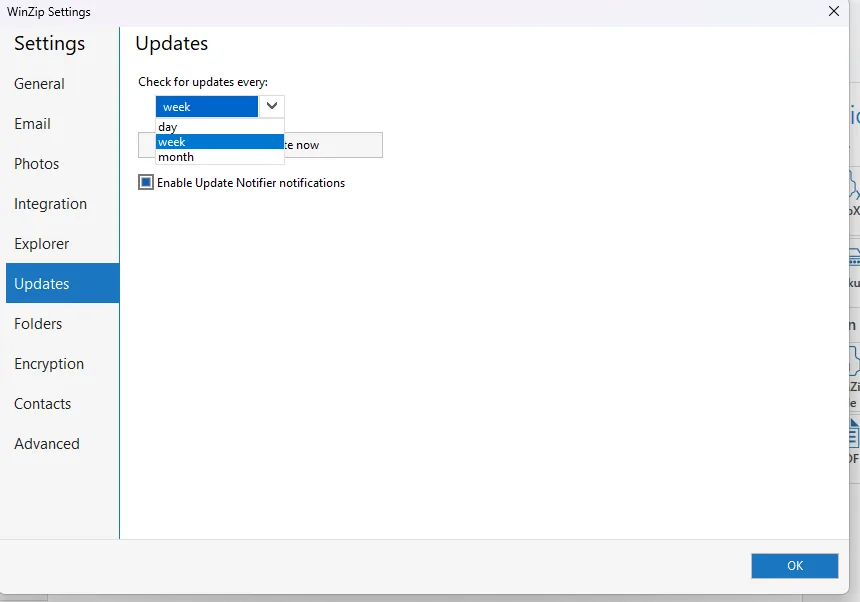
Most of it switches off easily. Unticking “Enable Update Notifier notifications” disabled the three notifier tasks. The Duplicate File Finder has an “Enabled” box per folder. Windows Settings, Apps, Startup turned off both start-up programs. Everything stayed off after relaunching WinZip. I did not verify those settings across a Windows restart. The Updater is the exception: day, week or month, nothing else.
 Open larger screenshot
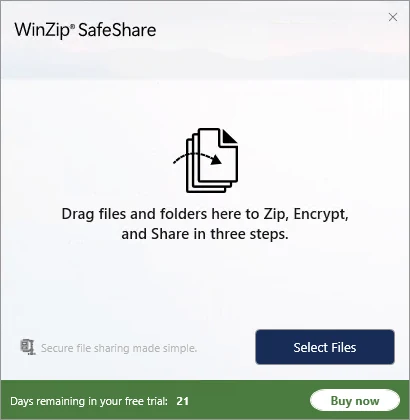
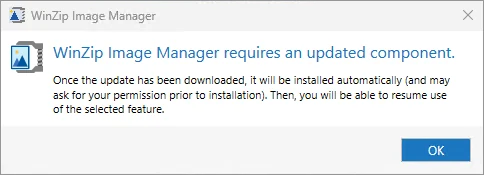
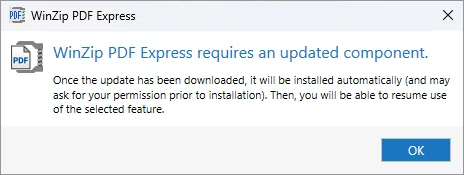
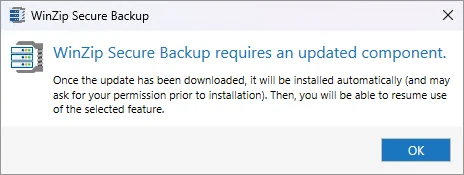
Five of the six desktop shortcuts are extra WinZip apps I never asked for: Duplicate File Finder, SafeShare, Image Manager, PDF Express and Secure Backup. No installer screen mentioned them, and I saw no way to say no. Three of them are barely there. Open Image Manager, PDF Express or Secure Backup and you get the same box: it “requires an updated component”, which it will download and install, maybe after asking for permission. So for now they are shortcuts to a download. The other two do run, and each brings its own green 21-day trial bar and its own “Buy now” button. Duplicate File Finder also comes with weekly scans of Documents, Downloads and Pictures already scheduled. I didn’t wait to see whether they run on their own.
 Open larger screenshot
The first time I closed WinZip, it opened a WinZip buy page by itself. It didn’t do that again on later exits.
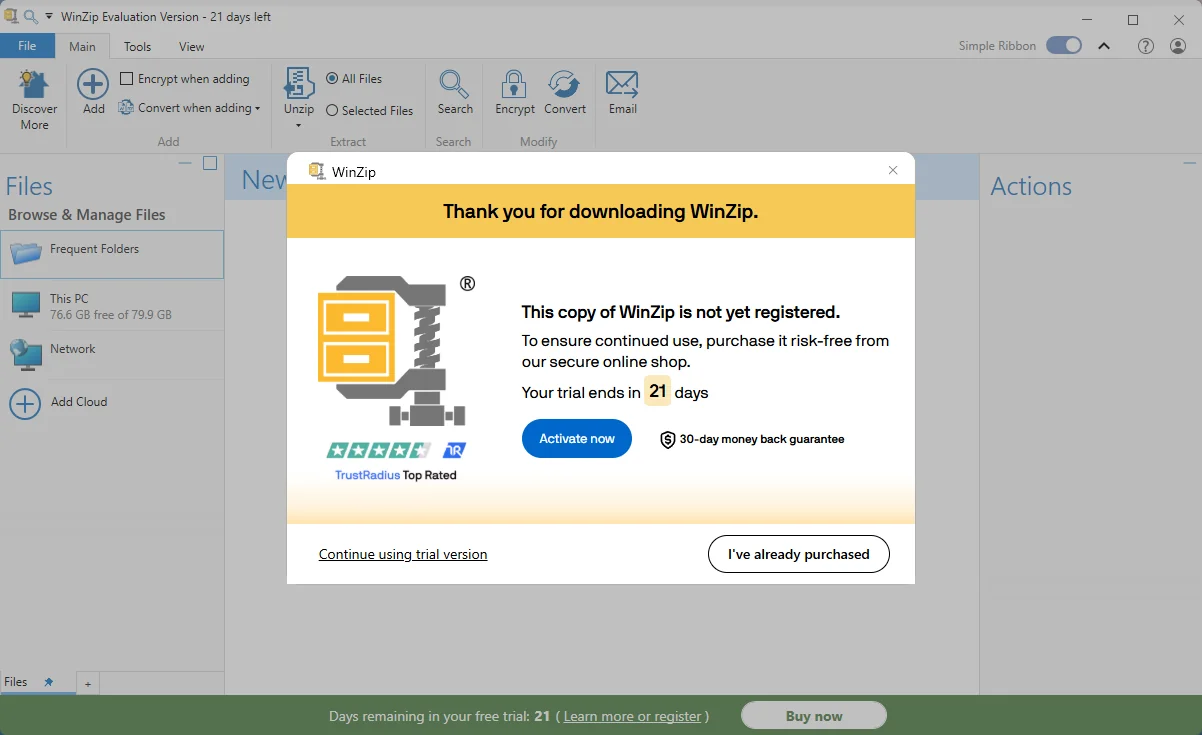
Then the trial. A pop-up opens with WinZip every time, and a green “Buy now” bar counting down the 21 days sits at the bottom of every window. That’s the shareware deal, and I accept it. What I didn’t expect: the pop-up is a web page loaded from WinZip’s site, and its address carries an ID for your machine and the version you run. So every launch during the trial reaches WinZip’s server with that ID. Sinister? Probably not. But nothing on screen tells you.
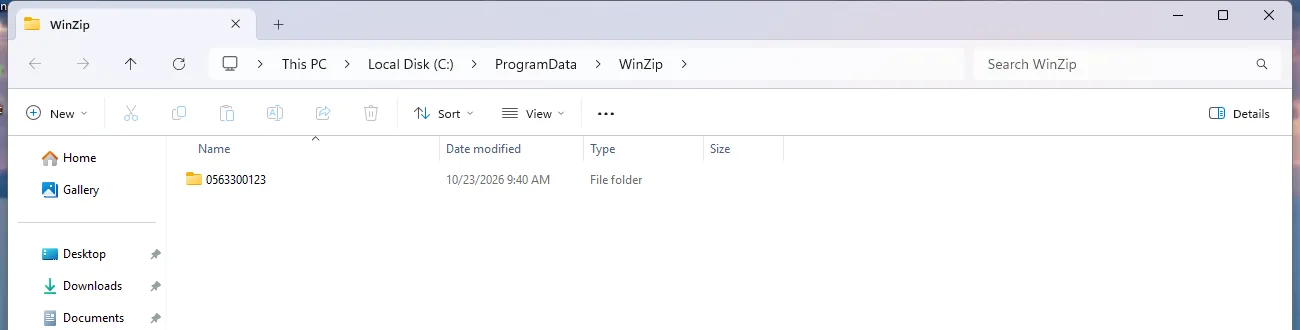
Uninstalling took 26 seconds and was clean. Tasks, start-up items, shortcuts and the program folder all went, and Zip files went back to Windows. The five extras went too: they run from WinZip’s own program folder, and their shortcuts were gone. What I didn’t check is whether the uninstaller also removes whatever Image Manager, PDF Express or Secure Backup would download. Left behind were a 72-byte ID file in ProgramData and a Corel key in the registry. Minor.
Day-to-day use
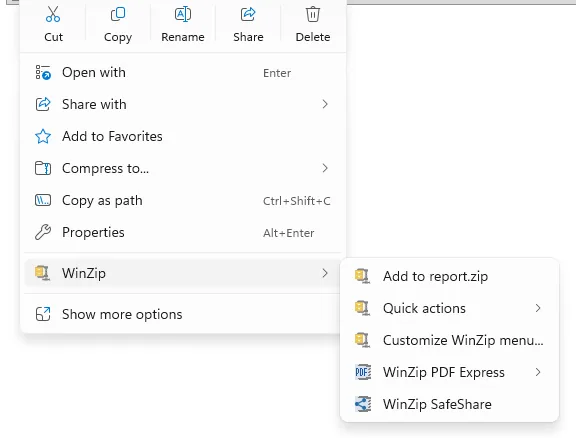
Most people will rarely open the main window. In Windows 11, WinZip sits in the main right-click menu, no “Show more options” needed. Its submenu zips the file under its own name, offers quick actions, and promotes two more WinZip apps, PDF Express and SafeShare. Handy, with a small ad attached.
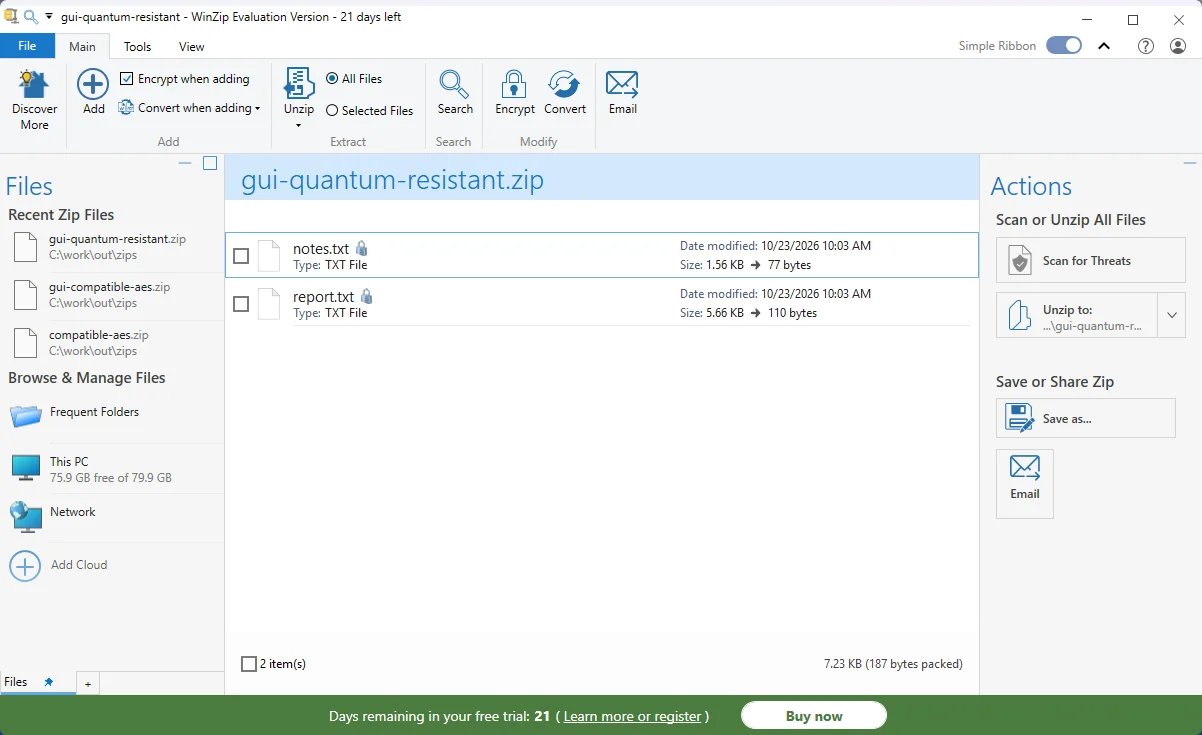
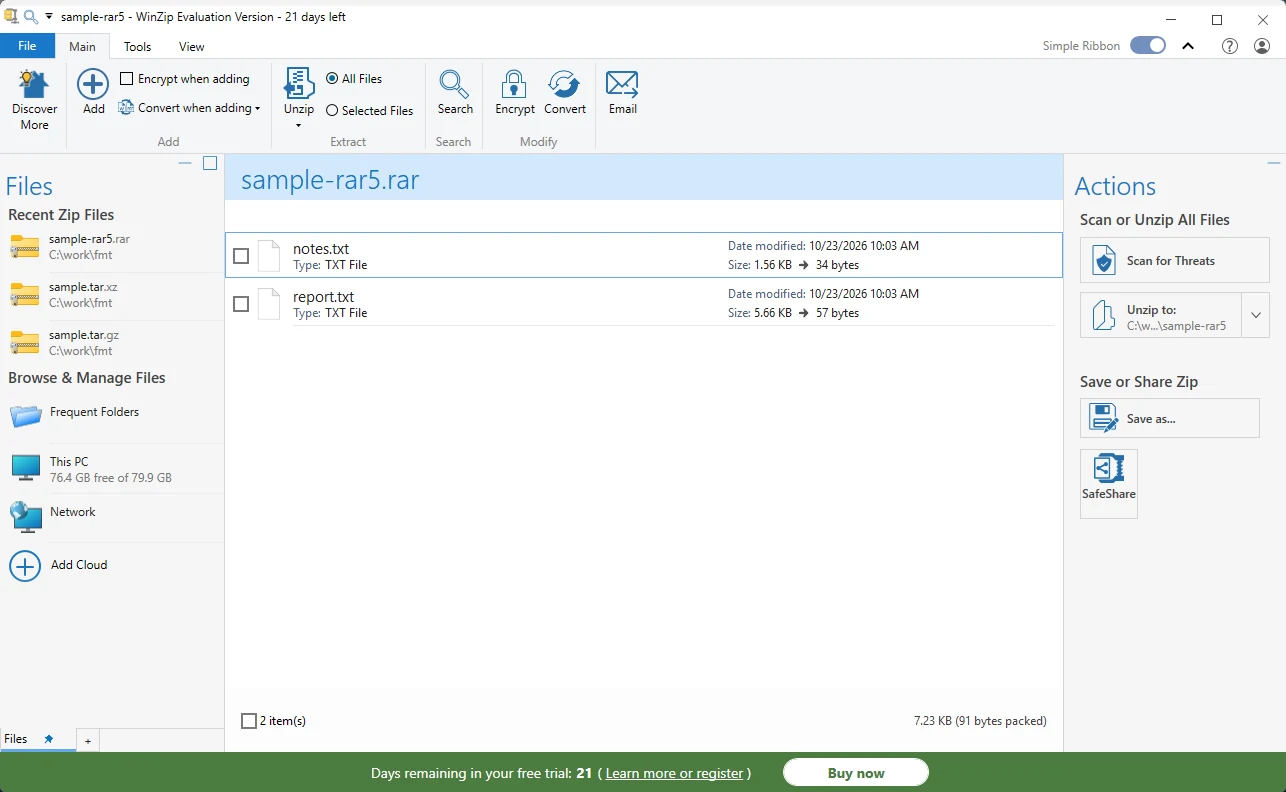
The window has three panes: your files and cloud drives, the archive, and an Actions pane that changes with what you select. Open an encrypted Zip and it offers to scan, unzip, save or email it. It’s clear. With just the main window open, it used about 230 to 240 MB of memory. I also tried other formats. RAR, 7z, CAB, tar.gz, tar.bz2 and tar.xz archives all opened without a plug-in, but I only confirmed unzipping on the 7z, and I couldn’t get an ISO or a Zipx past the trial pop-ups, so those remain untested. I didn’t benchmark speed or compression.
Price and value
One project after the trial means paying for a full year. That’s the wrong deal for a tool most people need now and then.
If you do want WinZip at home, look at WinZip 31 instead. Resellers still sell it as a one-time licence with the same 77.2 changes. That’s the only version I would consider for personal use.
Skip Ultimate. Windows doesn’t need its system utilities, and I wouldn’t let them near a work PC. For a business, the maths is different. A yearly fee per person is small money next to one leaked client file.
What happens when the trial or subscription ends
With any subscription, this is the question I care about most. What happens to my files when I stop paying? So I moved the test machine’s clock 30 days forward, past the end of the trial, and tried again.
During the trial, everything I tried worked. You get the pop-up at every launch and the green countdown bar, and that’s it.
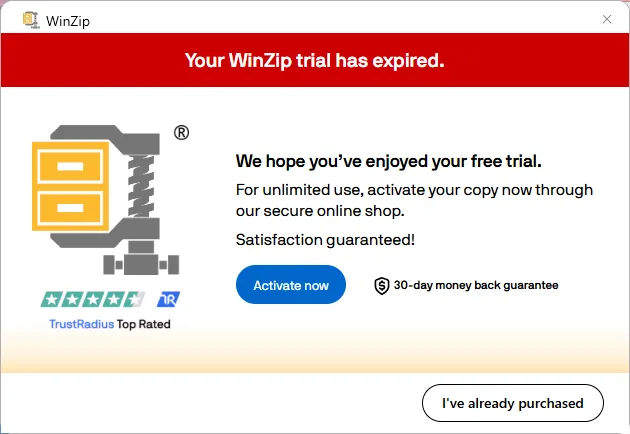
After the trial, WinZip stops. Full stop. The pop-up turns red, “Your WinZip trial has expired”, and the choices are “Activate now”, “I’ve already purchased” and the X. There is no “continue” button anymore, and the X closes WinZip completely. Opening a Zip shows the same prompt instead of the files. The right-click menu is still there, but “Unzip to” only brings up the prompt and extracts nothing. Not even from a Zip without a password. Making a new Zip or adding a file to one didn’t work either.
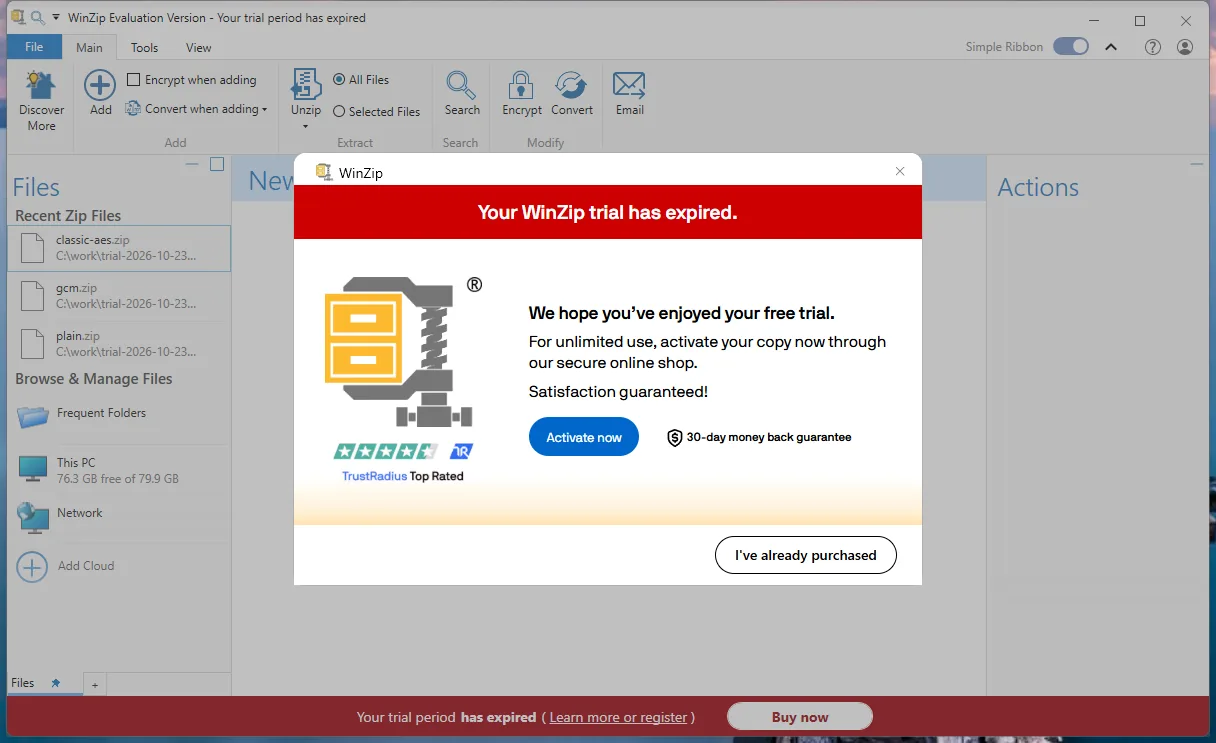 Open larger screenshot
A trial is a trial, so I don’t mind the block itself. But WinZip is still your default app for Zip files after the trial, so it sits between you and every Zip until you uninstall it or pick another app. Reinstalling doesn’t help, by the way. I uninstalled, installed again with the clock still forward, and got the same red prompt. The trial does not reset.
Your files are not locked in. Mostly. After the trial ended, 7-Zip still opened the plain Zip and the Compatible encrypted one, and Windows’ own Zip support still unpacked the plain one. The Quantum-resistant Zip is the exception. 7-Zip still said “Wrong password”, and Windows can’t open WinZip’s encrypted Zips at all. So if you switched that setting on, those files open in WinZip or in nothing I tested. Decrypt them before you stop.
After purchase, the subscription terms provide for automatic yearly renewal. You cancel through the link in your order email or the reminder sent a week before renewal. Cancellation leaves access until the paid year ends, with no refund for unused months outside the 30-day money-back guarantee. At the end of that year, the terms end your right to use the software. I didn’t buy a subscription, so I haven’t tested cancellation or the final lockout.
So the rule is the same either way. Before your last day, make sure nothing you need is in a Quantum-resistant Zip. Or buy the one-time WinZip 31 licence, where there is nothing to renew.
Alternatives, and who should skip it
- 7-Zip. Free and open source, with AES-256 that opened WinZip’s Compatible Zip in my test. It looks dated. For most people, it is still the answer.
- Windows’ built-in Zip. Free and already there. But it can’t password-protect a Zip, and it couldn’t open either of my encrypted ones.
- WinRAR. Shareware too, but paid once instead of every year, and when its 40-day trial ran out in my test, nothing locked.
Skip WinZip if you only open the odd download, if you won’t pay for software every year, if you want fewer background extras, or if you use Linux, where there is no version at all. Keep it if your office already runs on it and your clients do too.
Bottom line
77.2 is a security release, and most of it is good: the self-check, the audit log, fewer ZipShare ads. What it didn’t touch is the one thing holding the score down. The fix is a single extra choice in a dropdown, “never”, next to day, week and month. If WinZip adds it, the cap goes away.
If WinZip can let an administrator switch on a log of everything you do in it, why can’t you switch off one update check?