Shareware never went away.
Neither did the nag screens.
We install it, review it, and tell you if it’s worth it.

A good free choice for awkward subtitles and mixed video files, with setup defaults I would change.
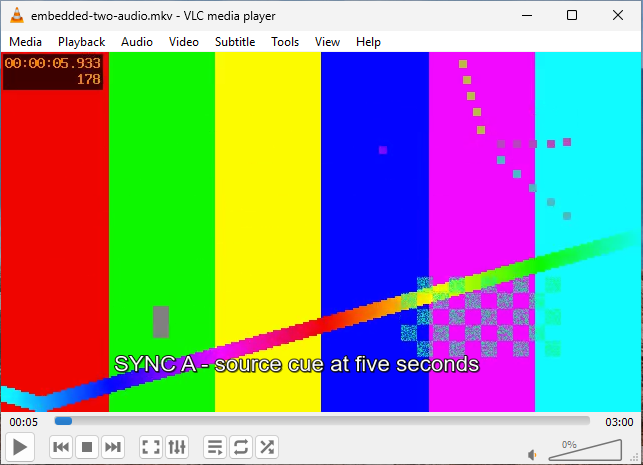
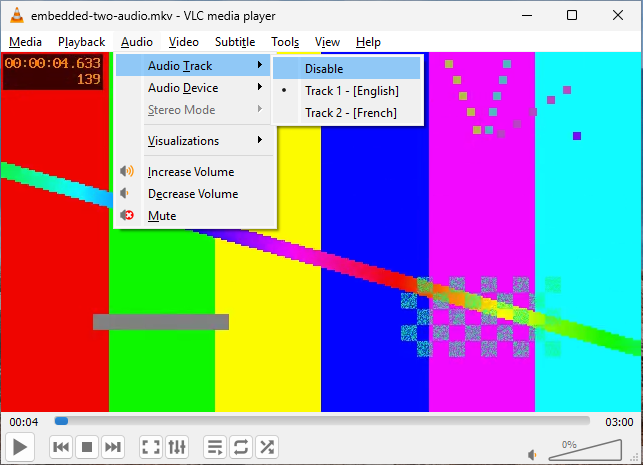
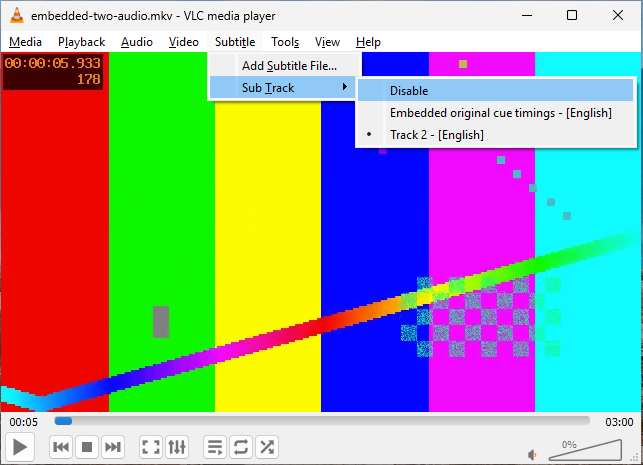
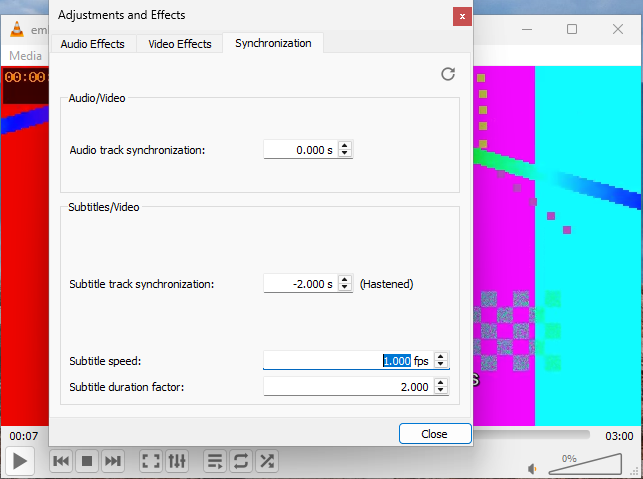
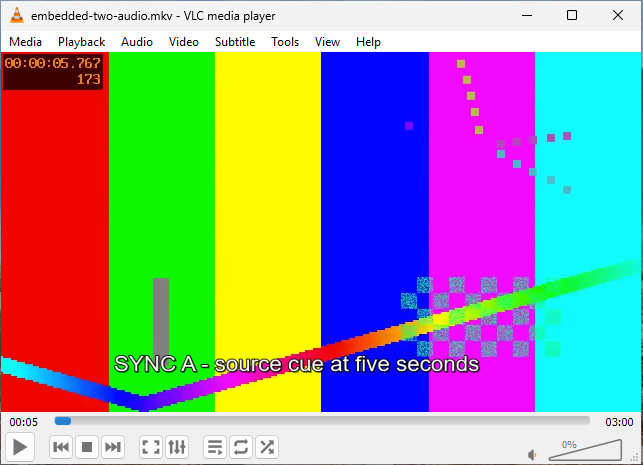
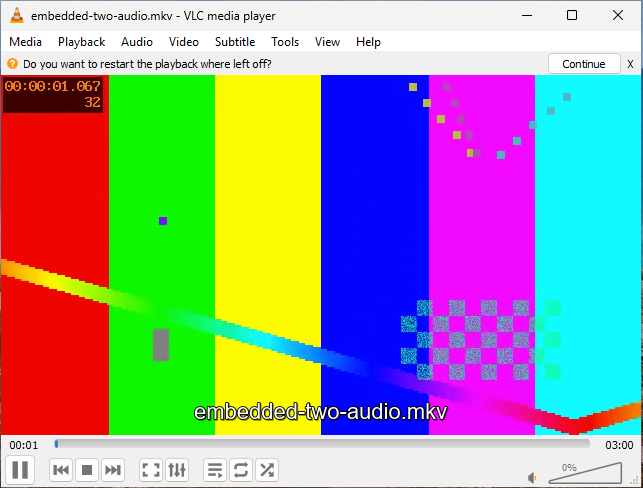
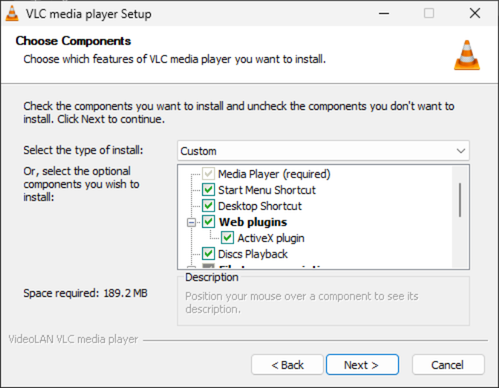
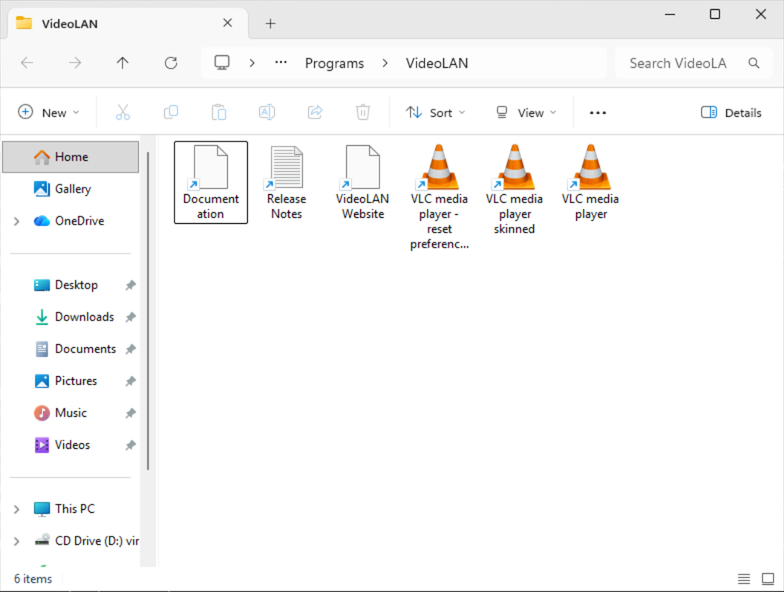

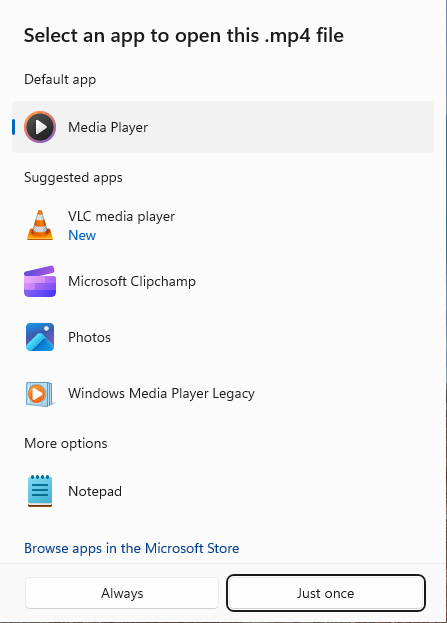
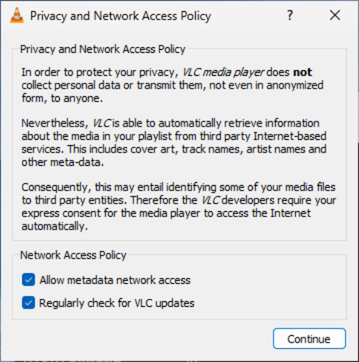
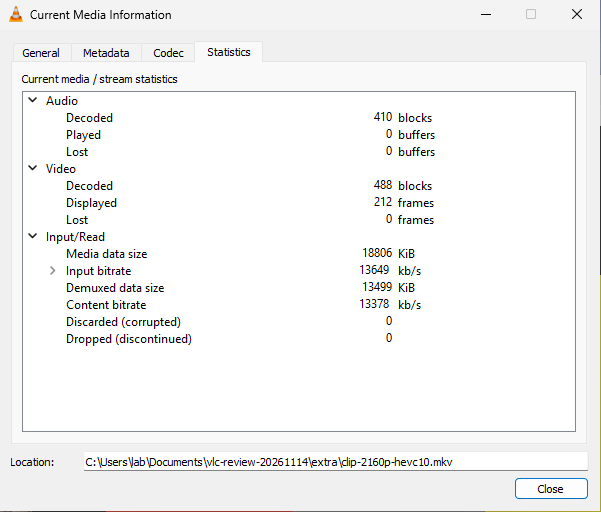
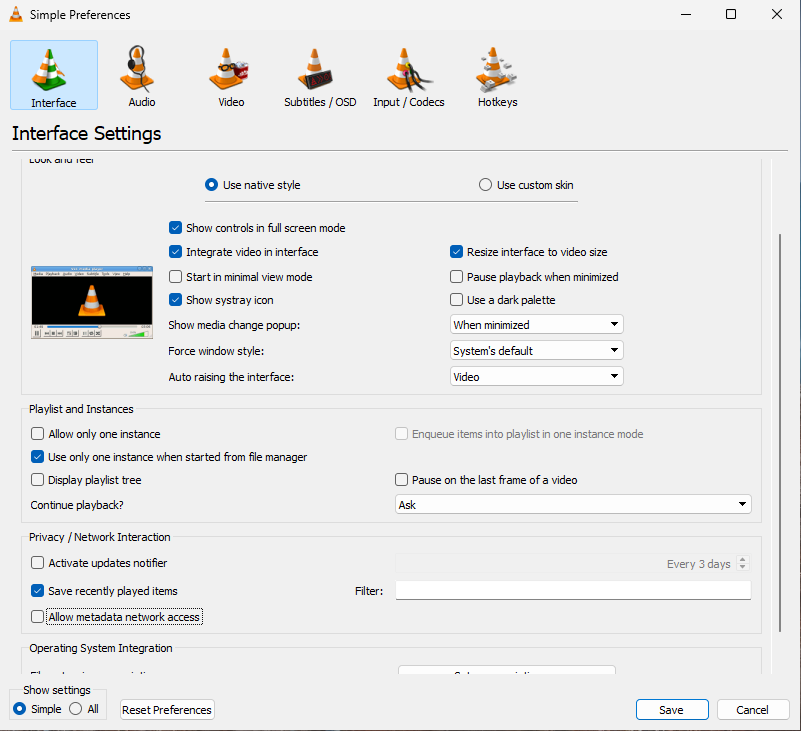
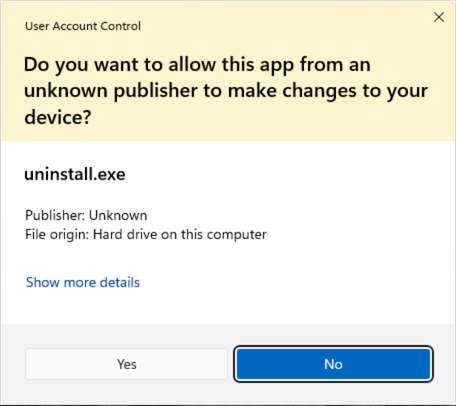
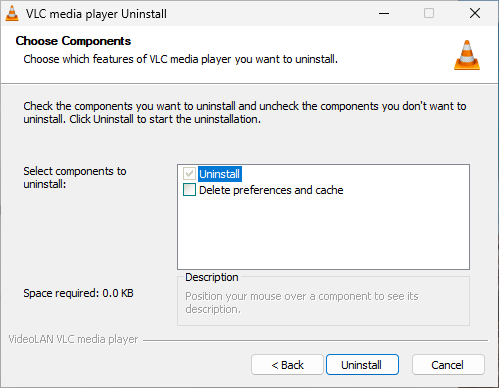
The useful part is fixing subtitle timing while you watch, without editing the file.
Latest reviews
-
 9.0/10
Notepad++
A free Windows editor whose folder search matched 33,000 planted hits, with useful session recovery, an optional updater tied to Plugins Admin and some uninstall leftovers.
Read review: Notepad++ -
 8.4/10
HandBrake
HandBrake presets and queue passed short synthetic conversion checks, though the settings take learning and Windows removal left dead shortcuts.
Read review: HandBrake -
 8.5/10
ShareX
Useful scrolling capture and markup, with six setup choices worth checking before you install.
Read review: ShareX -
7.5/10

-
 8.3/10
VeraCrypt
A free encrypted workspace that passed the file checks, with mounting, passwords and backups left firmly in your hands.
Read review: VeraCrypt
More from the directory
Showing 11–12 of 12 listings Latest reviews are listed above and are not included in this count.
-

Obsidian
v1.15.0Obsidian connects local Markdown notes without an account, but automatic link updates altered text in one imported-note test.
FreewareFreeEditor 6.9/10 -
WinZip
v77.2The archiver most of us grew up with is now a yearly-subscription file suite with excellent encryption, but it adds background tasks you never chose, and one of them has no off switch.
Trialware$34.95/yearEditor 5.0/10
Head to head
-
ShareX vs Snagit
ShareX is the free starting point for local captures. Snagit is worth considering when you need to revise saved annotations in an editable project.
-
WinZip vs WinRAR vs 7-Zip
If you only need one archiver, get 7-Zip. It’s free, it made the smallest archives in my tests, and it unpacked every RAR5 file I gave it. WinRAR…



From the blog
Series: Build a Software Review Lab with Proxmox

My Windows app reviews use a clean Windows 11 test environment. This series builds the lab that makes that possible: a Proxmox VE host, a Windows 11 virtual machine and a snapshot to roll back to after every test. Eight parts, from an empty Debian computer to the first test and rollback, then keeping the lab in shape.
- Part 1: How the Review Lab Works Read part 1
- Part 2: Preparing the Debian Host for KVM Read part 2
- Part 3: Downloading and Verifying the Proxmox VE ISO Read part 3
- Part 4: Installing Proxmox VE Read part 4
- Part 5: Downloading the ISOs and Creating the Windows 11 VM Read part 5
- Part 6: Installing Windows 11 and Taking a Clean Snapshot Read part 6
- Part 7: Testing an App and Rolling Back to the Clean Snapshot Read part 7
- Part 8: Maintaining the Lab: Baselines, Backups and Storage Read part 8